As before
- Purpose of the document.
- how to create. based on progressive invoice.
- main tab attributes.
- Table: how to fill, columns description.
A Credit Note based on a Progressive Invoice is used when previously invoiced progress (under a project or contract) needs to be reversed or adjusted. This can occur due to:
Overstated progress in a project
Revisions in certified quantities or values
Errors in the original progressive invoice
Agreed deductions after invoice issuance
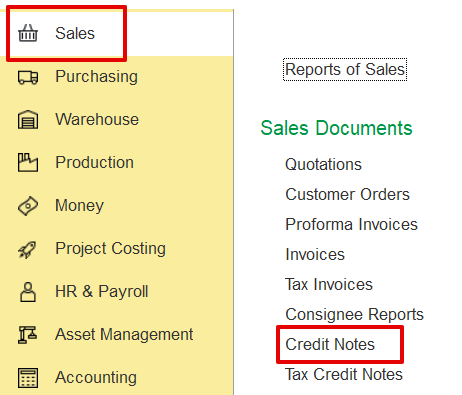
To create a credit note based on a progressive invoice:
Sales → Sales Documents → Credit Notes.