...
5. In Excel, determine the total number of documents (excluding the header row).
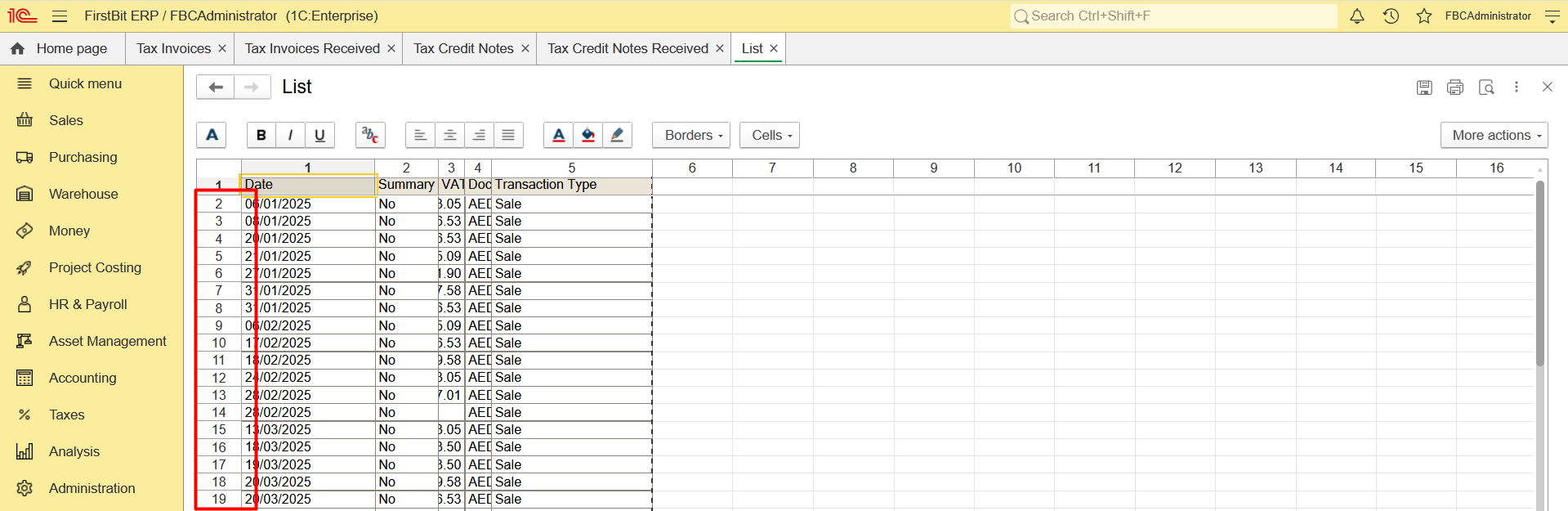
6. Repeat these steps for each document type
Commercial Invoice/Invoice received/Credit Note/Debit Note
- Navigate to Quick menu > Sales and Purchase documents list (or count each document list separately - Invoice, Invoice Received, etc) and set the Period filter
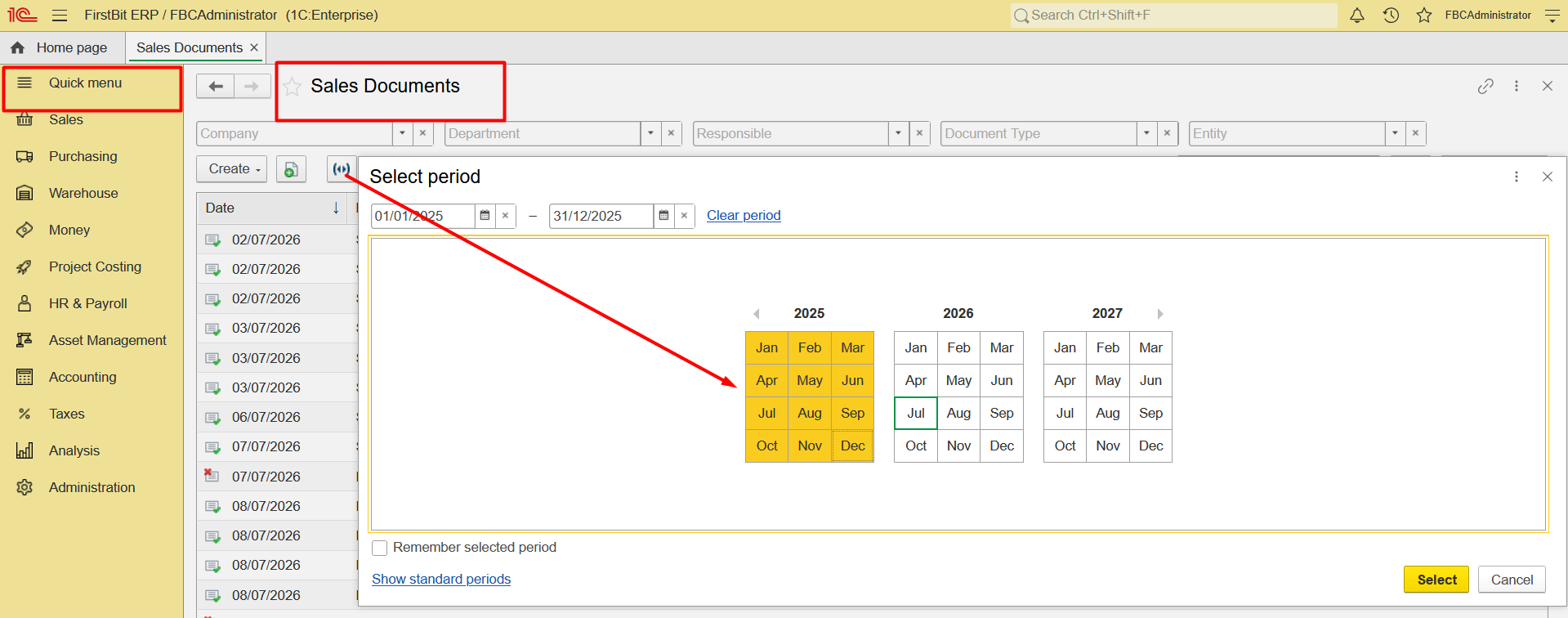
2. Configure list, set the Posted filter to display only posted documents, TRN/TIN filter - to identify B2B customers only, Taxation filter - to identify Non-tax documents (Out of scope & Export),
...