...
Before you can start creating master records for items, you may need to create master records of the following types: UOMs, Manufacturers, Warehouses, and Companies. However, you can create all the necessary master records of these types on the fly when creating the items.
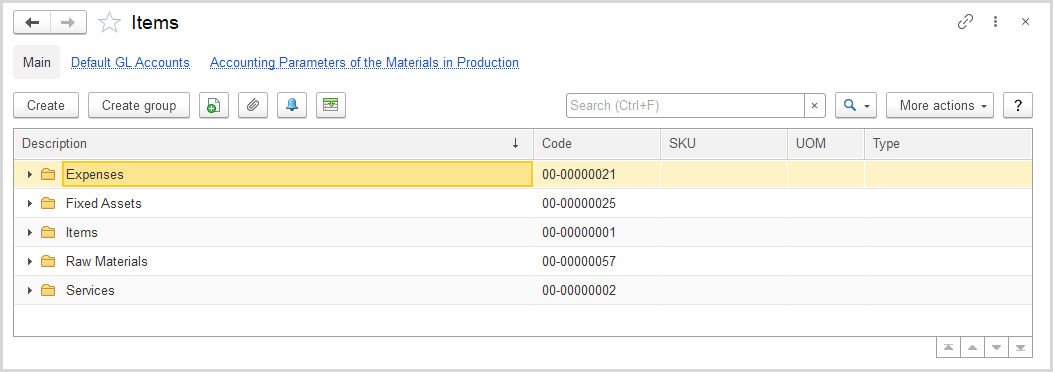
The Items list
The hierarchic list of items includes all the items available in the system. If you don't see a specific item, open another folder, use the Search field to locate the item by a string in its description, manufacturer, or SKU. You can change the list display settings to suit your particular needs. To learn more about the list display settings, see Working with the item list.
...
To create a group, enter its description. If the created group is a group within another (parent) group, specify the parent group in the Folder field (see the figure below).
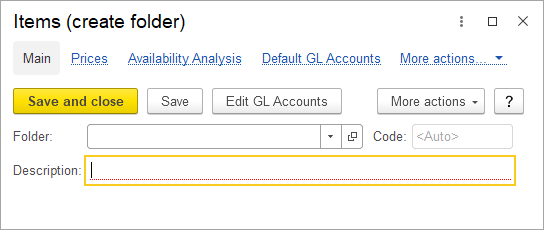
The "Items (create folder)" form
You can move the items between folders by drag-and-drop method or by selecting another folder to hold a particular item.
...