...
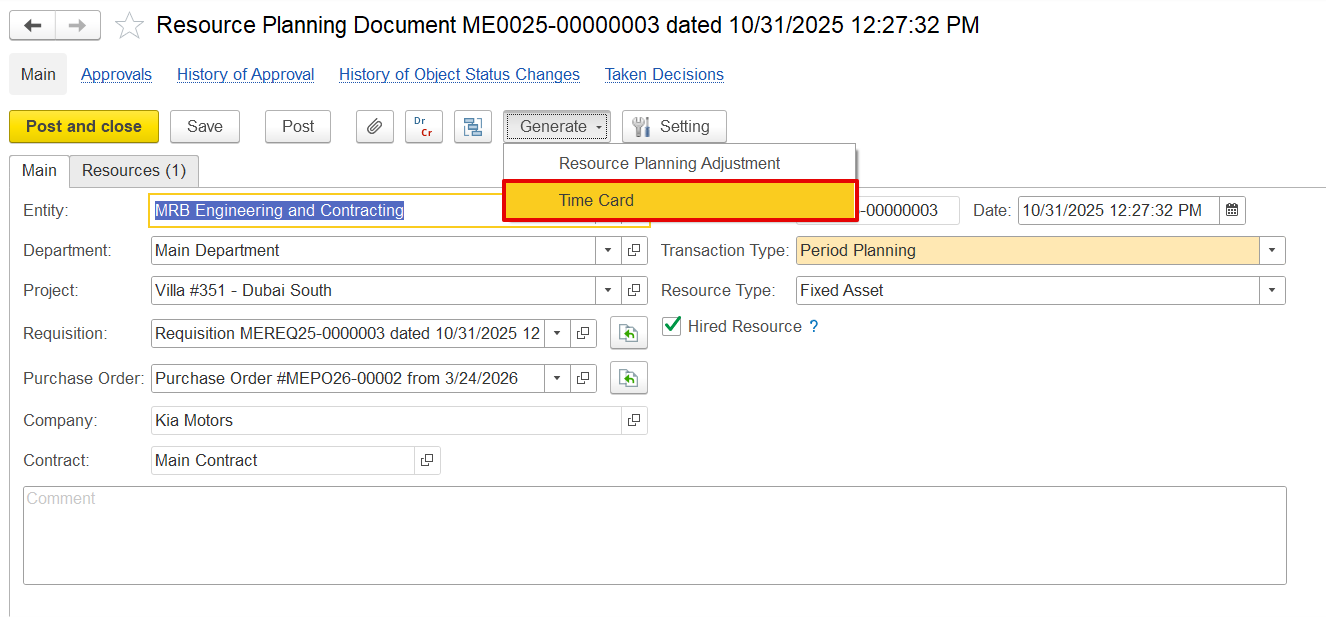
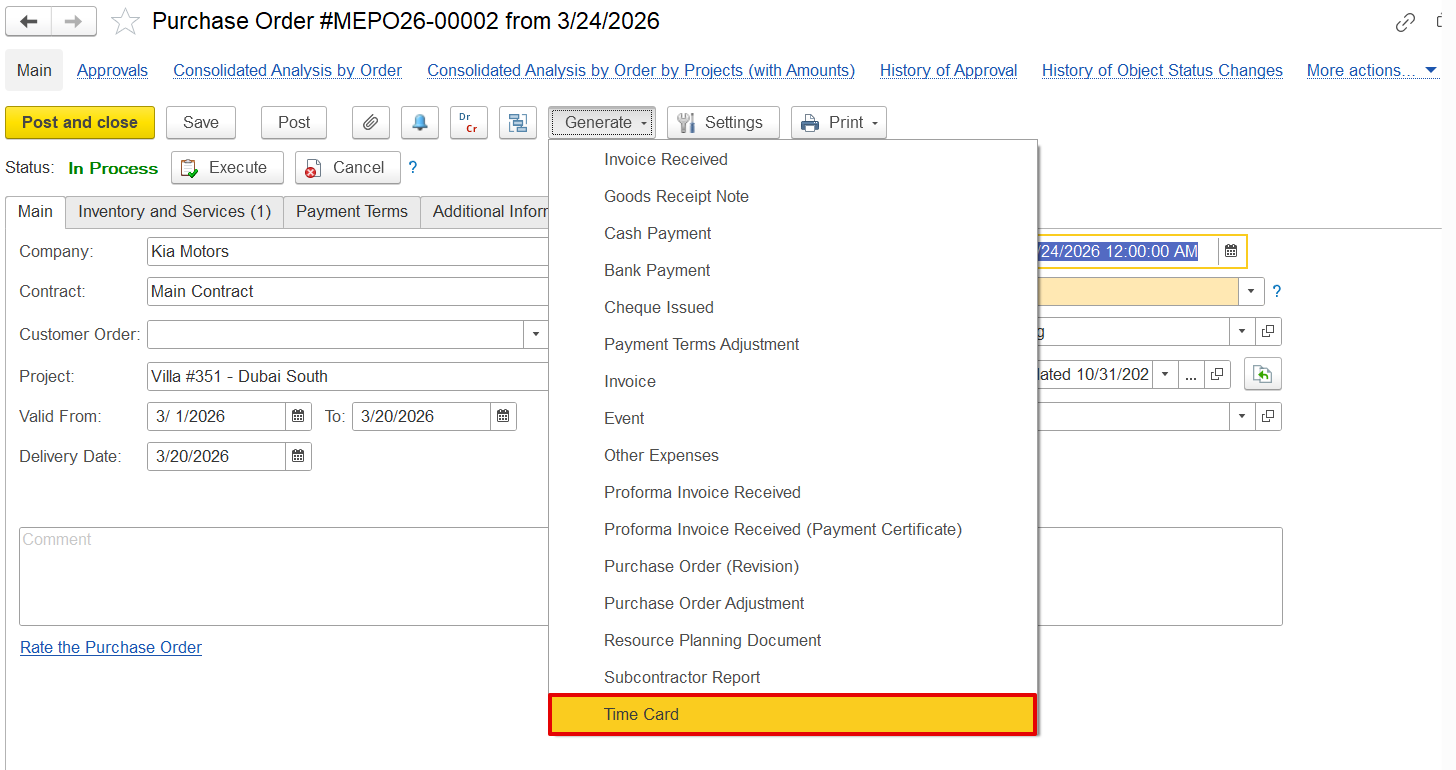
can be created based on resource planning, PO, requisition, or from list.
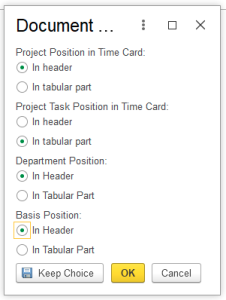
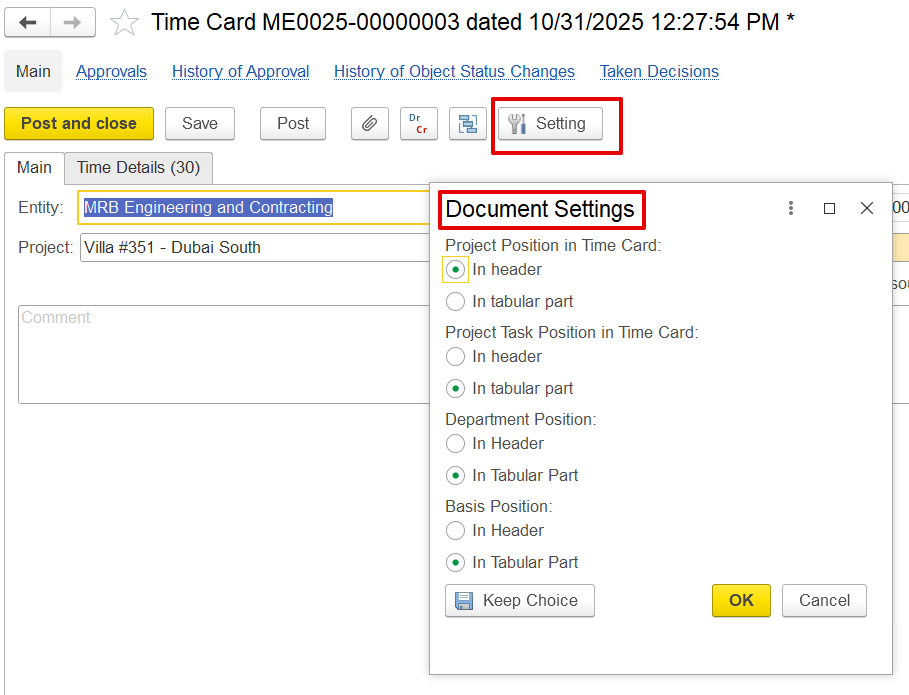
Settings button to change attributes position. option needs to be explained. 1 -2 sentences about what is this for.
A time card is a document used to record used to track the amount of time an employee spends working.
A Time Card is a document used to track the actual time spent by a person on work or tasks.
How to create
It can be created/generated based on:
Resource Planning
Purchase Order (PO)
Requisition
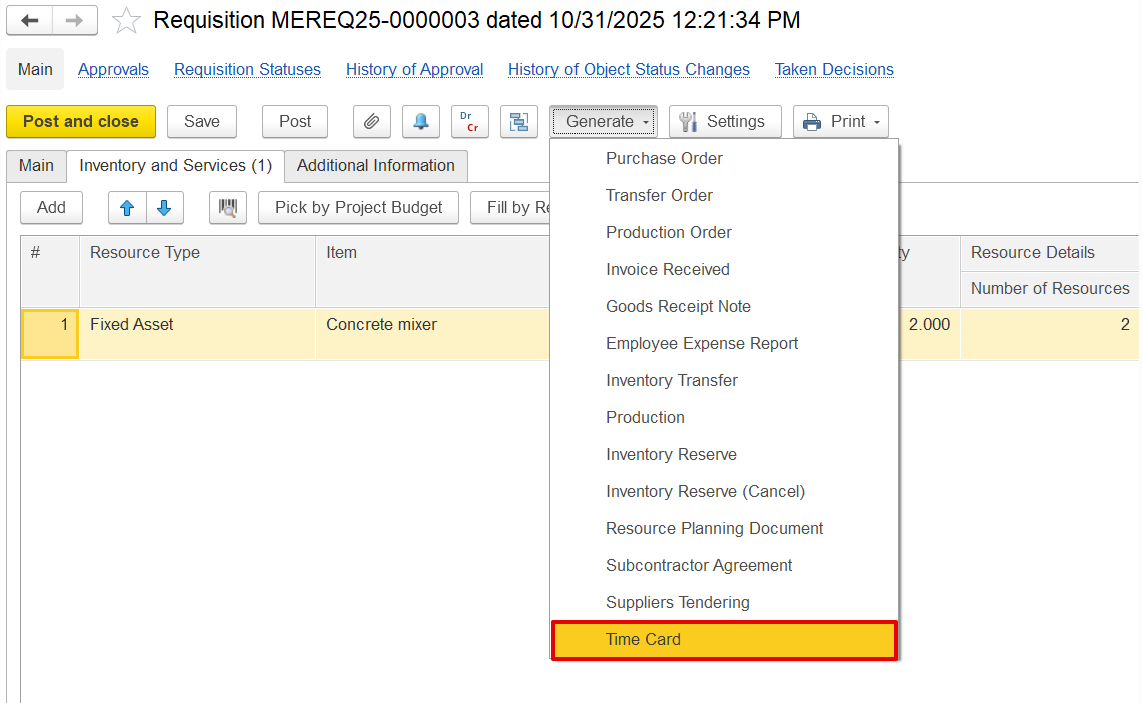
When generated from Resource Planning, a Purchase Order, or a Requisition, the Time Card is automatically pre-filled with planned data, allowing users to review, adjust, and enter the actual hours worked.
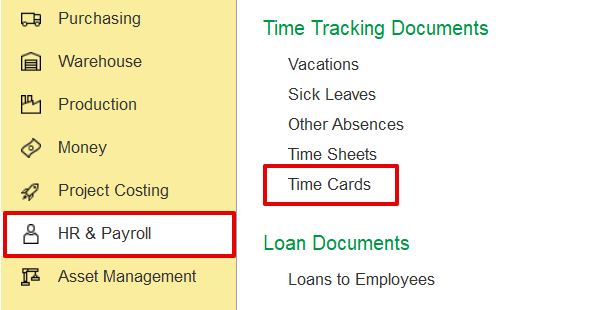
HR & Payroll Section
HR & Payroll → Time tracking Documents → Time cards
Document Settings
The dialog box lets users control how information is displayed and recorded on a time card.
- Project Position in Time Card - Use Header if the project applies to the entire time card; use Tabular if employees need to record multiple projects.
- Project Task Position in Time Card - Use Tabular to show tasks per line for multiple tasks under one project; use Header if there’s only one project and task.
- Department Position - Use Tabular to assign departments per line when work spans multiple departments; use Header if all entries belong to a single department.
- Basis Position - Includes details like requisitions, POs, and resource planning. Use Tabular to show basis per line when entries vary; use Header if the entire document is based on a single type of work.
Main
- attributes description as usual
- Resource type
- Allocate cost
- Hired resources.
...