The Allocation of depreciation cost is used to distribute depreciation expenses across multiple projects.
How to create
To access Project Costs Allocation, go to Project costing → Project Costing documents → Project costs Allocations
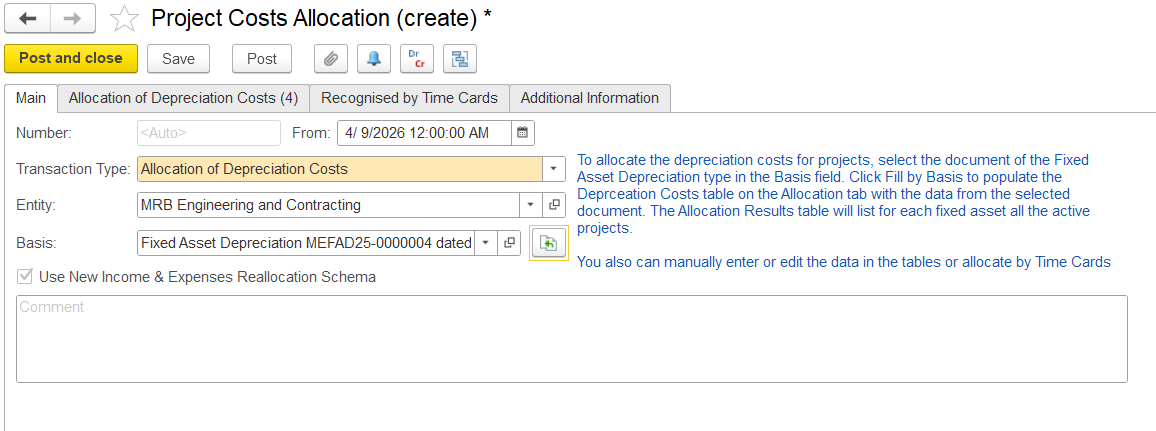
This tab is used to enter basic information for depreciation cost allocation, i.e., date, document number, entity, and the basis document.
All allocations are in the accounting currency.
The “Use New Income & Expenses Reallocation Schema” option refers to an updated internal method (schema) used by the system to manage cost allocation logic.
Note: This is a system-controlled setting and cannot be amended by users.
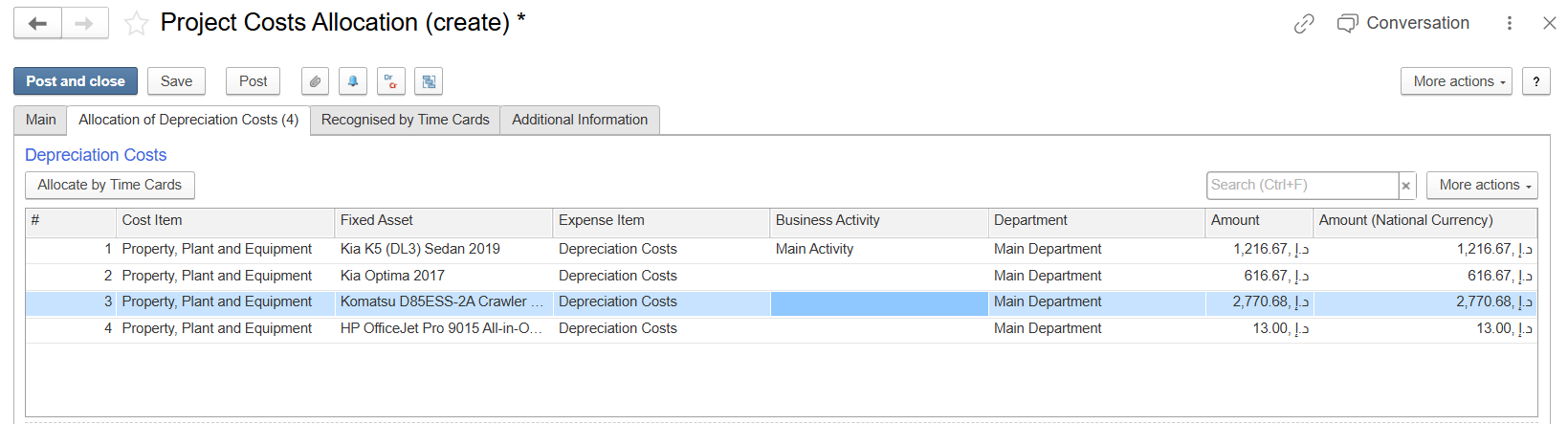
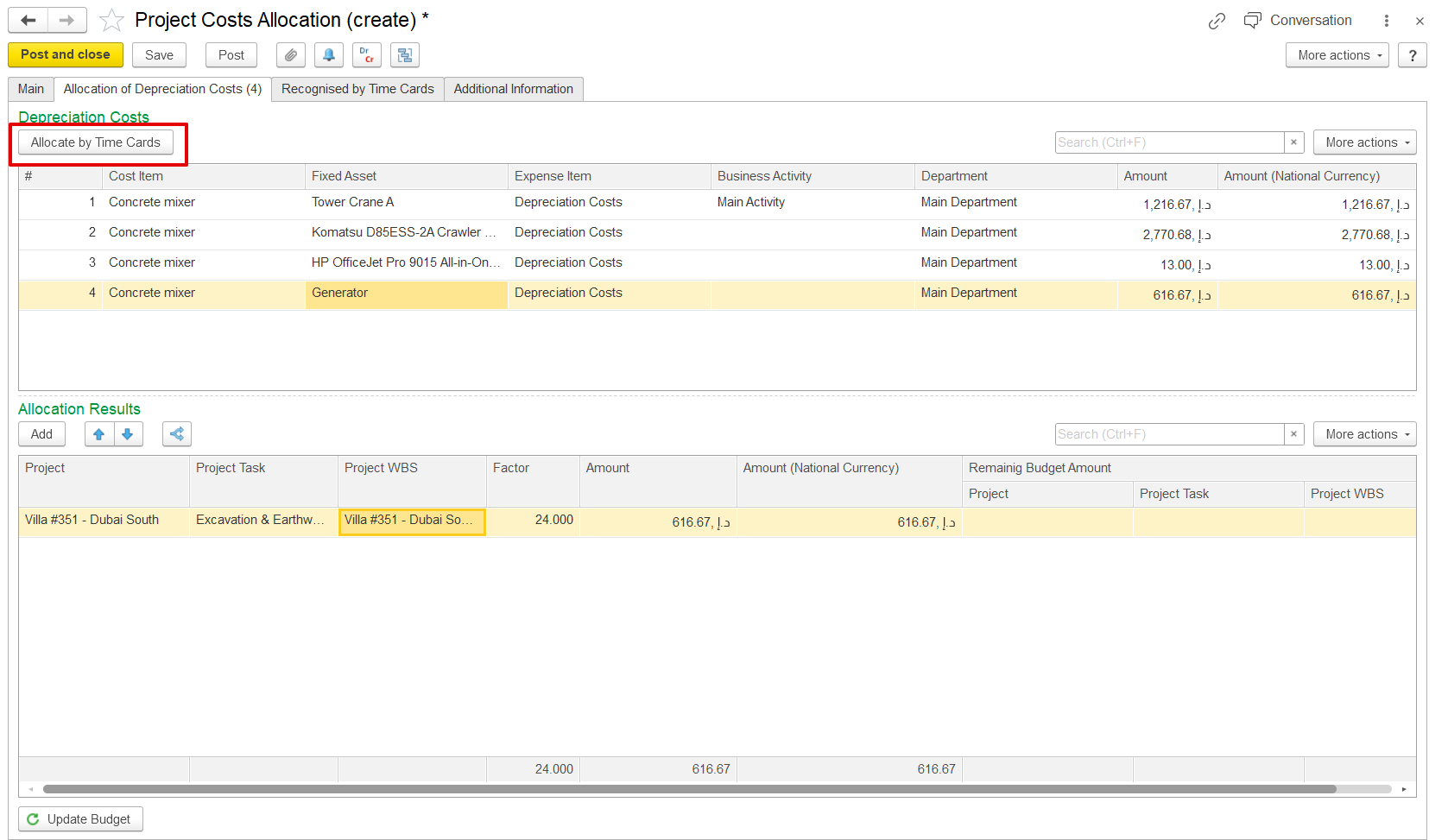
This tab is available only for documents with the Depreciation Cost Allocation transaction type. It contains two tables: the Depreciation Costs table and the Allocation results.
Depreciation Costs table
Automatically populated based on the depreciation calculation document selected on the Main tab.
Allocation Results
Displays the depreciation costs allocated to projects.
Once the basis is chosen and “Fill by Basis” is clicked, the system checks whether the asset is assigned to any active projects. If the asset is being used across multiple projects, its depreciation expense is distributed accordingly.
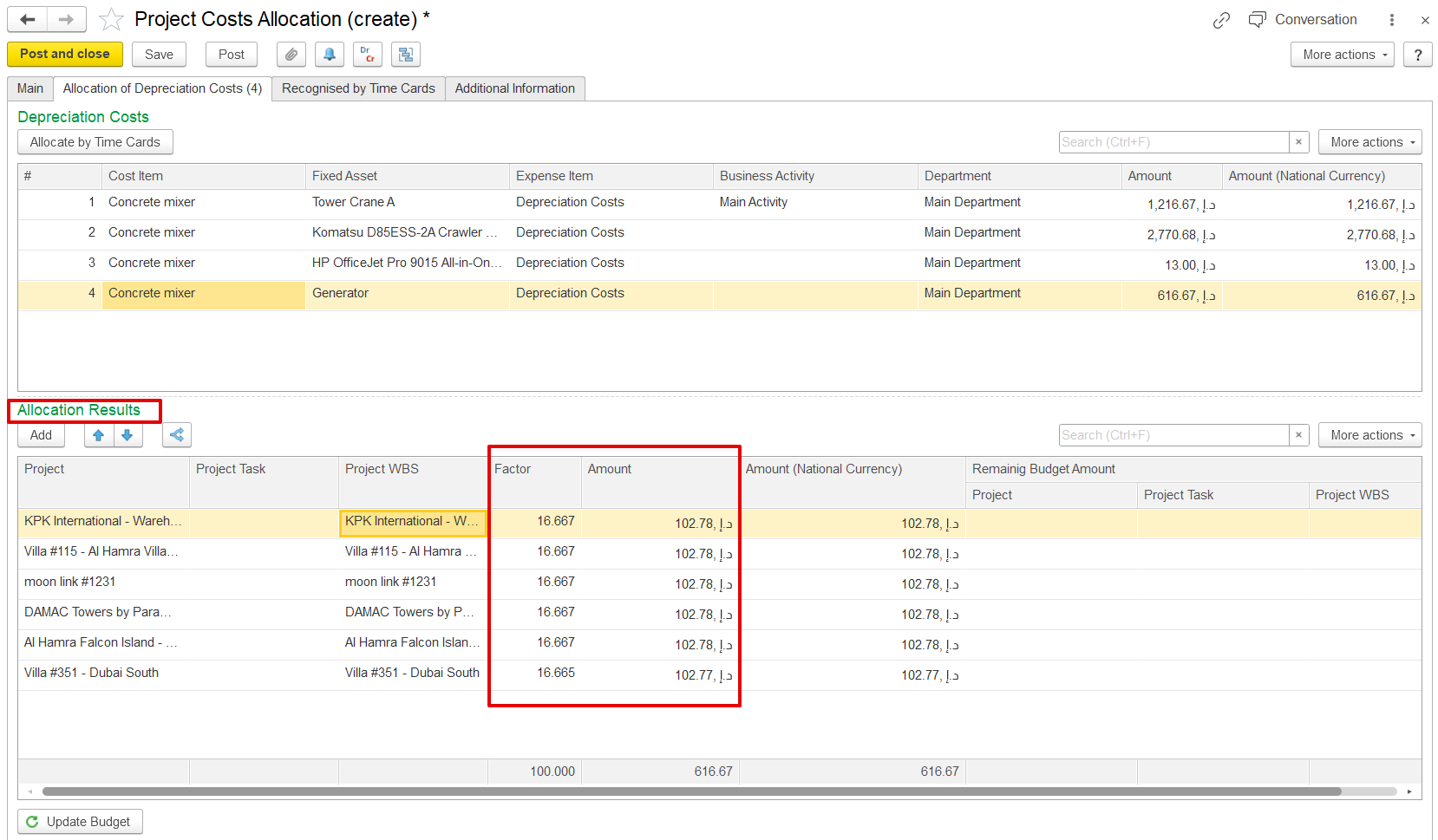
Alternatively, click the “Allocate by Time Card” button. The system will automatically distribute depreciation costs based on the time card data of the fixed asset, i.e., according to the usage hours recorded in the time cards. Only time cards that fall within the same period are considered for allocation.
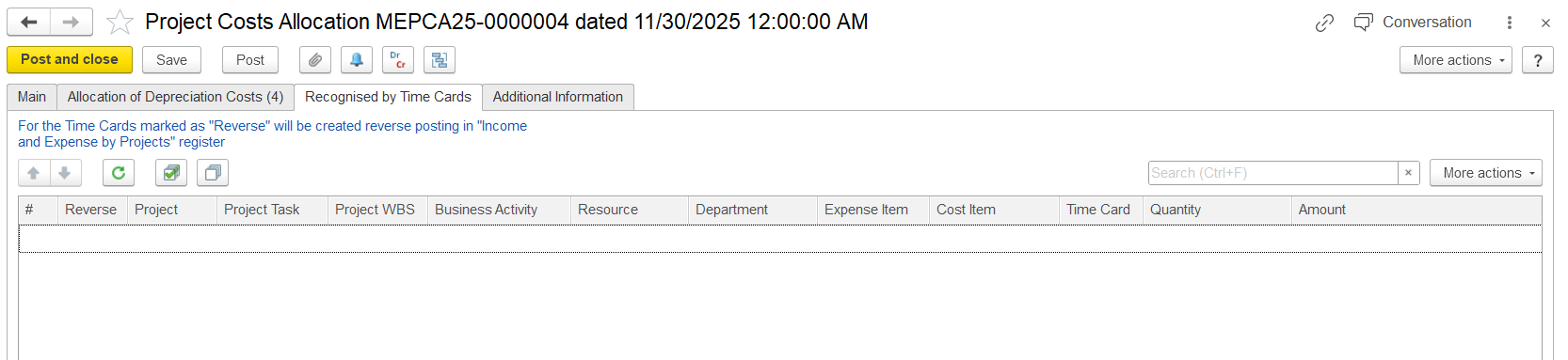
The Recognized by Time Cards tab is used to distribute and adjust fixed asset depreciation costs based on the actual time the assets were used. Data appears in this table only when time cards with the cost allocation option enabled are recorded within the same accounting period and share the same analytics, including project, department, and fixed asset.
The system can reverse previously allocated depreciation transactions and generate new allocations according to the usage hours recorded in asset time cards. This allows depreciation expenses to be allocated accurately to projects based on actual asset usage.
Only time cards entered within the selected accounting period are included in the allocation process, ensuring depreciation costs are posted to the appropriate period.
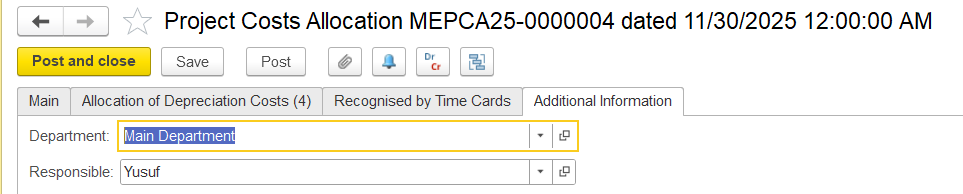
On this tab, users can enter optional details for the document, such as the department and the person responsible for the allocation. No fields are mandatory.