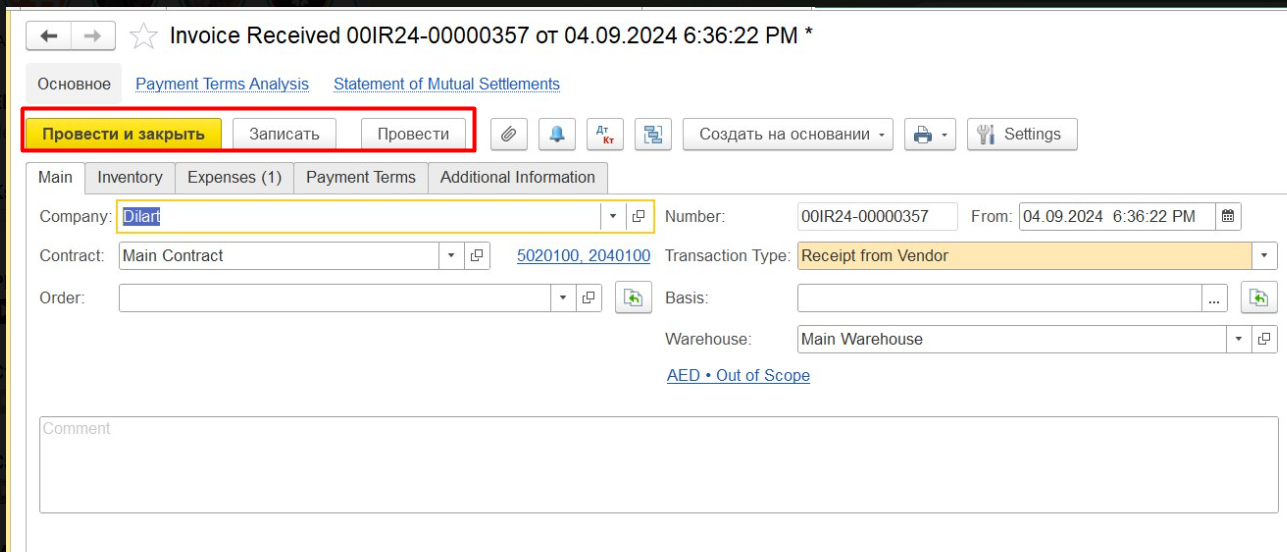
|
|
|---|
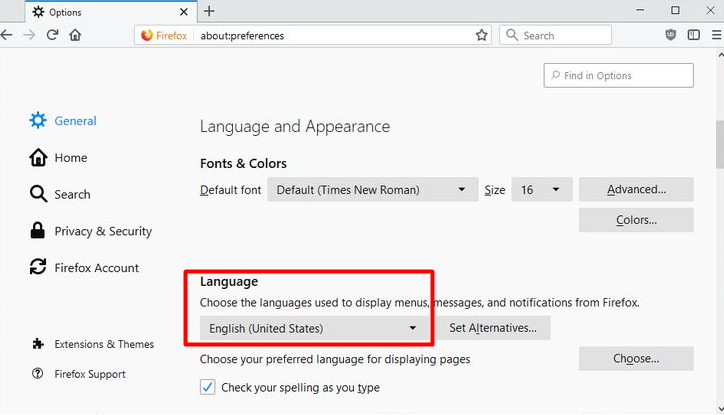
1) In browser - needful language should be set in the settings:
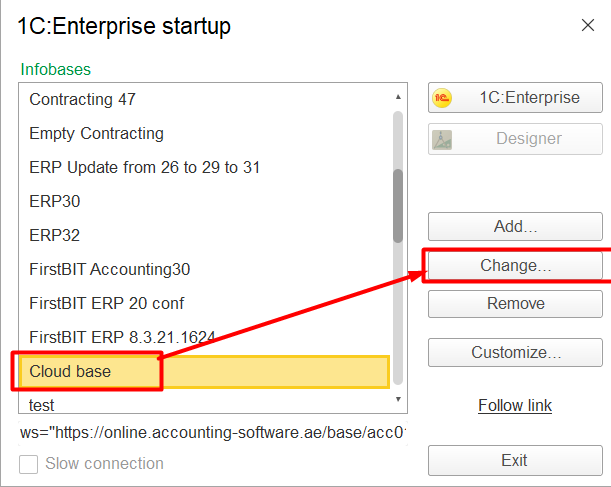
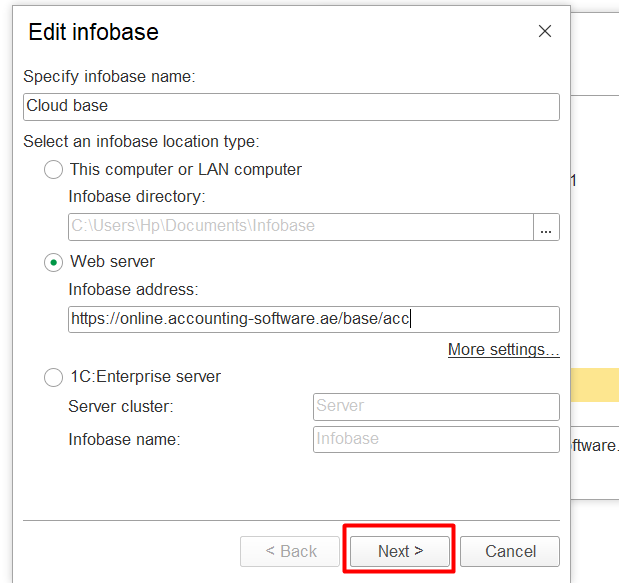
2) In desktop application:
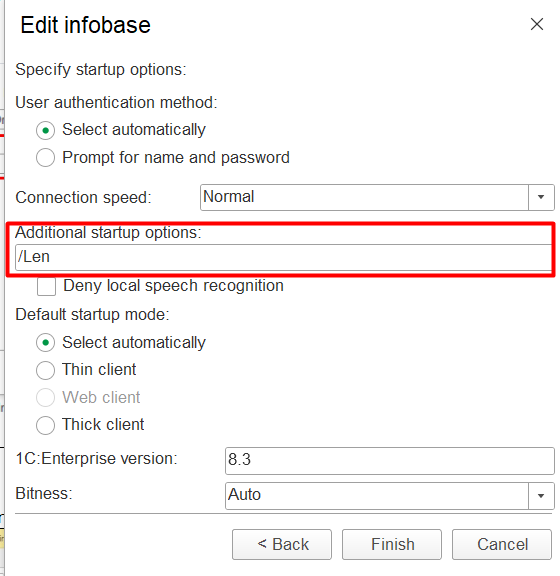
Use additional starting option to run client - add key "/Len" for the language:
|
|
|
|---|
And "/VLen" for the date format:
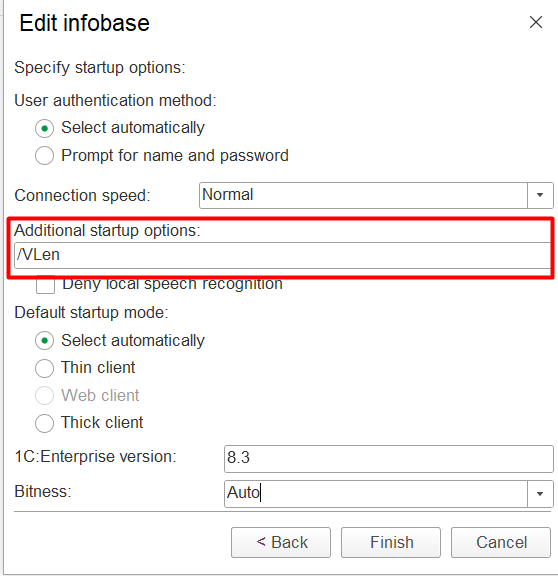
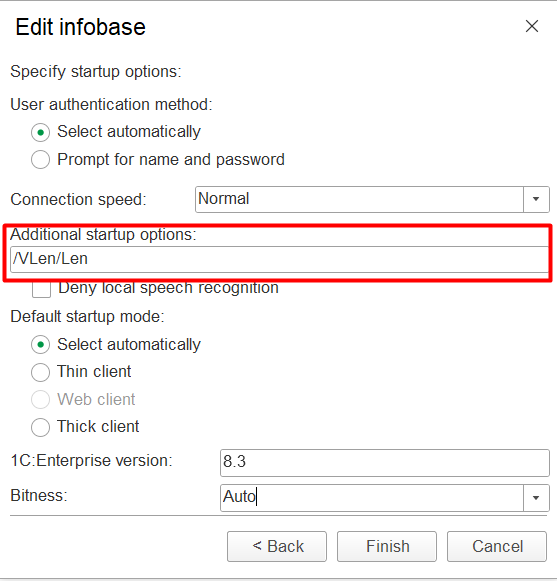
And Both "/VLen/Len" for language and date format:
If it did not help - reinstallation of the the application is required. Delete and reinstall the application, select necessary language(use the manual for installation:1C Platform Installation (thin client)
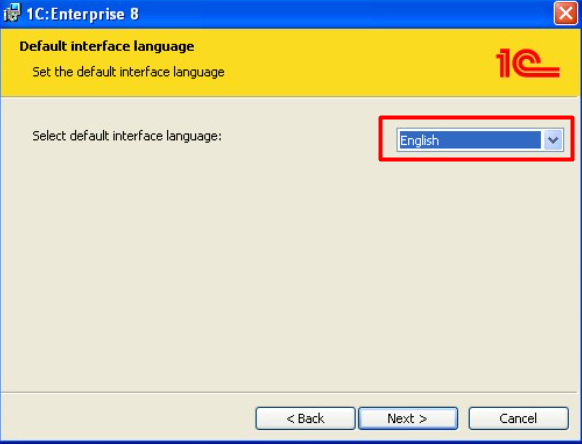
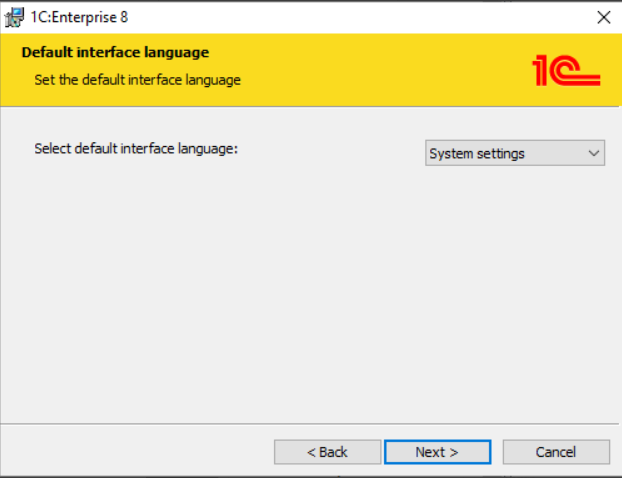
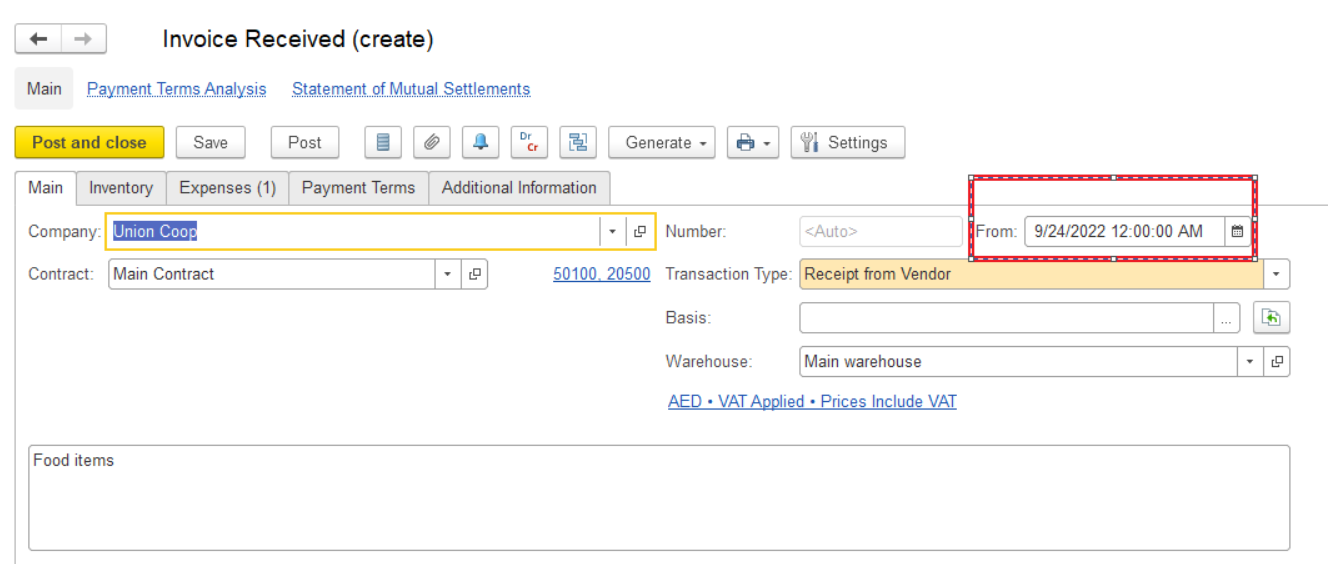
3) When mixture of languages appears in print forms (for browser and application)
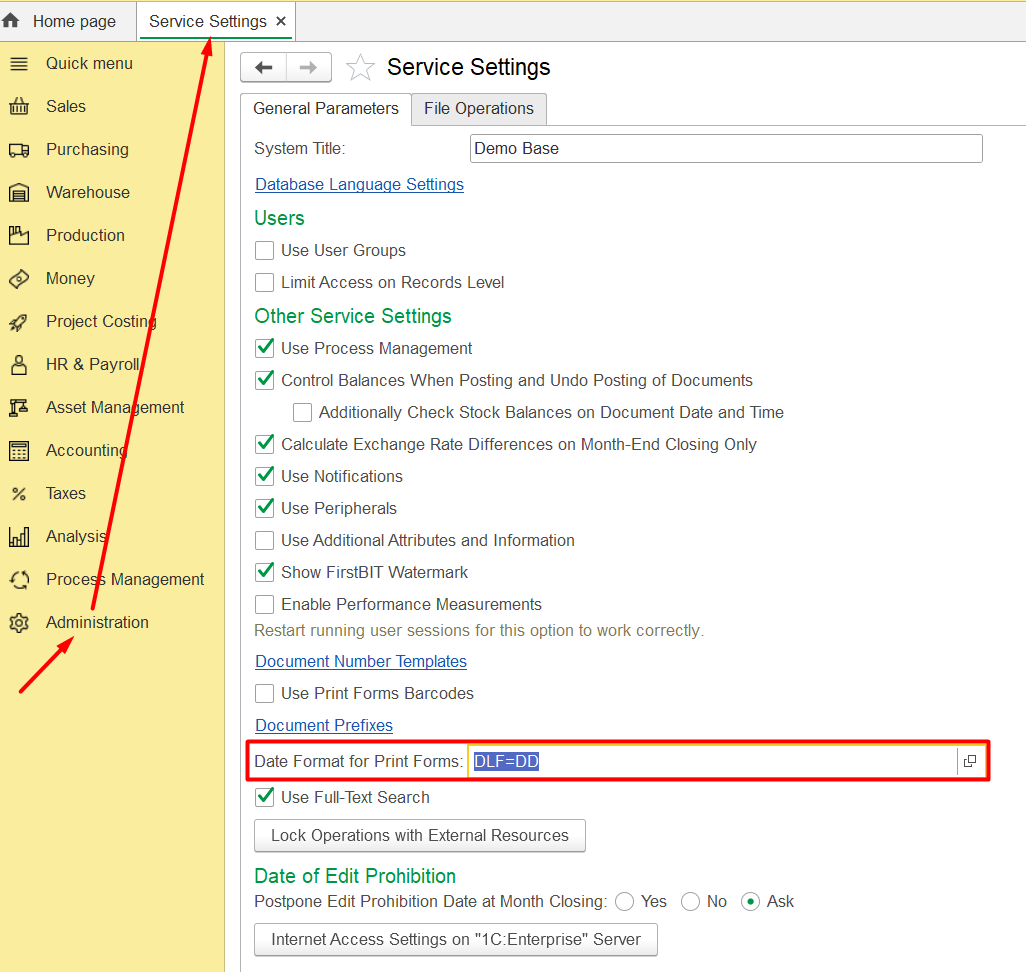
Go to Administration - Service settings - open a date format for print forms:
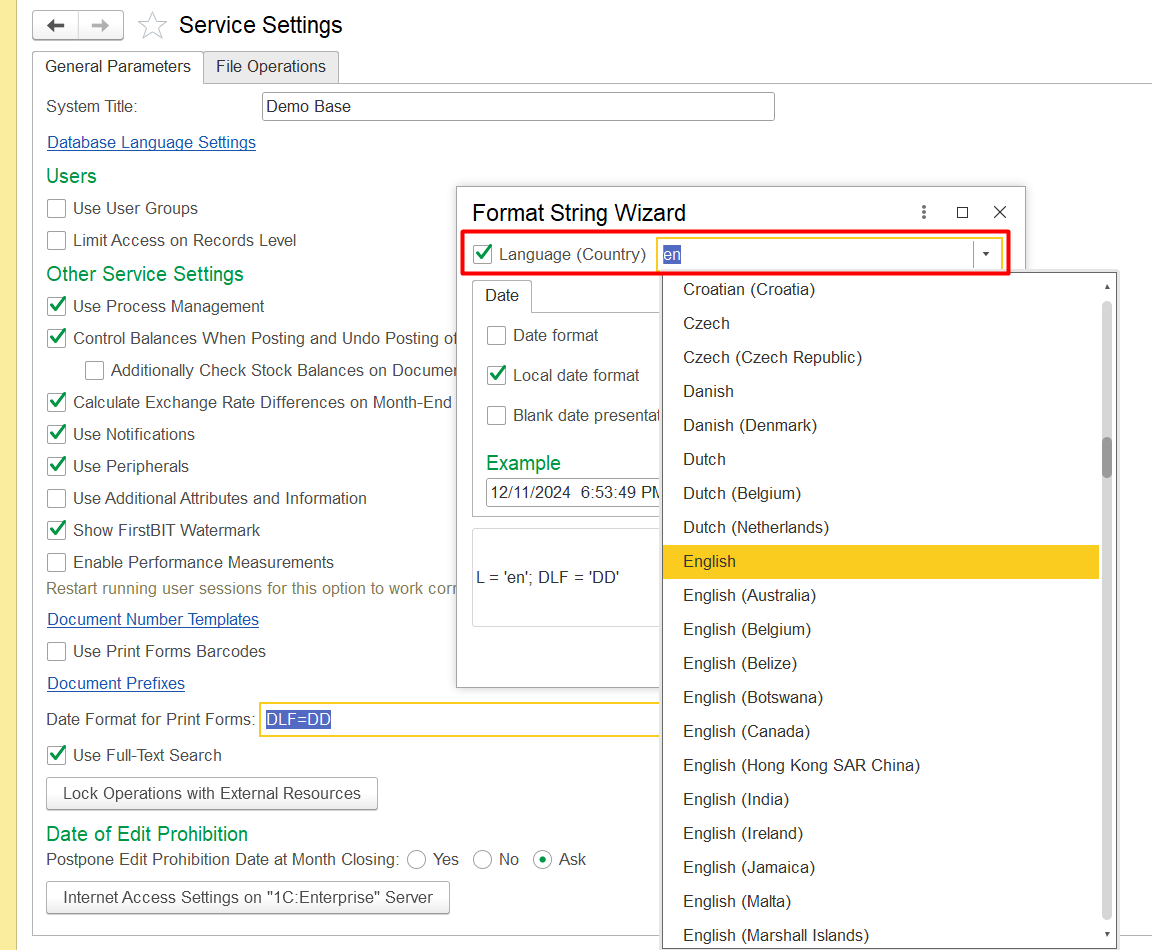
And set the needful language:
Thank you for being a FirstBIT customer!