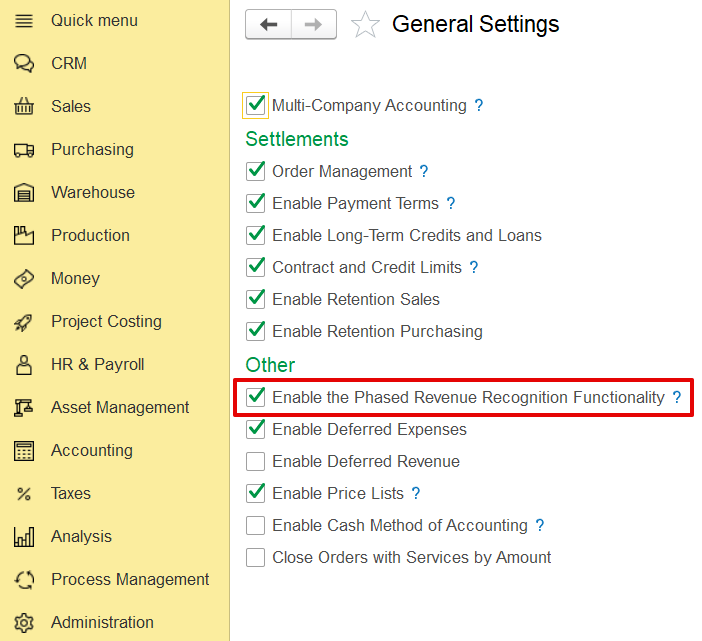
Phased revenue recognition, in line with IFRS 15, is widely applied in contracting for long-term projects such as construction works that extend over several months. Under this method, revenue and costs are recognized progressively, based on the stage of contract completion, rather than solely at the time of invoicing. Any revenue recognized before invoicing is recorded as a contract asset and not as receivables until the related contractual obligations are satisfied and an invoice is issued. This ensures that project revenues are aligned with the actual progress of work performed.
Administration → General Settings → Phased Revenue Recognition.
In addition to the main settings, phased revenue recognition must also be activated within the contract itself. To do this, open the specific contract, navigate to the Terms section, and enable the Phased Revenue Recognition option.
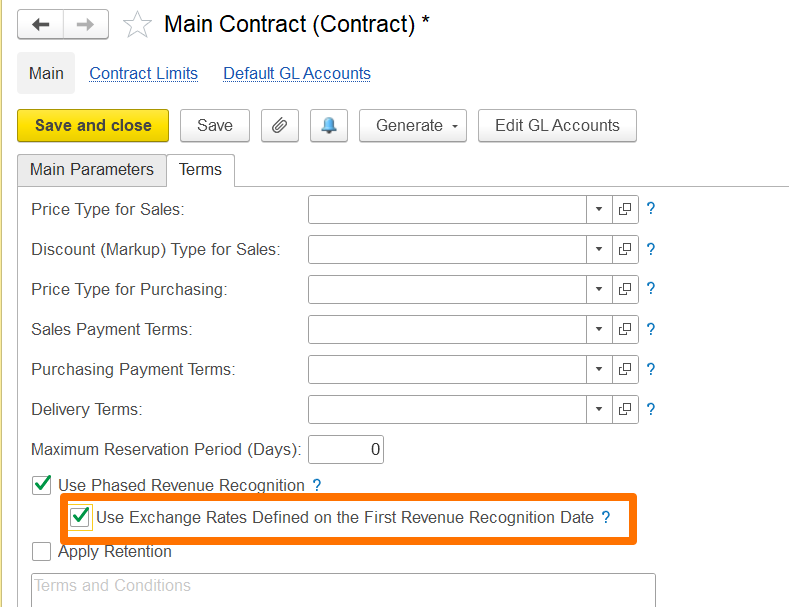
Additionally, if the contract involves a foreign currency, you can use the exchange rate defined on the first revenue recognition date to account for exchange rate fluctuations.
If enabled, the exchange rate set on the date of the first revenue recognition will apply to all subsequent phased revenue recognition documents, with gains or losses calculated only when the invoice is issued.
If disabled, gain/loss calculations will occur during month-end closing using the exchange rates applicable on each document's date.
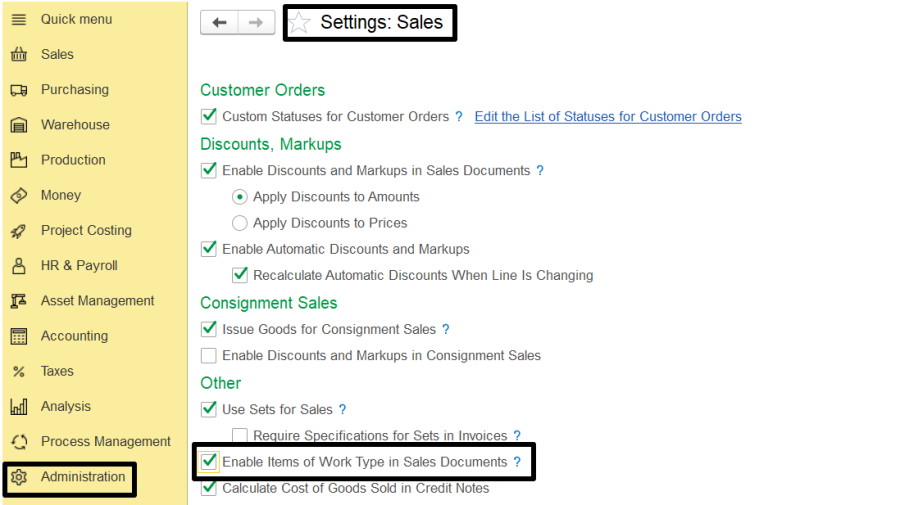
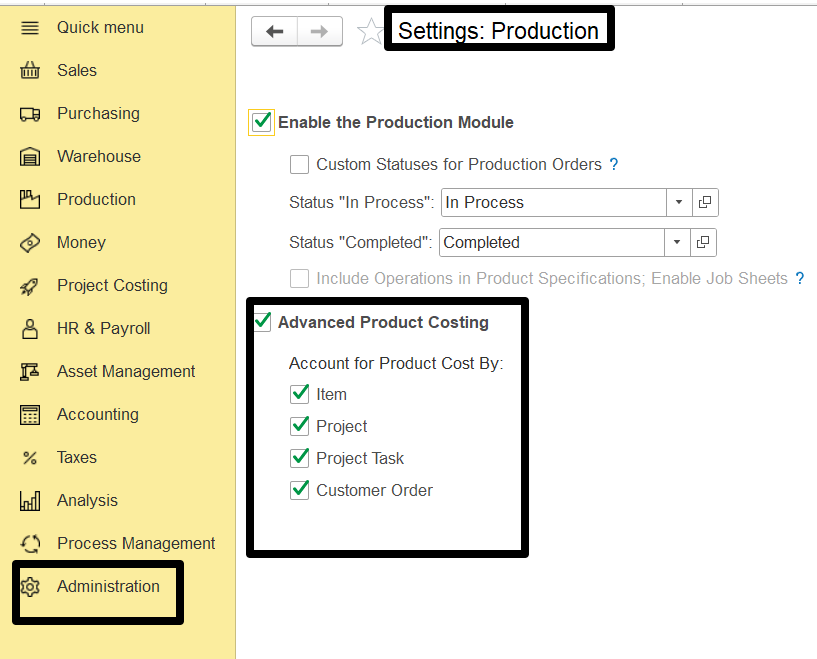
To create a Phased Revenue Recognition document-
go to Project Costing> Phased Revenue Recognition.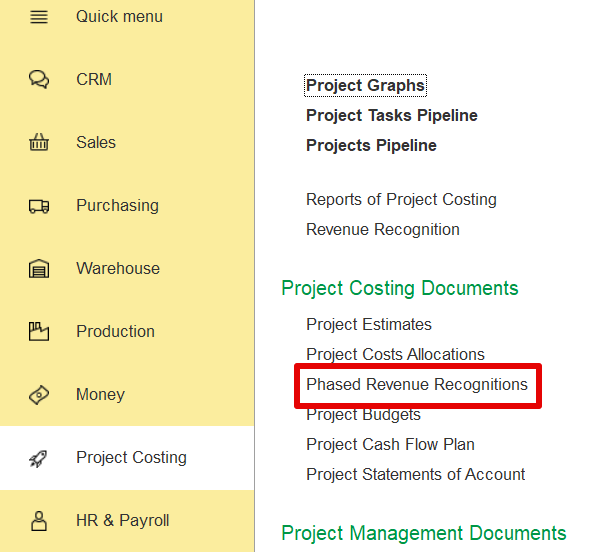
Create a new document, and fill in the required tabs as explained.
On the Main tab, you can enter general information such as the customer, contract, project, and other relevant data. Key fields include: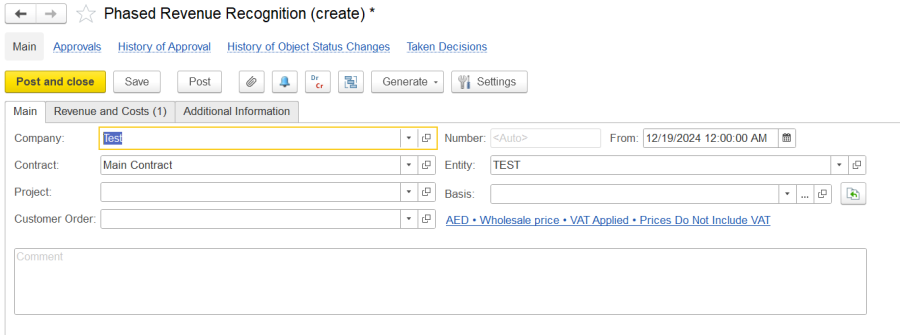
The Revenue and Costs tab allows users to list and manage items for revenue recognition in phased contracts. It includes two panes:
This tab helps track recognized revenue and costs based on contract progress, ensuring accurate financial reporting.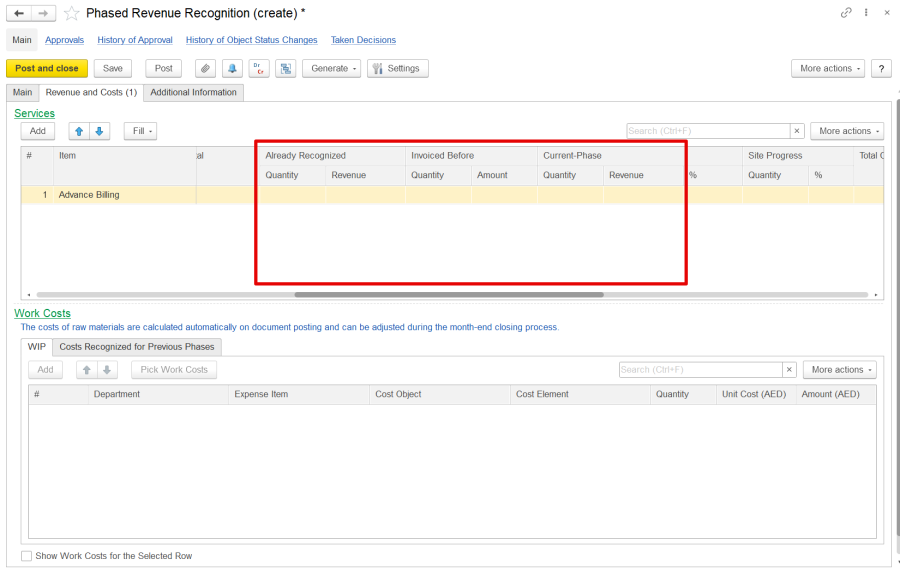
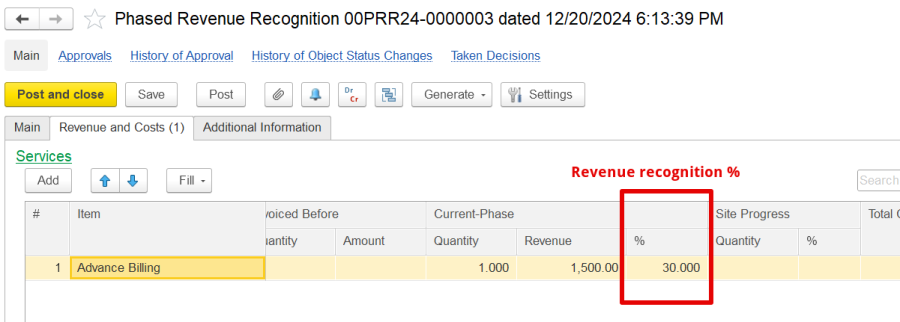
The Services Pane allows adding and managing Work/Service items with details like quantity, price, discounts, VAT, and optional characteristics. Additionally, some more fields need to be filled i.e.

The Pick Work Costs dialog box in the Phased Revenue Recognition process allows you to select costs associated with a work item for recognition manually.
Finally, issue a final invoice once all contract phases are complete to claim the total revenue recognized throughout the contract's duration.
Phased revenue recognition allows revenue to be recognized at different stages of a project, based on accounting policies and contract terms. The two main approaches are:
Both approaches allow for periodic reviews of recognized revenue, such as quarterly, to track progress and profit/loss. The choice of approach depends on business needs and contract terms.
For ongoing projects, enter beginning balances for work-in-progress and contract assets—track costs with appropriate documents and reports. When recognizing revenue for a completed phase, use Phased Revenue Recognition documents to account for costs and revenues.
Thanks for being Firstbit Customer! #Contracting #revenue recognition #workinprogress