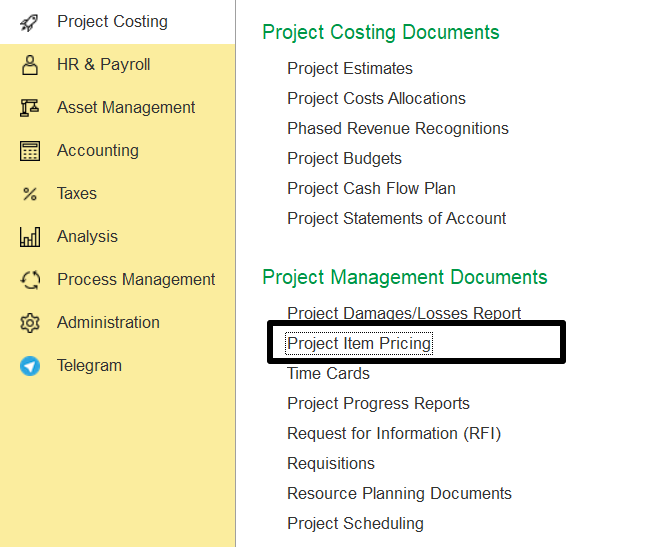
To access Project Item Pricing, go to:
Project Cost Module → Project Management Document → Project Item Pricing
The Project Item Pricing function allows defining price lists for materials, fixed assets, positions, and employees, which can then be linked to specific projects.
The interface is organized into five tabs:
Main
Item Prices
Fixed Asset Prices
Position Prices
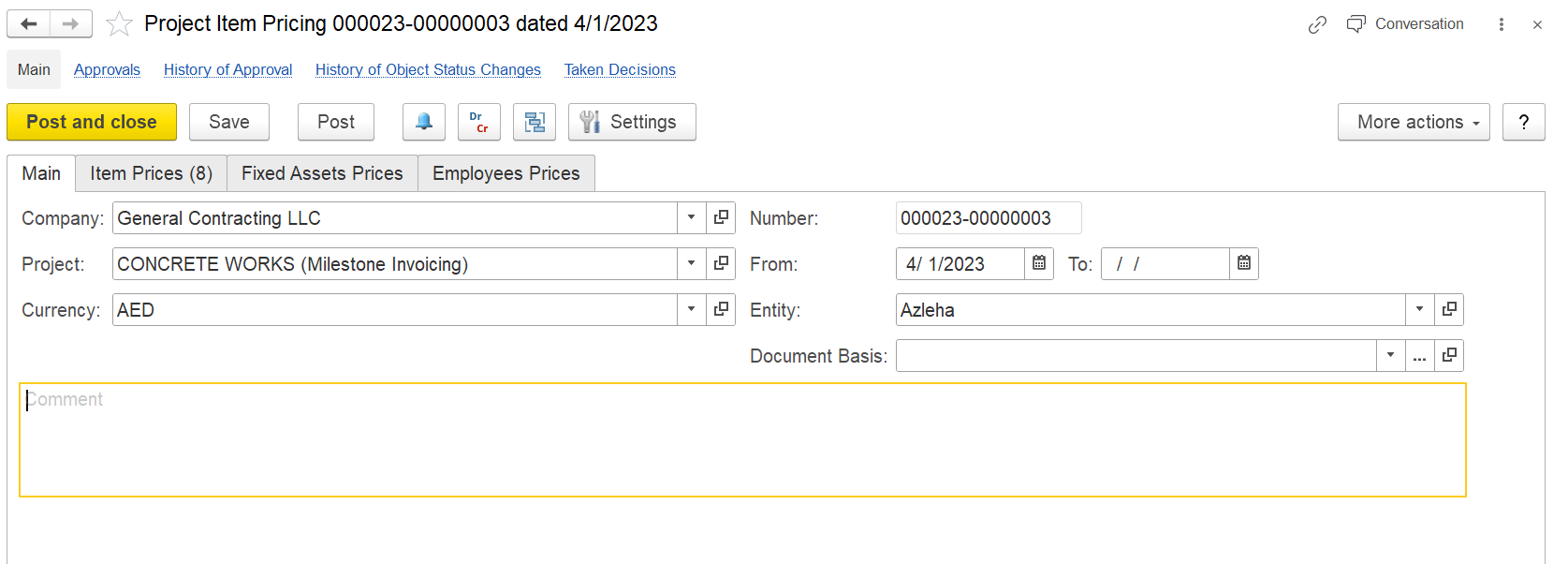
The Main tab is used to define general and essential details:
Company: Select a customer company from the master data. If left blank, the defined prices apply to all companies.
Price Type: Choose the applicable price type.
From Date: Defaults to the current business date but can be changed to set the effective start date.
To Date (optional): Set an end date for the prices.
Project: Mandatory field to assign the prices to a specific project.
Document Basis: Choose the relevant basis document.
Comment: Add any additional notes or remarks related to the pricing.
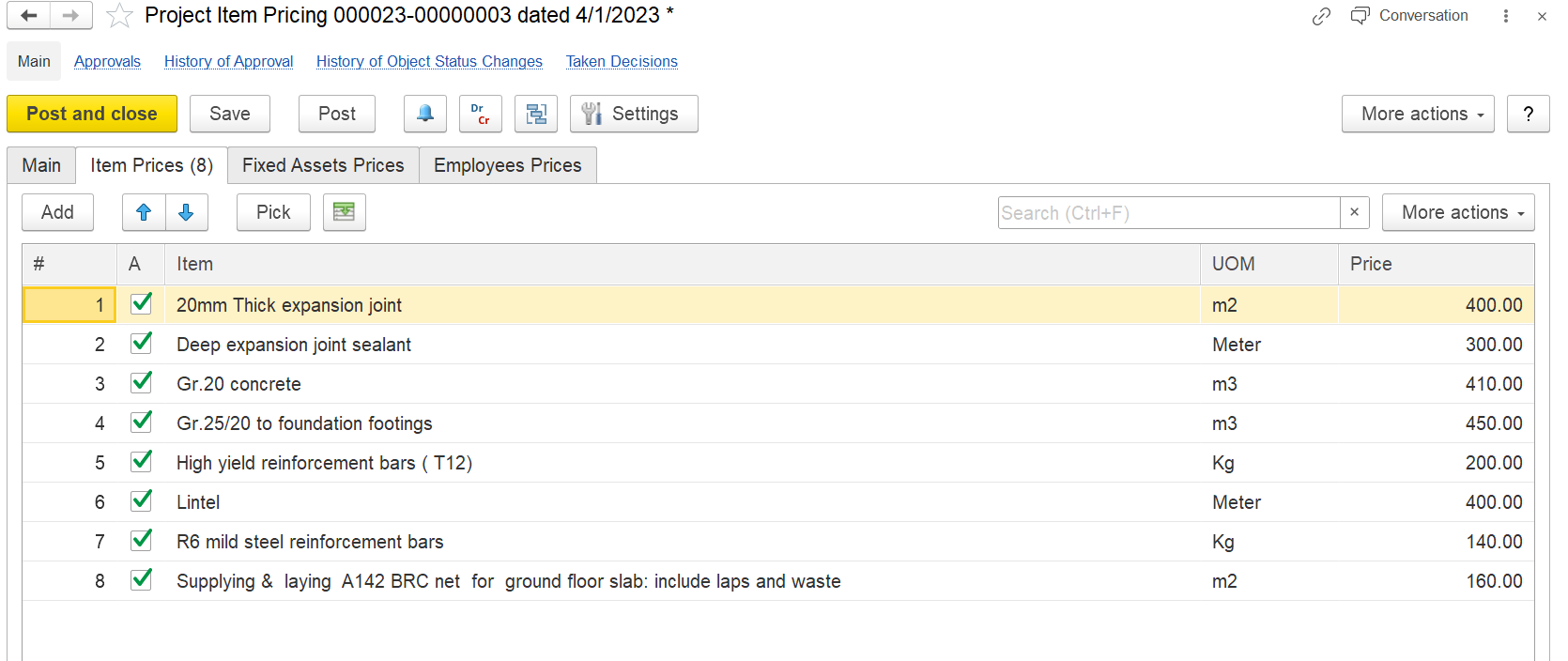
This tab defines prices for materials or items. When items are selected as cost elements, these prices are utilized in project estimations and cost calculations.
Example: When creating a project estimate and selecting “Cost of Material” under the cost tab, the item price defined here will be automatically populated.
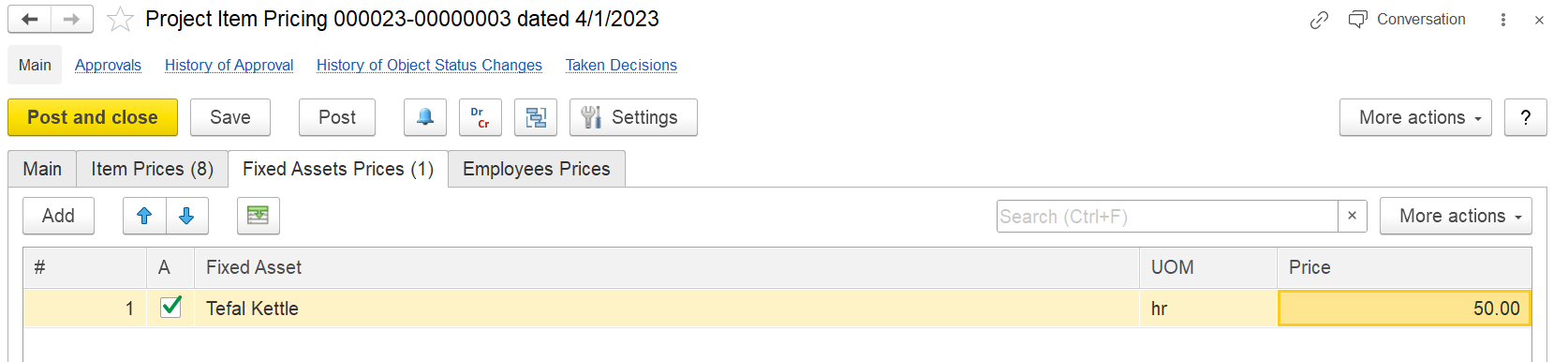
Define prices for fixed assets used in the project estimation when fixed assets are selected as cost elements.
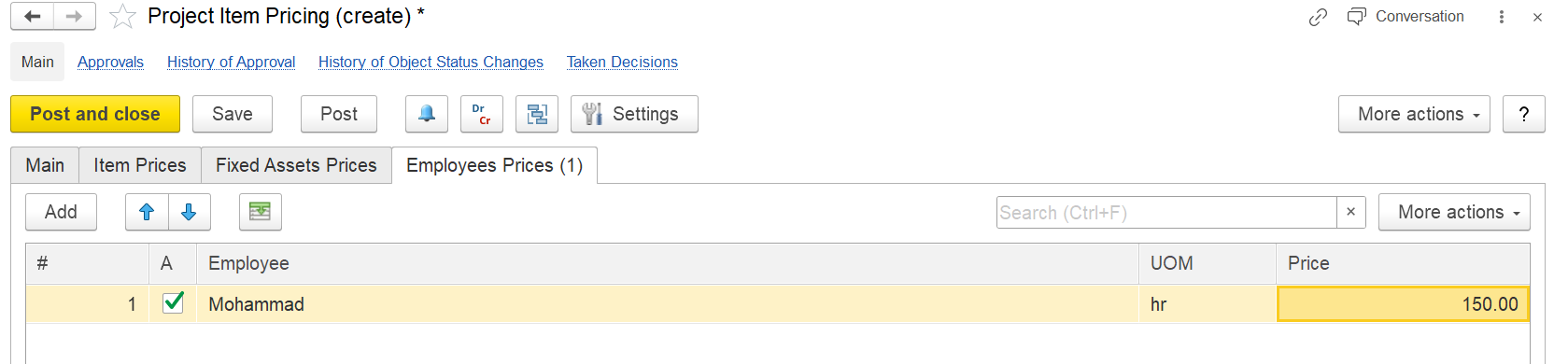
Allows setting up individual price lists for employees, which are then used in the cost estimation if employees are chosen as cost elements.
This document simplifies cost estimation. If an estimation is created prior to defining item pricing, the Refill function on the Project Estimation document can be used to update prices based on the latest Project Item Pricing setup.