This screen displays all project tasks organized by their status, moving from left to right as they progress through the workflow.
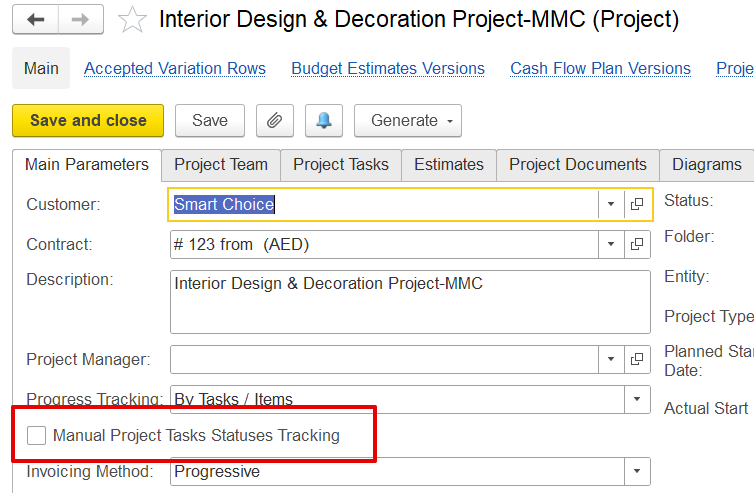
Important: Only tasks from projects with the manual task status tracking option enabled can be moved between columns. Otherwise, a lock icon will appear next to the Task Number, indicating that the task cannot be moved.
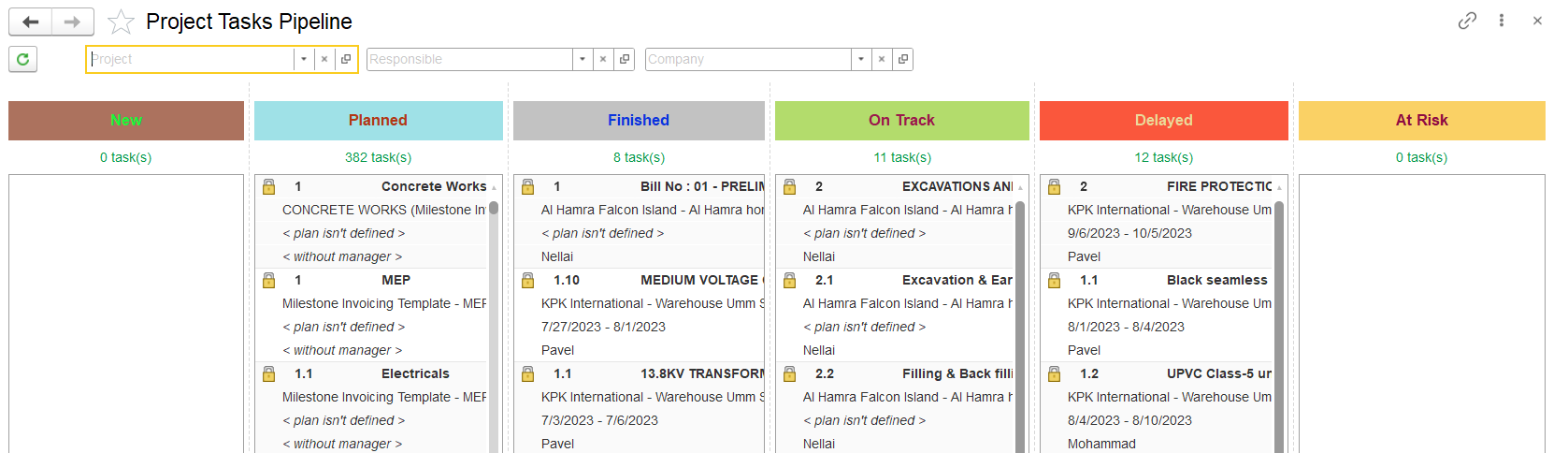
New: Tasks that are created but not yet planned.
Planned: Tasks that are scheduled, but work has not yet started.
On Track: Tasks that have started and are progressing as expected.
Delayed: Tasks that are behind schedule.
At Risk: Tasks that are at risk of being delayed.
Finished: Tasks that are completed.
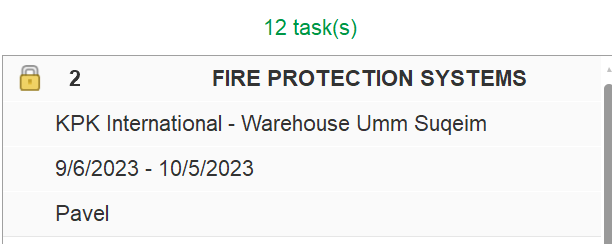
Each task card displays the following information:
You can search by:
Project, Responsible Person, Company. This helps to quickly find tasks.
Tasks must be updated regularly by the responsible person.