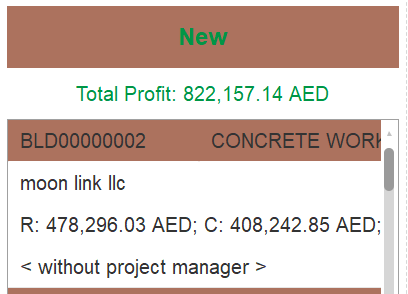
This page displays the projects in a Kanban view, grouped by their current status: New, Active, Completed, and Canceled. Each column represents one of these statuses and contains the corresponding projects.
It shows the total profit of the project below the Status.
Projects can be moved between statuses using drag and drop, allowing quick updates to their progress.
Each project card shows key information such as:
Project code and name
Customer name
Revenue (R), Cost (C), and Profit (P)
Assigned project manager (if any)
The project statuses shown here (New, Active, etc.) are defined in the Project Status Master, where their names and sequence order can be set. This sequence controls the left-to-right order of columns on the screen.
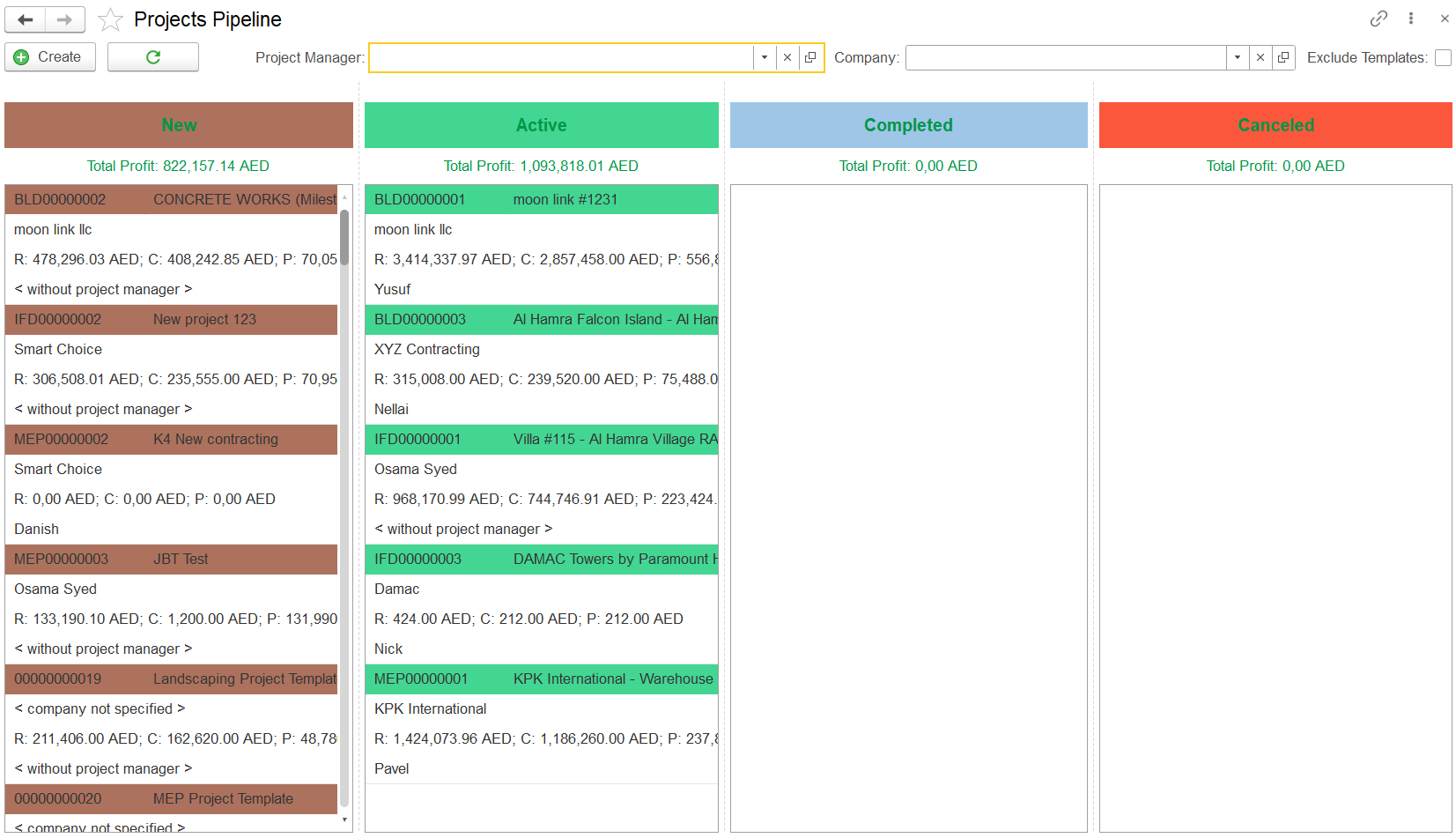
To exclude projects that were created as templates from the Kanban view, enable the Exclude Templates option.

When this option is checked:
Projects marked as templates (such as "Landscaping Project Template" or "MEP Project Template") will be hidden from all status columns.
Only active, non-template projects will remain visible in the pipeline, making it easier to focus on actual project execution.
