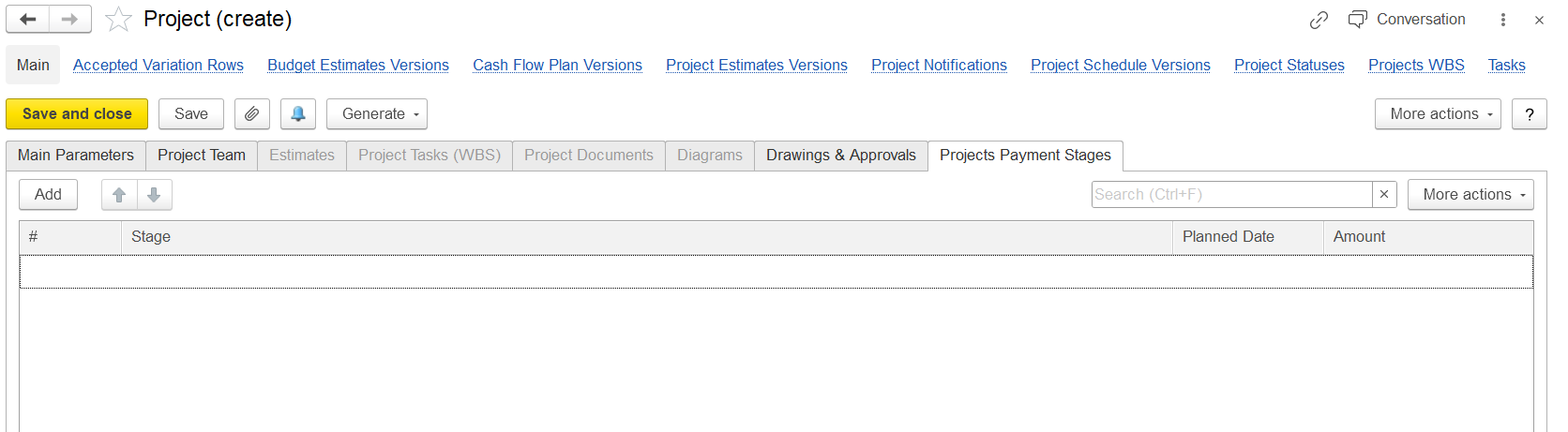
This tab allows defining the Payment stages (or Milestones) for the project's stages.
It allows defining payment stages (or milestones) for the project.
Each payment stage probably corresponds to a project deliverable, progress checkpoint, or a set time schedule.
The columns shown:
# — Sequence number.
Stage — Name or description of the payment stage (for example, "Advance Payment", "Completion of Phase 1", etc.).
Planned Date — Expected date when this payment is supposed to happen.
Amount — The payment amount associated with this stage.
The "Add" button adds new stages to the list.
"More actions" again likely offers options like delete, copy, or import/export.
In short, this tab is used to plan and track when and how much money will be received (or paid) during the project's lifecycle.