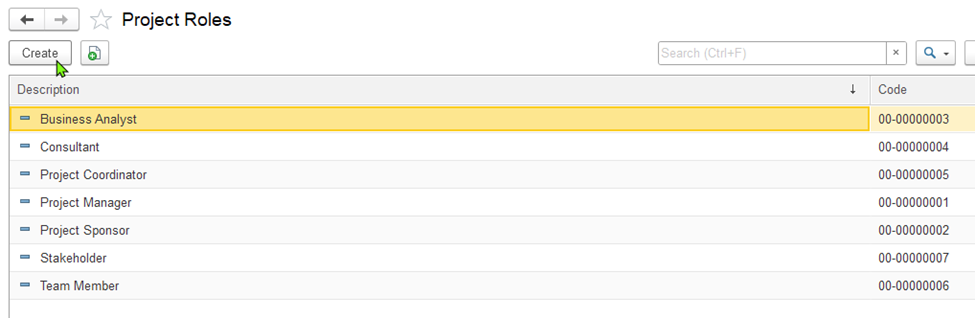
A project role defines the responsibility or position that a person (like an employee or customer contact) holds within a specific project
Go to Project Costing > Master Data > Project Roles..
To add a project role, click Create on the toolbar. This opens the "Project Role (Create)" dialog box.
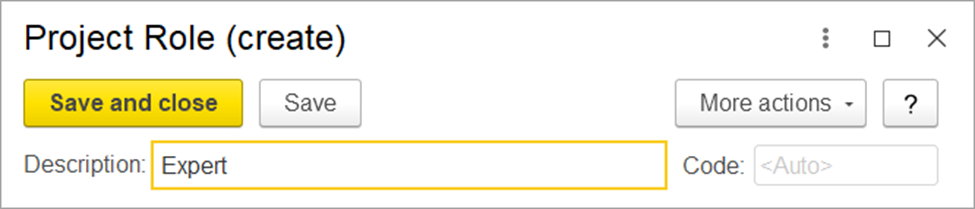
To create a project role:
Enter the name of the role in the Description field (e.g., Site Engineer, Project Manager).
Click Save if you want to add more roles.
Click Save and Close if you're done and want to exit the dialog box.