Question:
How can I get detailed report with included documents in it (details):
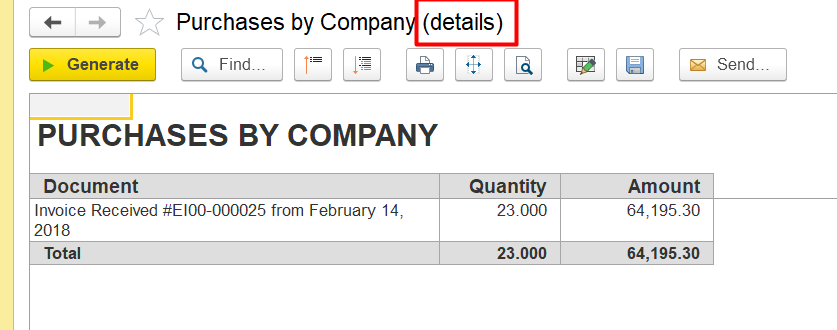
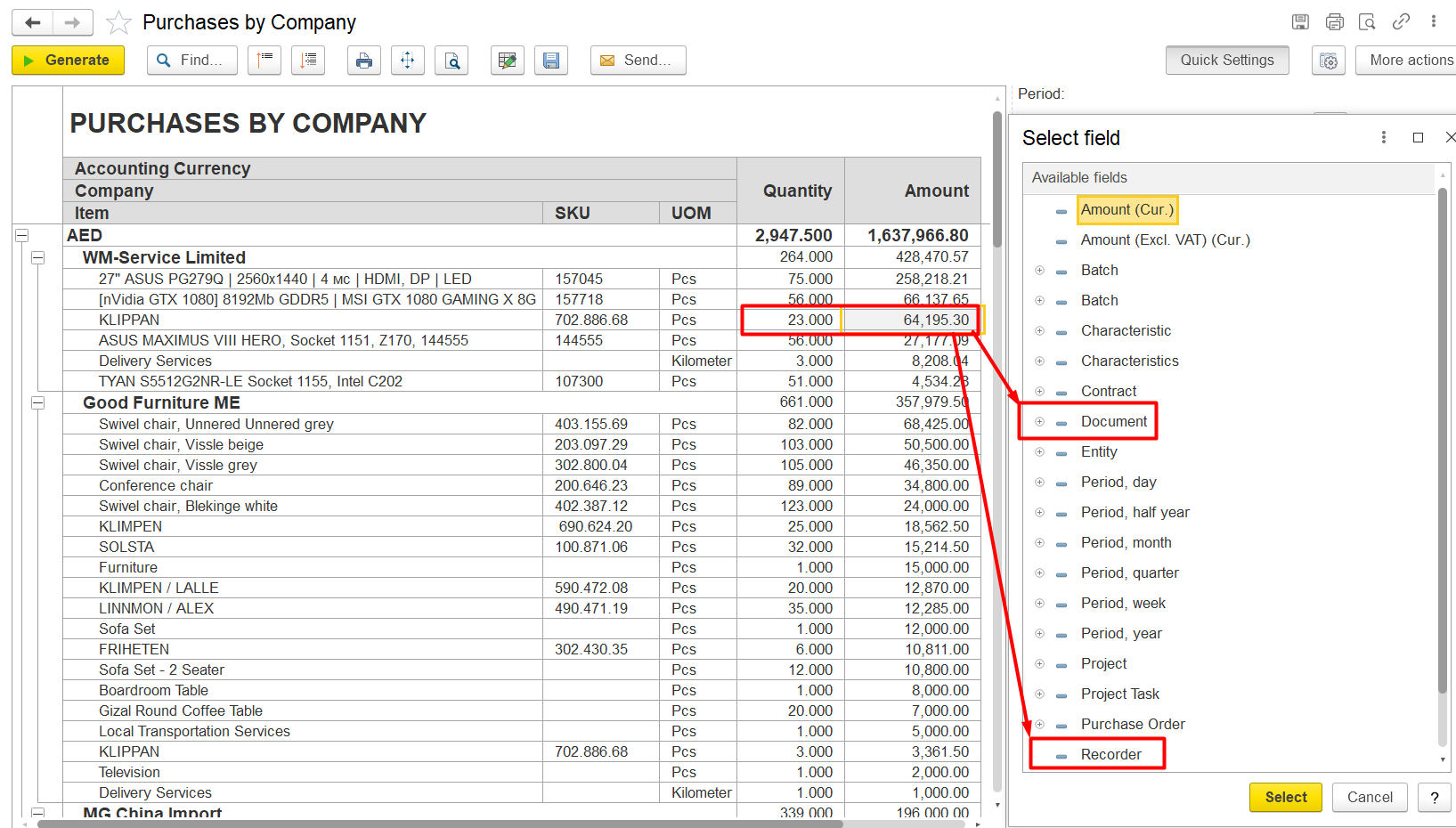
Answer: select Recorder or Document fields:
-Double-click on the quantity value or amount value of the needed item. A detailed dialog window will open, where you need to select the parameter Recorder or Document:
Thank you for being FirstBIT customer!