The Estimates tab shows planned revenue and cost details for a project. Estimates can be created directly from the project or by going to Project Costing → Project Costing Documents → Project Estimates.
Edit Current Estimates – Enables modification of the existing budget details within the current estimate version.
Create Variation Order – Used to record and apply approved changes or additions to the original scope and budget.
Create Budget – Initiates a new budget if none currently exists for the project/if exist, it will allow amending it.
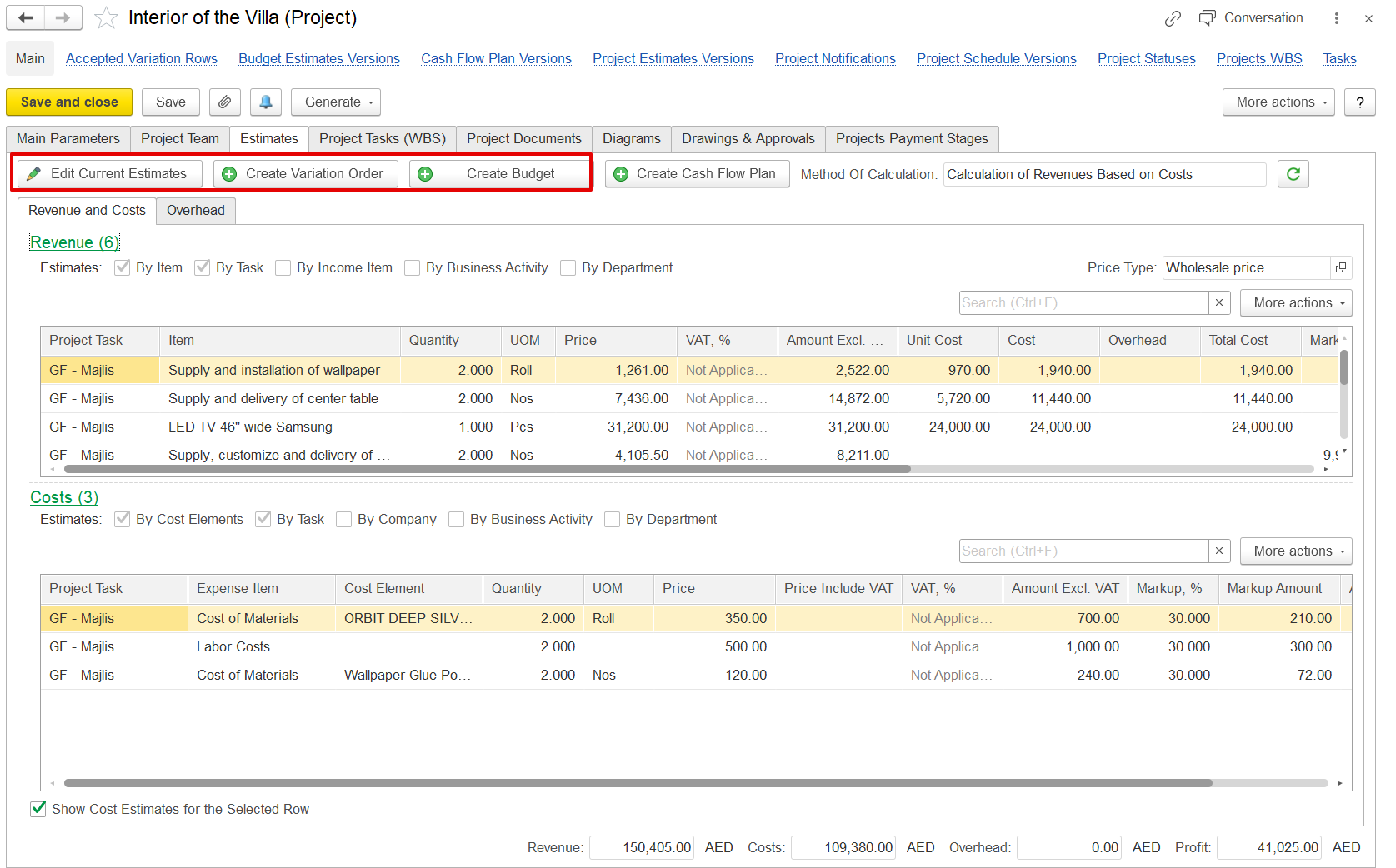
The Method of Calculation appears based on the option selected in Project Costing Settings, determining how project revenue and cost estimates are calculated and displayed.