A project role defines the responsibility or position that a person (like an employee or customer contact) holds within a specific project
Go to Project Costing → Master Data → Project Roles..
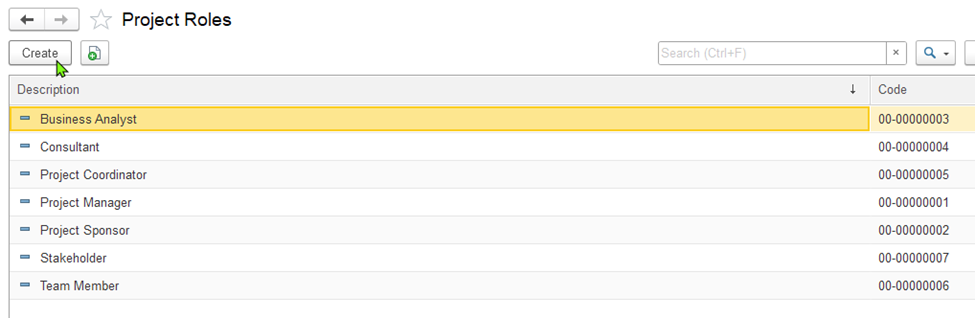
To add a project role, click Create on the toolbar. This opens the "Project Role (Create)" dialog box.
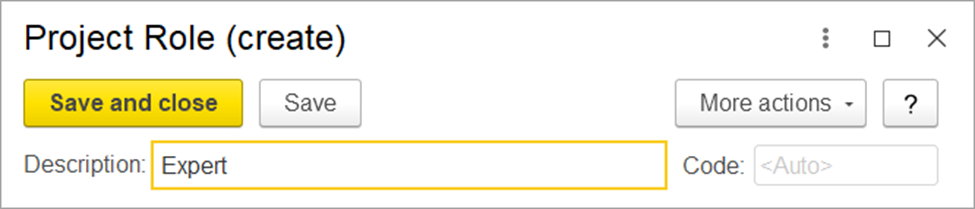
To create a project role:
Enter the name of the role in the Description field (e.g., Site Engineer, Project Manager).
Click Save and Close to save the role and close the dialog box.