...
To create a Purchase Order (Revision), follow these steps:
- Unpost the related Invoice Received and remove the Purchase Order link in the Order field. Save the changes.
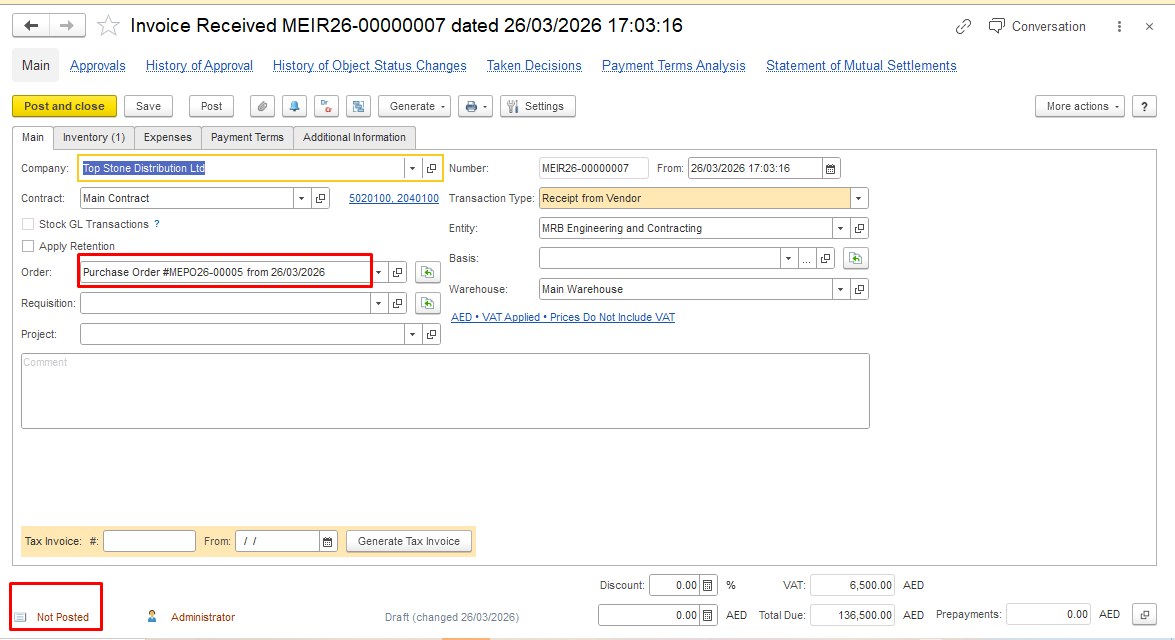
2. Create a Purchase Order Revision based on the original Purchase Order. Click Generate on the Purchase Order form and select Purchase Order (Revision).
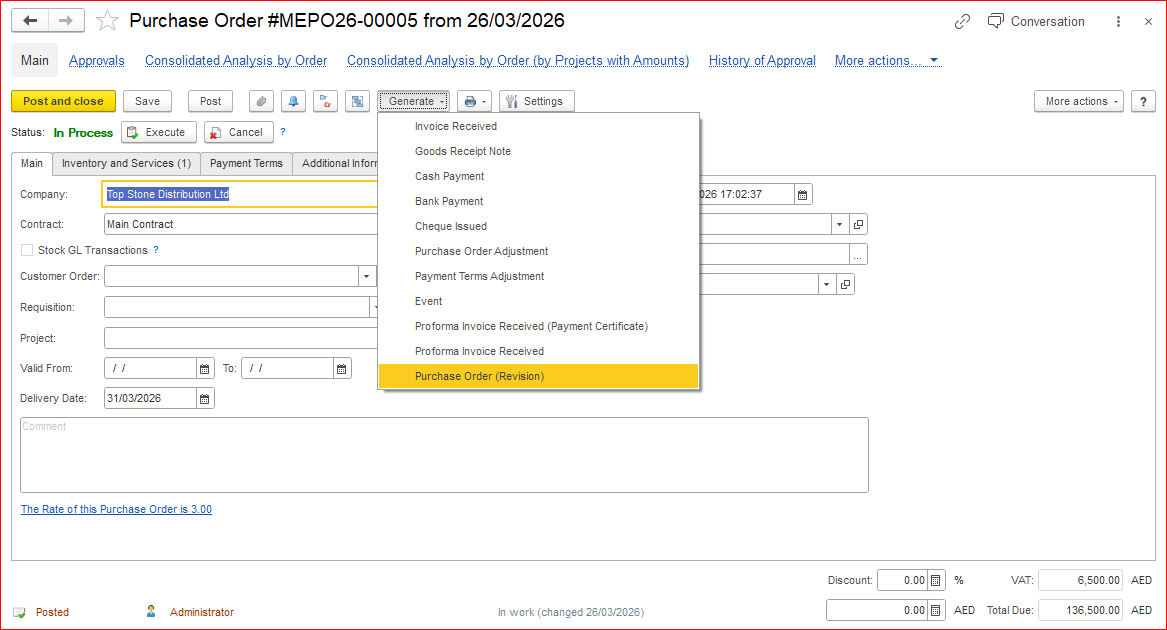
The Purchase Order Revision has now been created.
...
In the existing Invoice Received, you can now add a link to the Purchase Order (Revision) in the Order field, or create a new Invoice Received based on the Revision document.
...