...
Users can create a lead by 2 methods:
- By using the leads documents screen
CRM → CRM Documents → Leads → Create
- By using the leads pipeline screen
CRM → Tools → Leads Pipeline → Create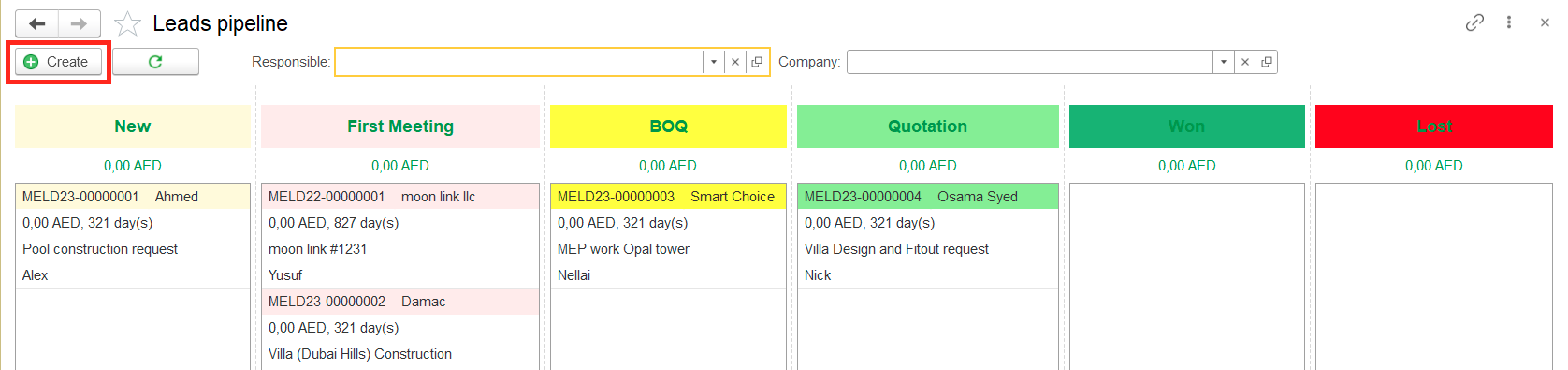
Filling required information about the lead (bid)
...
In the Lead Documents tab, all documents related to the lead will be displayed.
 4.
4.
Saving information
Use the Save or Save and close buttons to record this enquiry in your database.
After saving lead will appear in the Lead documents list as well as in the Leads Pipeline under the mentioned status.
...