A project type is a classification used to group and organize projects based on their nature, purpose, or characteristics.
To view or manage project types, go to Project Costing → Master Data → Project Types.
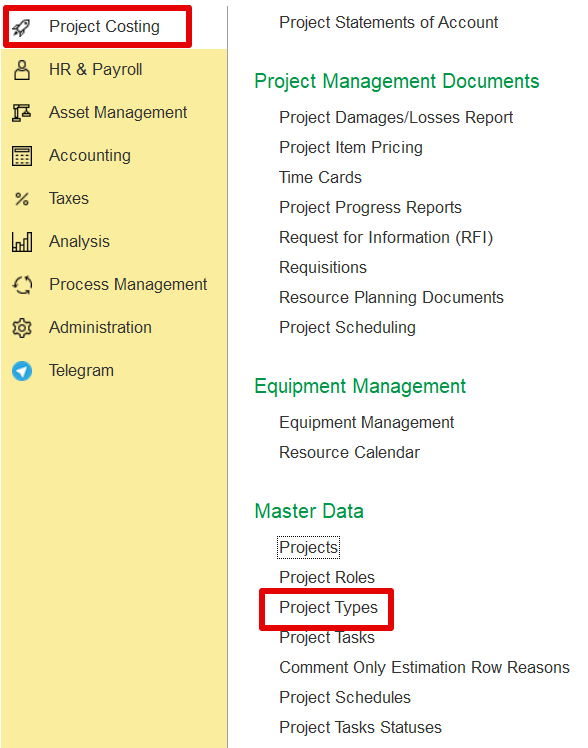
Note: The system doesn't include predefined project types —users must add them as needed.
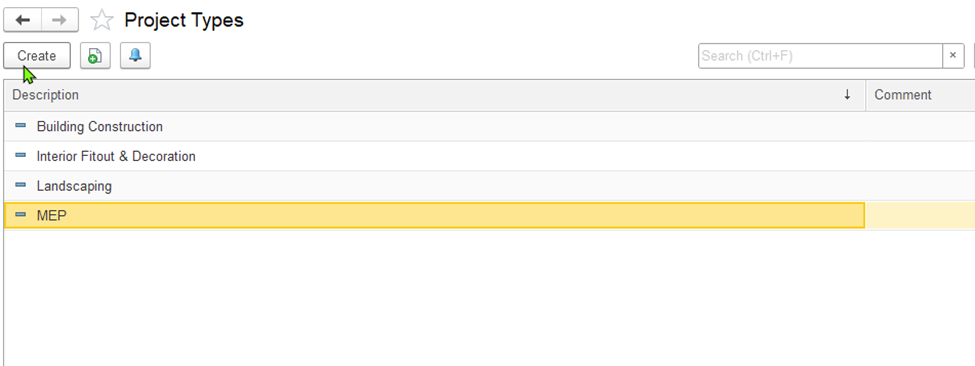
To add a project type, click Create on the toolbar. This opens the Project Type (create) dialog box.
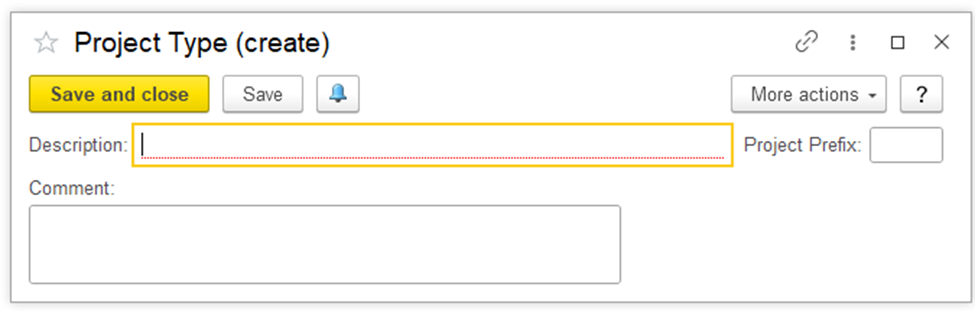
In the dialog box:
Add a short, clear name for the project type in the Description field.
Use the Comments box to include any extra info or notes if needed.
Fill in the Project Prefix field for consistent project coding.
Click Save and Close when done.