...
This allows users to change filter criteria without opening Configure List again.
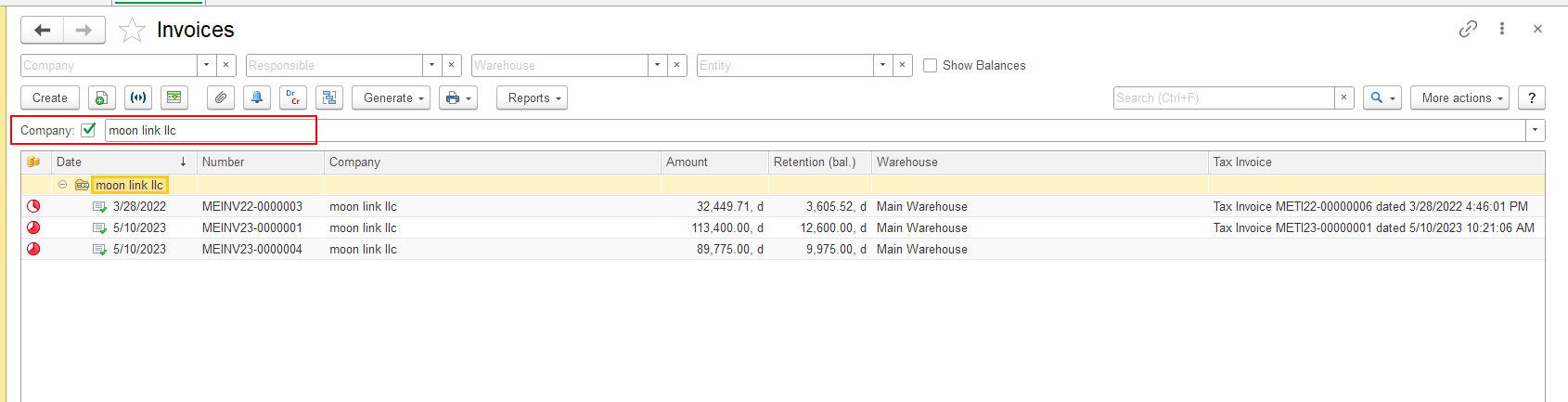
[SCREENSHOT: List form with filter fields displayed after Configure List was configured]
Saving and Restoring List Settings
After configuring the list, users can save the current settings.
To save the settings, select:
More actions → Save Settings
The system saves the current user-specific list settings, including the configured data display and processing settings.
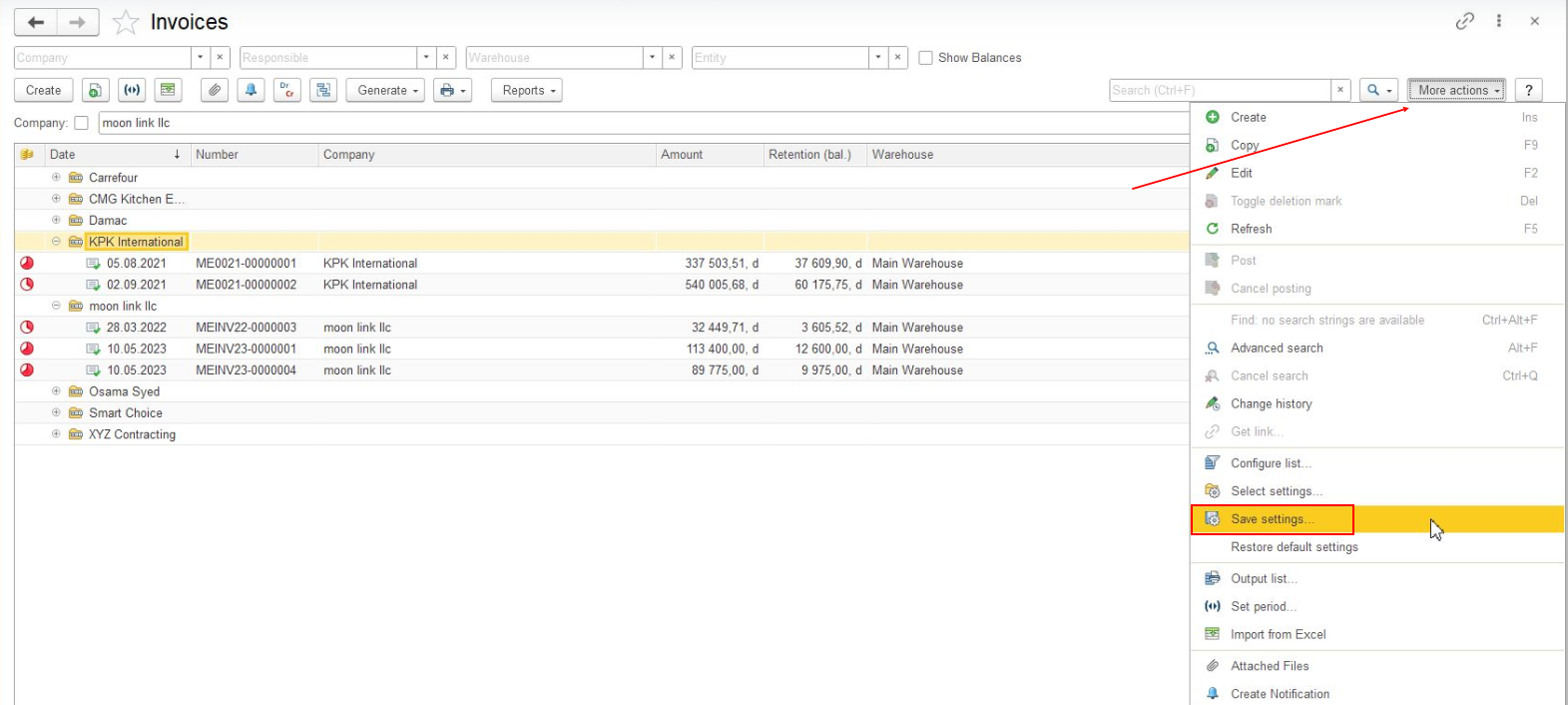
To return to the standard list settings, select:
More actions → Restore Default Settings
The list returns to its standard configuration.
...
Save Your Configuration
If you want to keep your List Form configuration and apply it later, you can save it as a personal setting. For details, see Save and Restore List Form Settings.
Configure List and Customize Form
...