...
The system fills in the details automatically based on the project’s structure and settings. This includes contract-related information like billing terms, retention rules, and VAT. Users can still manually adjust progress percentages, discounts, retention, amounts, and other relevant fields if needed.
Alternatively, it can be generated using the "Generate" option in the Project Progress Report document.
If a project progress report is added as the basis, the system can use it to fill in the document. A confirmation message will appear before replacing any existing data.
...
Note: Based on the selected invoice type, the relevant tabs, fields, and calculations will automatically adjust to suit the billing method.
...
1. If the Progressive option is enabled, the following tabs will be available
Project Structure tab
It displays the list of project tasks with their hierarchy, estimates, progress, and billing details for preparing the payment application.
...
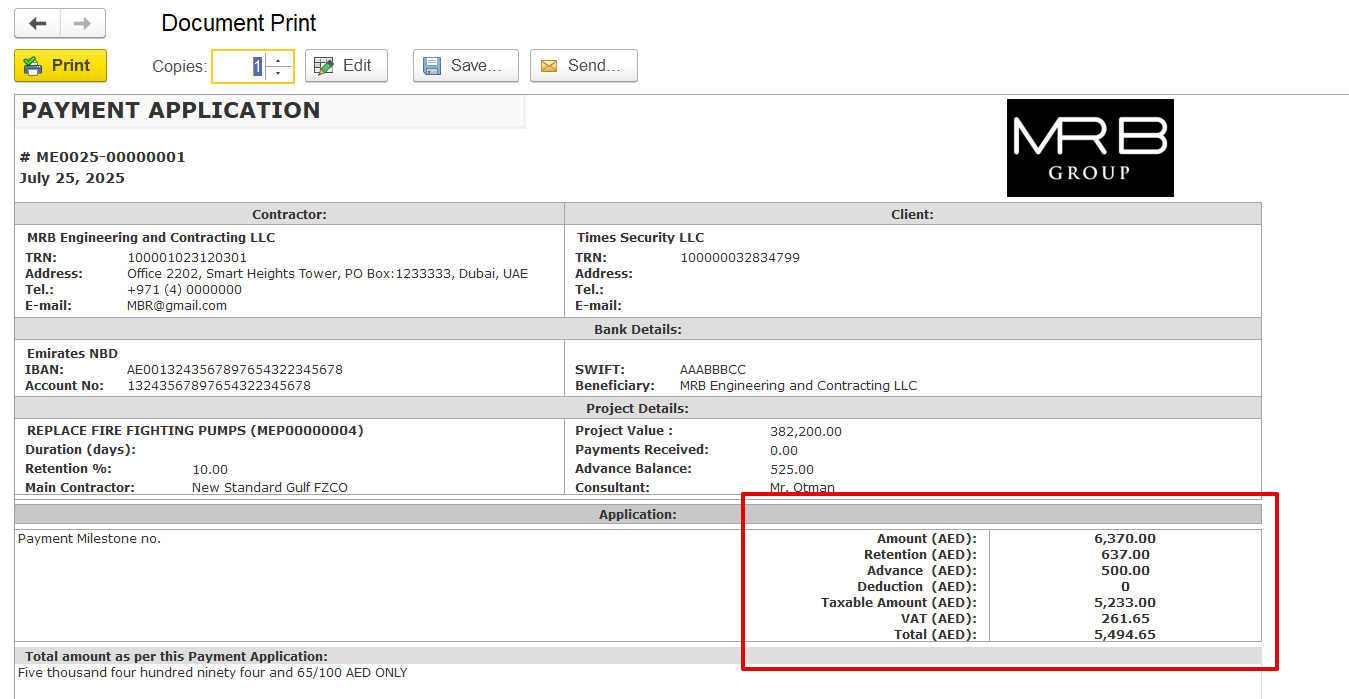
While offsetting can occur in the final invoice, including the advance in these documents serves two key purposes:
a) To reflect the advanced impact on the print form
b) To automatically carry forward the advance amount in the prepayment field to subsequent linked documents, such as payment certificates and invoices, thereby eliminating the need for manual selection on each document.
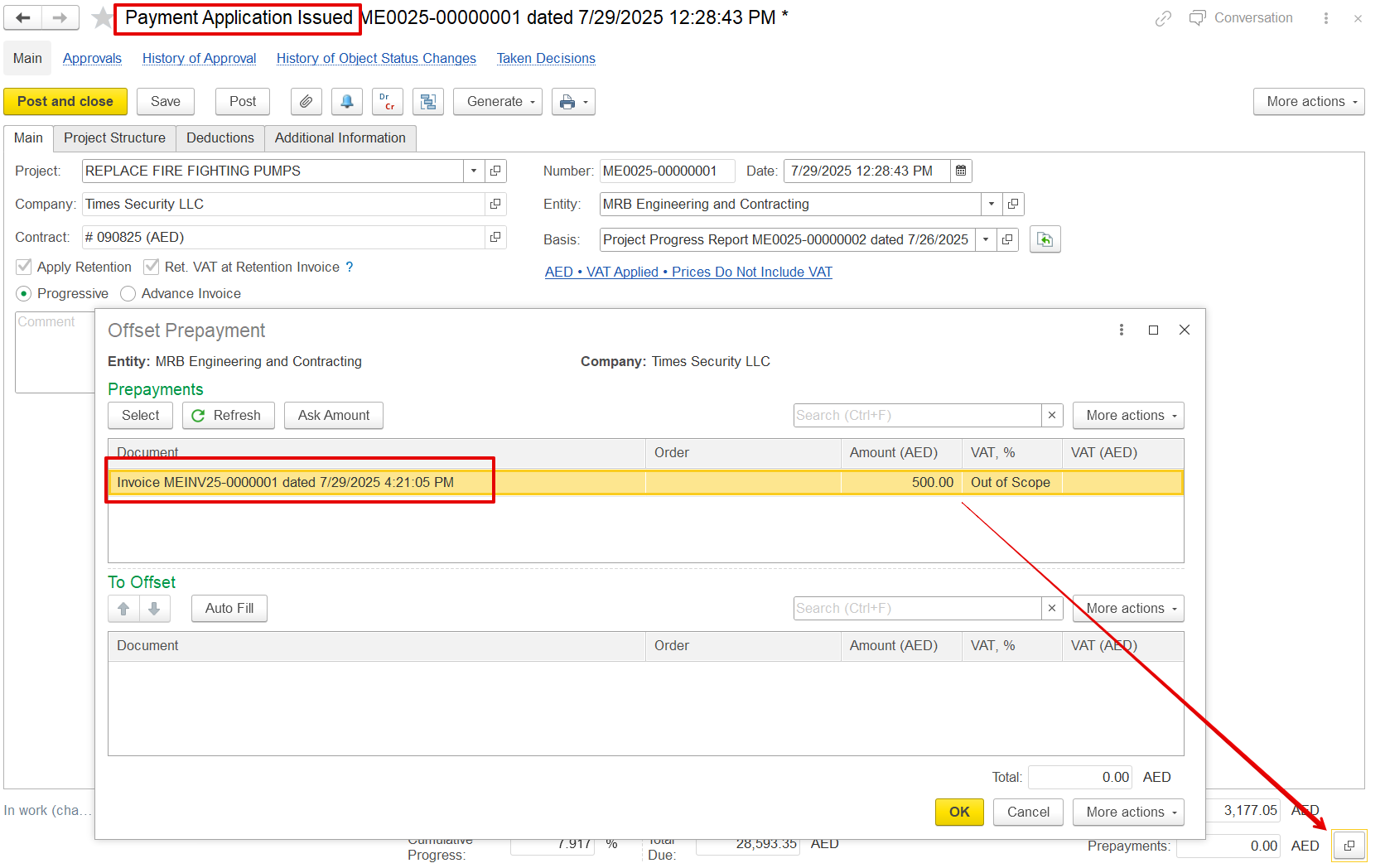
Print form
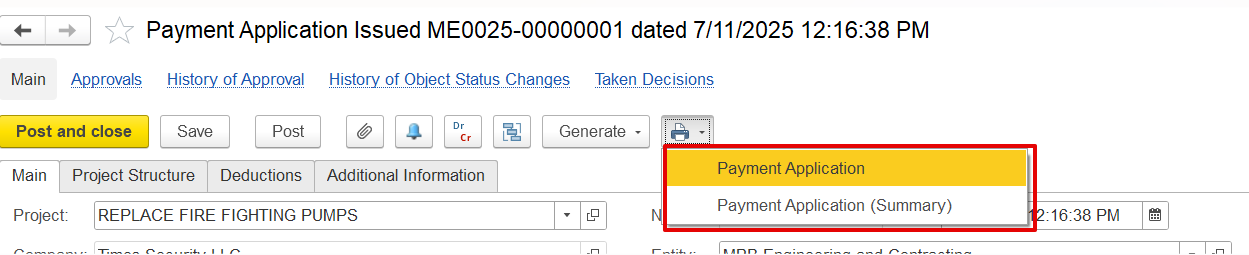
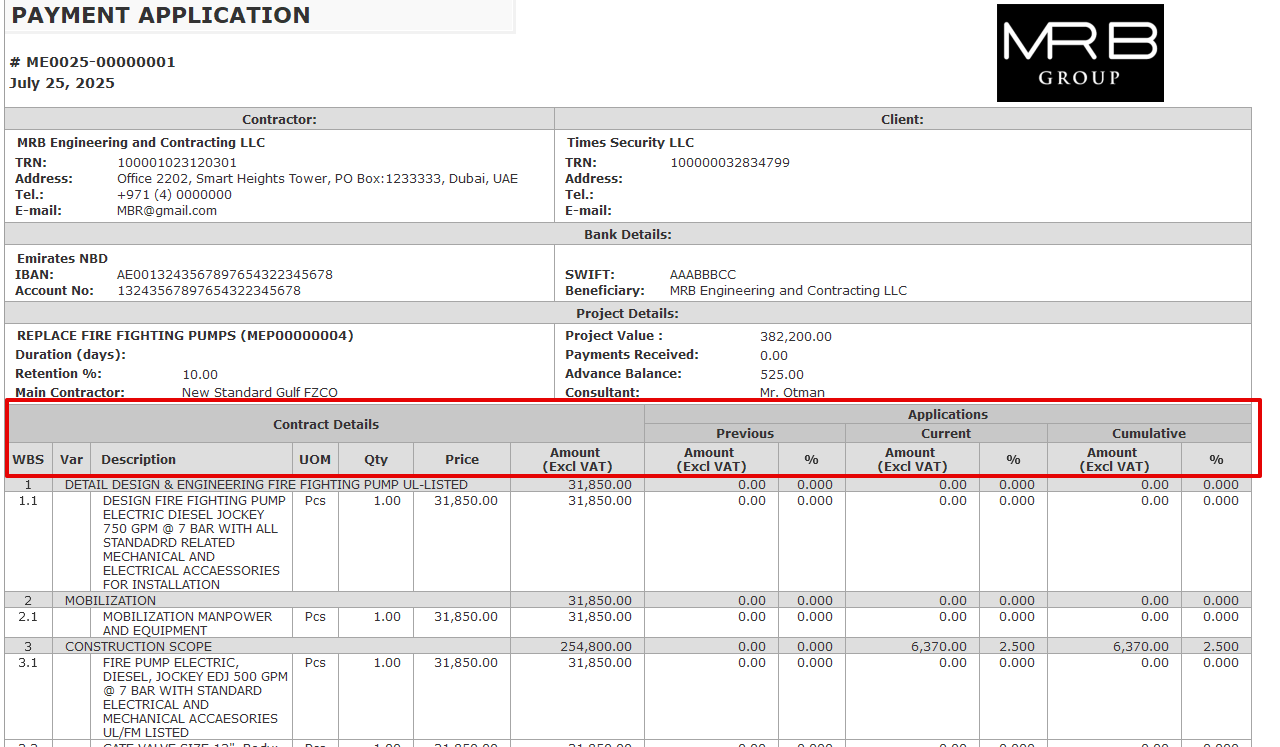
a) Payment Application- It provides a complete breakdown of all items, including VAT, retention amounts, progress details, and any deductions applied.
b) Payment Application (Summary)- Shows just the key totals like net payable amount, VAT, and advance offsets for a concise overview.