...
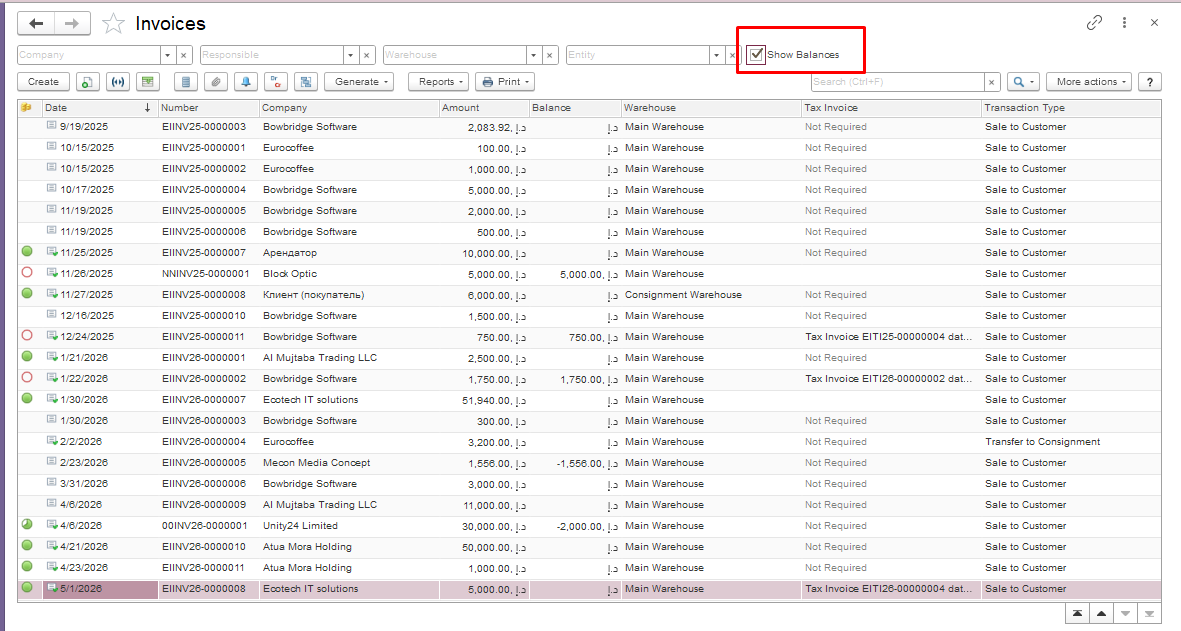
- Enable the “Show Balances” option if it`s not enabled:
In the document list, open the “More actions” menu and select “Change Form.”
...
After adding this option, a new “Show Balances” field will appear in the document list. To display the balances, simply tick the box.
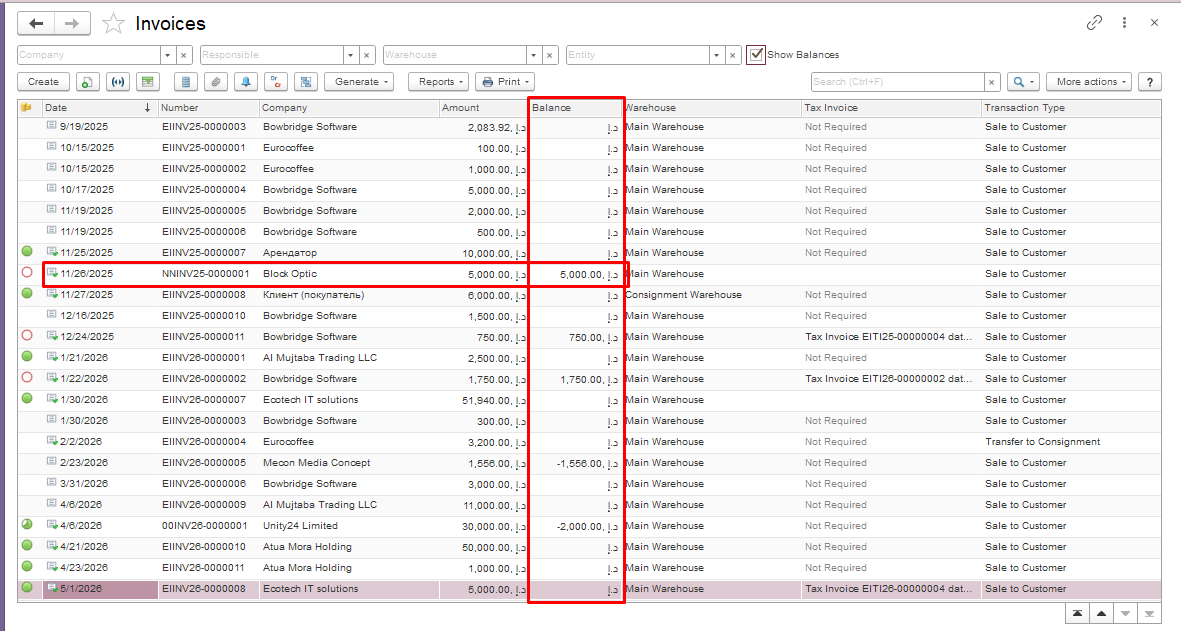
Once e the function is enabled, an additional column will appear in the document list. This column displays the balance for each individual document.
Thank you for being a FirstBIT customer!
#showbalances#invoiceshowbalances#invoicereceivedshowbalances