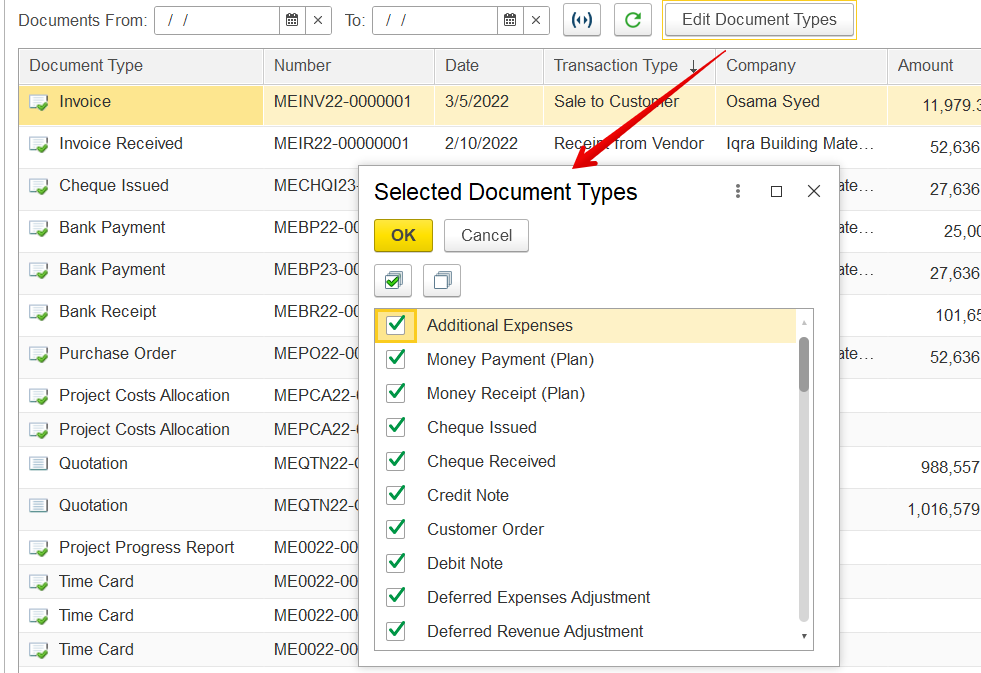
This tab allows viewing all documents linked to the project.
Project Documents Tab (in the “Projects (create)” form)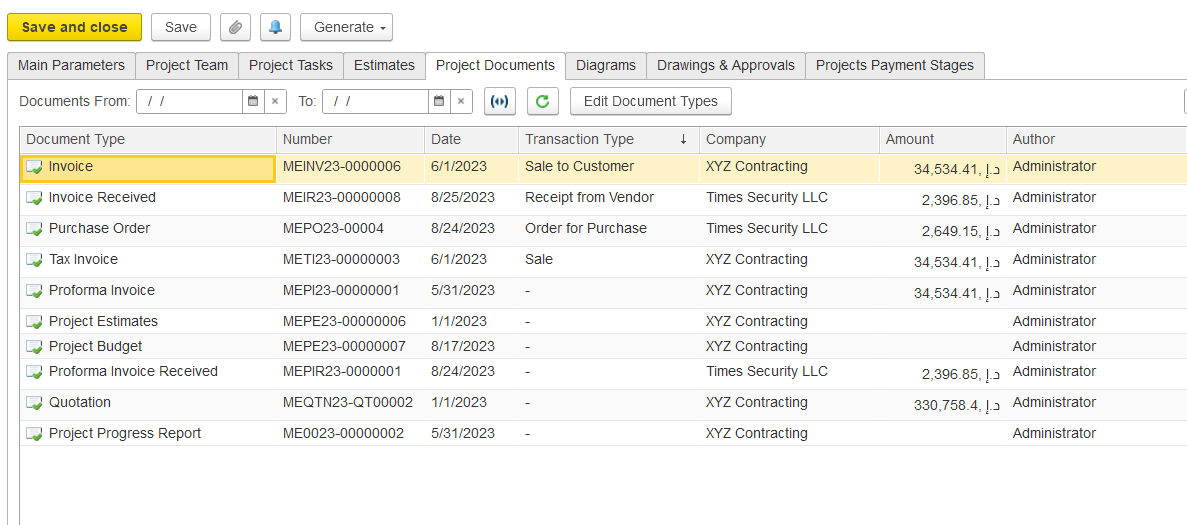
You can narrow down the document list using filters or the Search field. To find documents by company, start typing the company name. To locate a specific document, enter part of the document number, type, or any related comments. For date-based filtering, set a range using the "Documents From" and "To" fields.

To filter by a predefined period (like month, quarter, or year), use the calendar period filter.
To view only certain types of documents, click Edit Document Types. This opens a dialog box where you can select or deselect document types. Click OK to apply your selection, or Cancel to discard any changes.