...
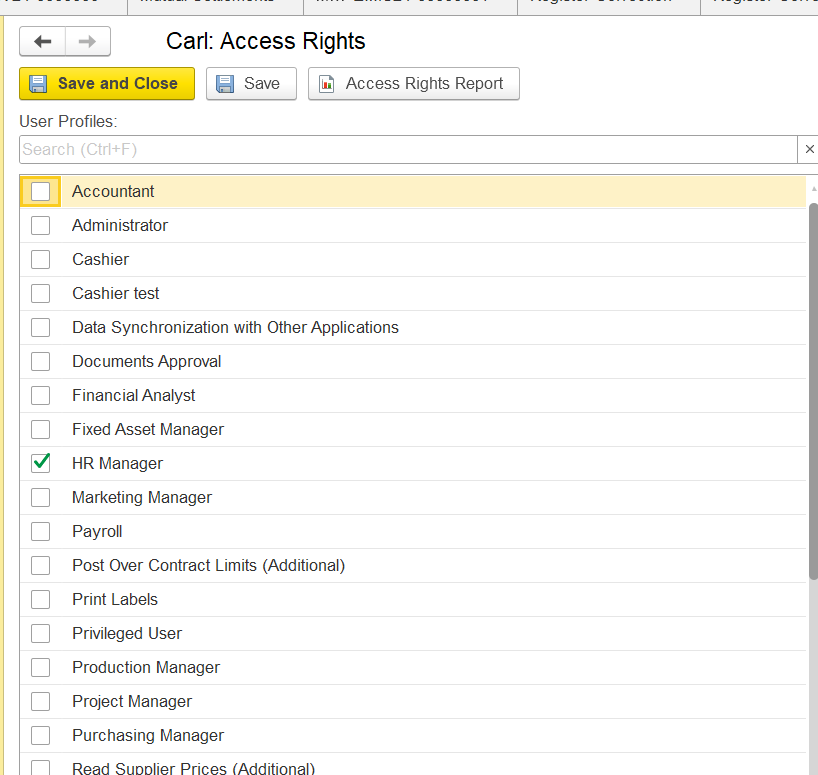
For instance, User Carl has an HR Manager access profile only.
Configure the Required Access Rights
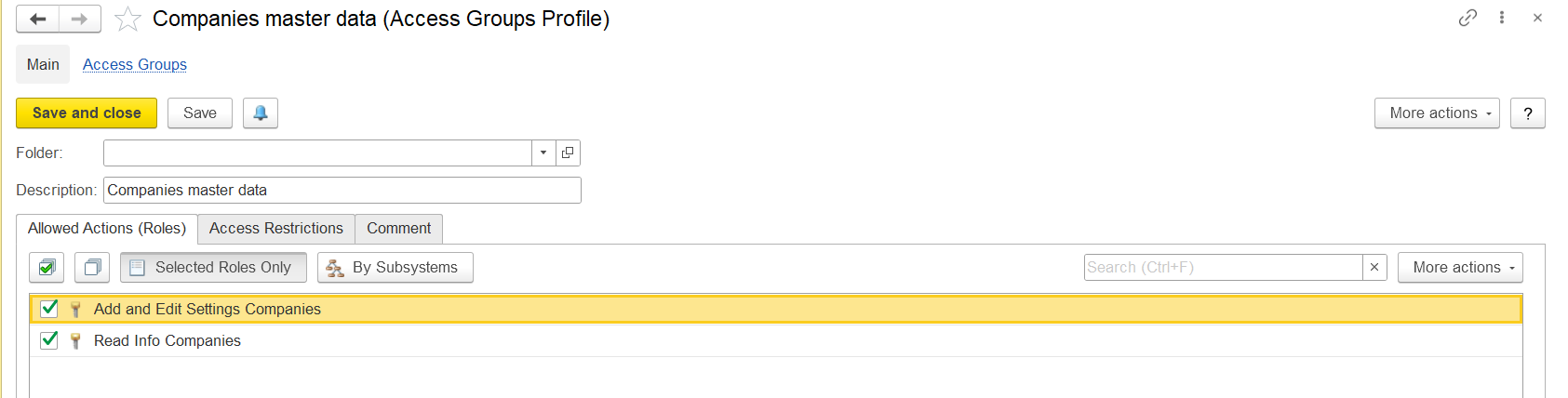
In Administration → Master Data → Access Groups Profiles, add a new profile and assign roles for the required object.
For the Companies master data, the following roles should be included:
- Add and Edit Settings Companies
- Read Companies Information
In Administration → Master Data → Users, open the user's Access Rights tab and assign the newly created access profile.
...
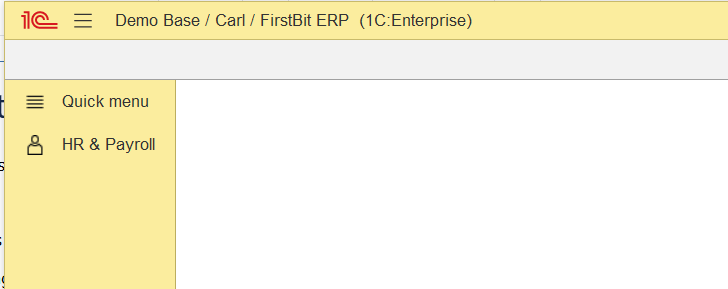
After applying the specified settings, user Carl will gain the rights to read and edit the Companies catalog, but will not see it in his user interface (as Companies master data is part of the Sales and Purchasing sections, which Carl does not have access to).
Solution:
After the required access rights have been granted, the user may have access to a specific object even if the section where this object is normally located is not available in the user's interface.
For example, User Carl has been granted access rights to the Companies master data but does not have access to the Sales and Purchasing sections. Therefore, the Companies master data will not be available through the standard section navigation.
...
How to find an object that is not available in the standard section navigation using Global Search, but you have access rights to this object
Use the Global Search field at the top of the FirstBit ERP interface.
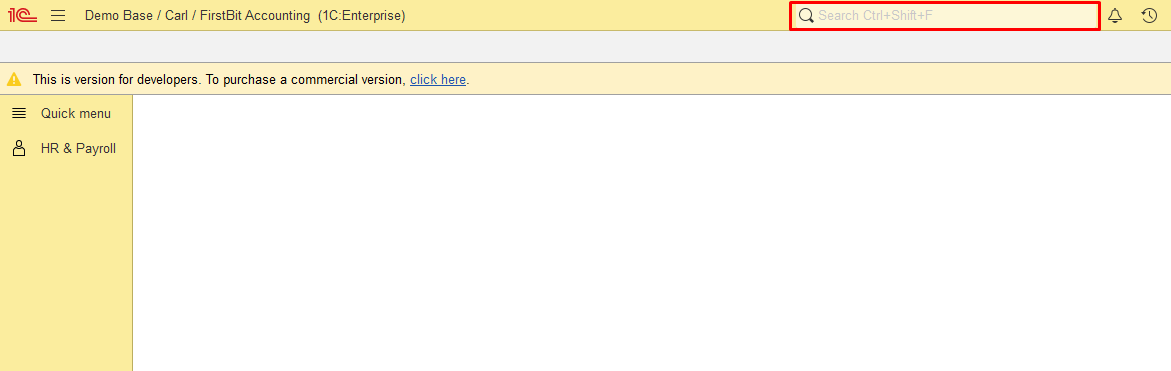
Enter the name of the required object, for example, Companies.
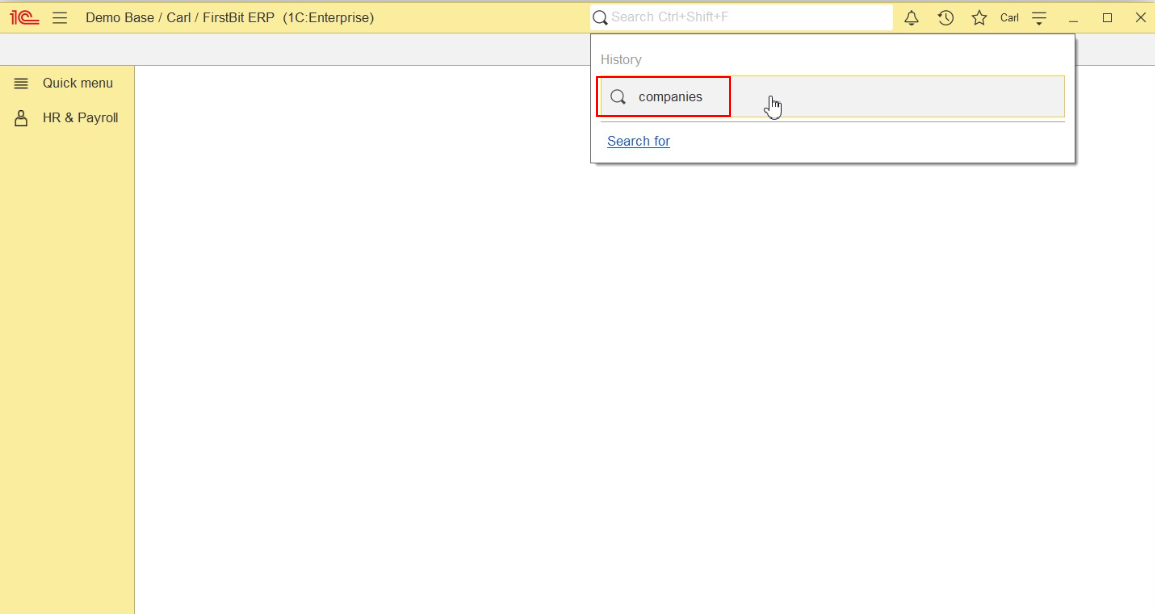
Select the required object from the search results.
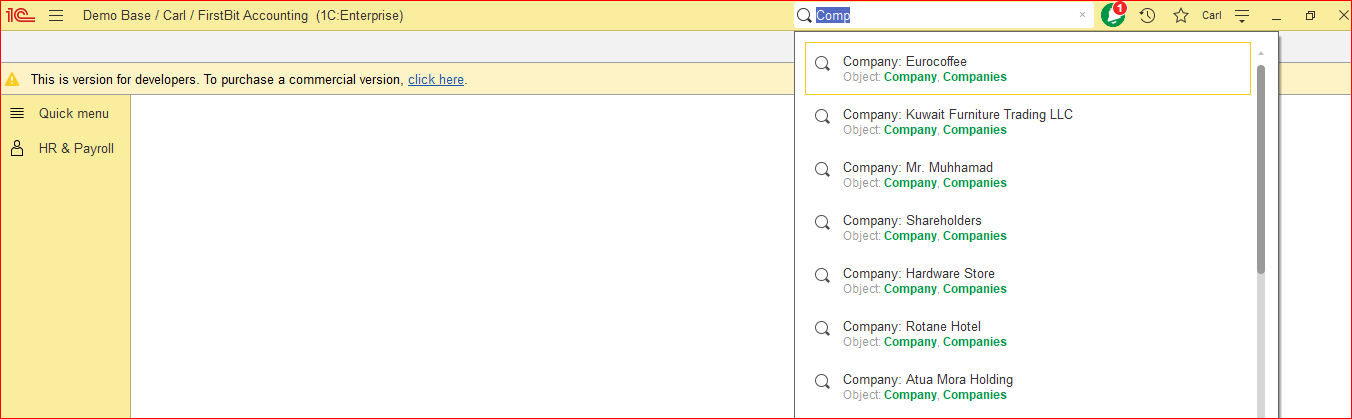
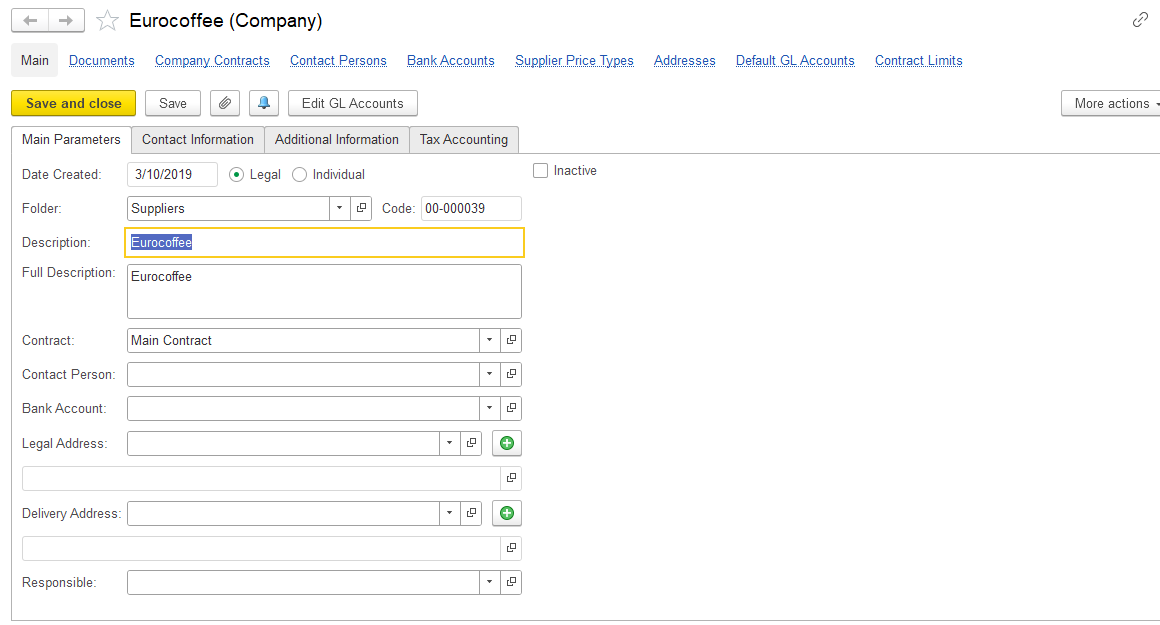
The object can be opened only if the user has the appropriate
...
access rights
...
.
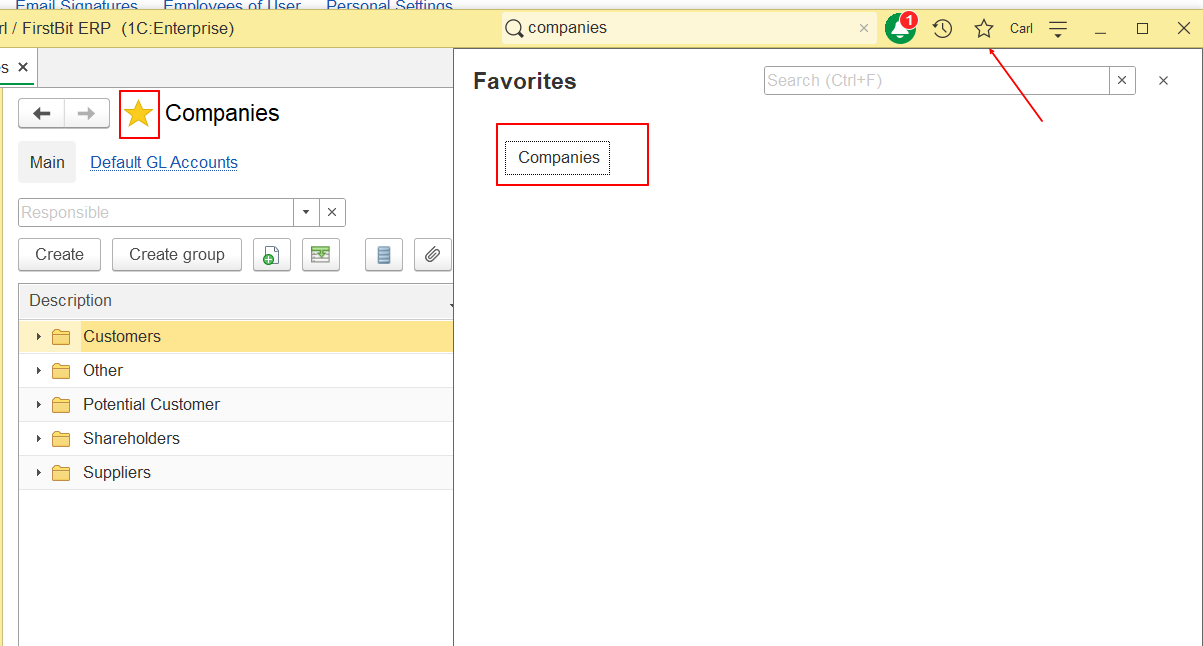
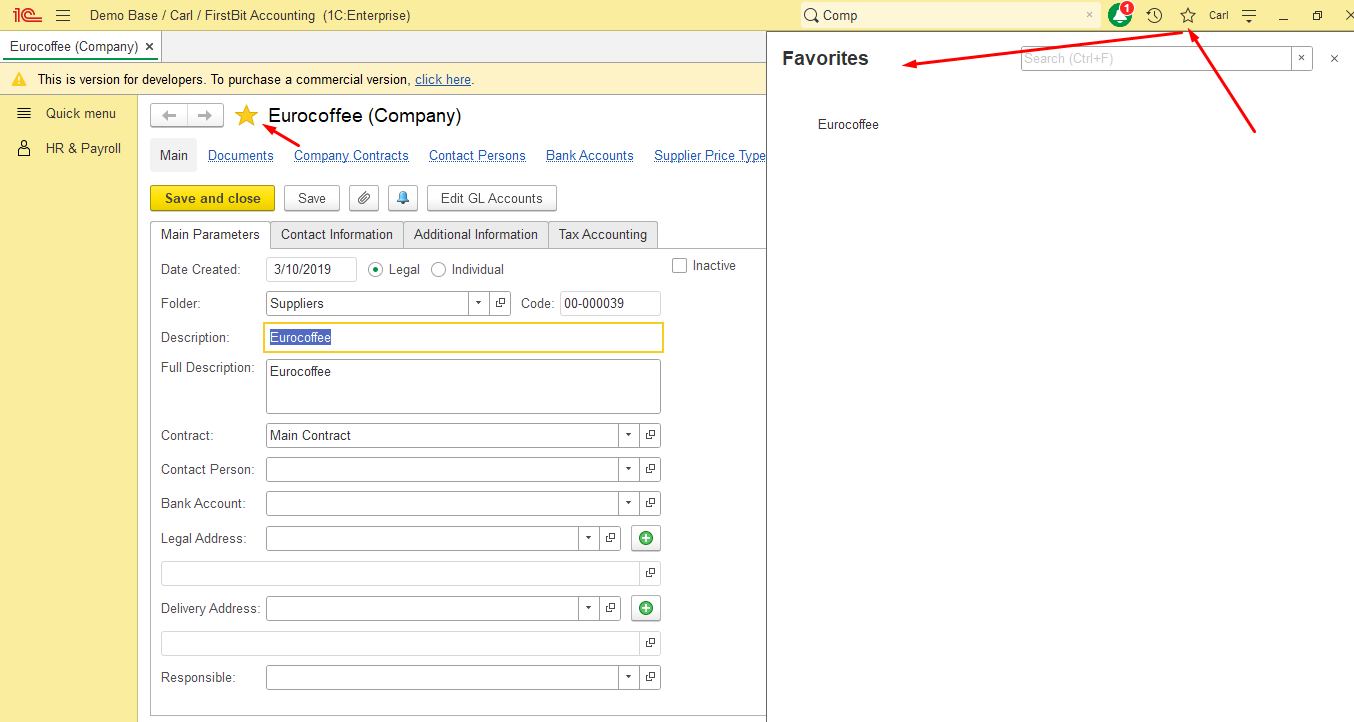
For easier access in the future, the user can add the object to Favorites by clicking the star icon next to the object name.
Additionally, if needed, user can find this directory using the global search function, or, for more convenience, user can add it to the favorites panel by clicking the star icon next to the Company name.
Thank you for being FirstBit customer!
#New access right #Objects within the section #Object Not Visible #Object Not in Menu #Access Without Section #Global Search #Object Access Rights