...
Description
...
...
Description
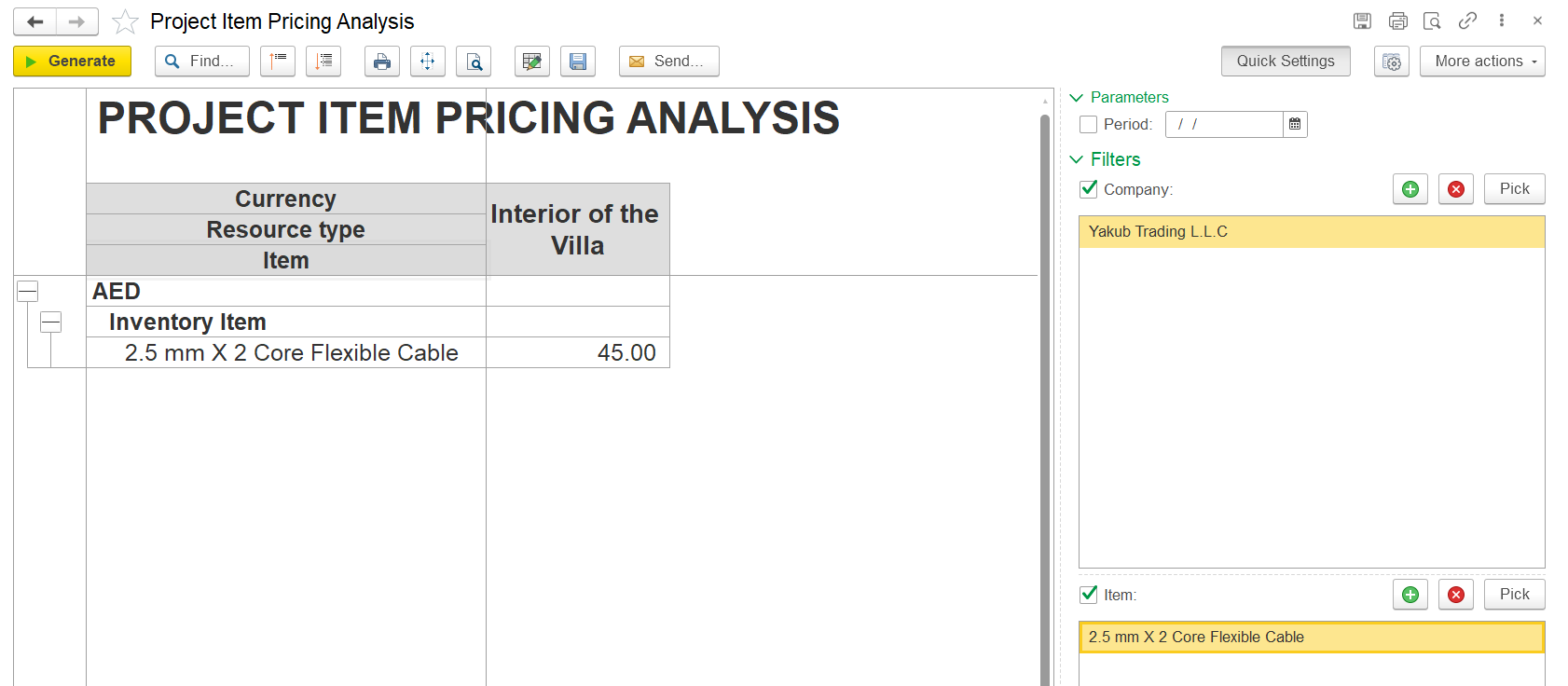
This report shows displays the applied prices for different various expense types, such as including inventory, services, manpower, and fixed assets, grouped organized by project. It displays shows the prices side by side for each project, making it easier to compare costs for the same cost element.
If a project is not listed selected in the Project Item Pricing document, the report will show a "CommonDefault Prices" column as the first column. These are default prices, and they will be used for any projects that don’t have their own specific pricing set.
...
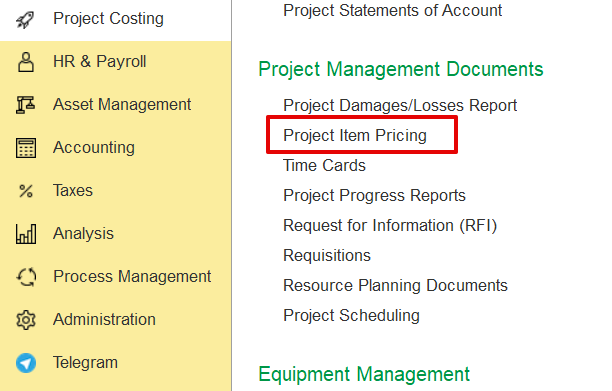
The data in this report is sourced from the Project Item Pricing document within the Project Costing module.
Structure
...
Report header
...

Generate - Executes the report based on the selected filters or parameters.
Find- Allows users to search within the report for specific text or values.
Collapse/Expand Groups – Show or hide grouped sections in the report.
Print Button- Opens a print preview or directly sends the report to a printer.
Fit to Screen/Zoom Button- Adjusts the report layout to fit within the screen or zooms into specific areas.
Search Button (Magnifying Glass)- An alternate or advanced search tool for locating specific records or entries.
Edit Mode Button- Enables editing mode for the report or screen.
Save disk- Allows formatting or exporting options to be saved to the desk as per required formats such as to Excel or PDF.
Send- Used to email or forward the report directly to another user or contact.

Item: This section lists all materials, services, and manpower related to the projects. Items are grouped by resource type, with each item displayed under its category.
Project Columns: Each project appears as a separate column, showing the unit price or cost for each inventory item as it applies to that specific project.
Filters and Parameters
What data means
Allows you to filter the report by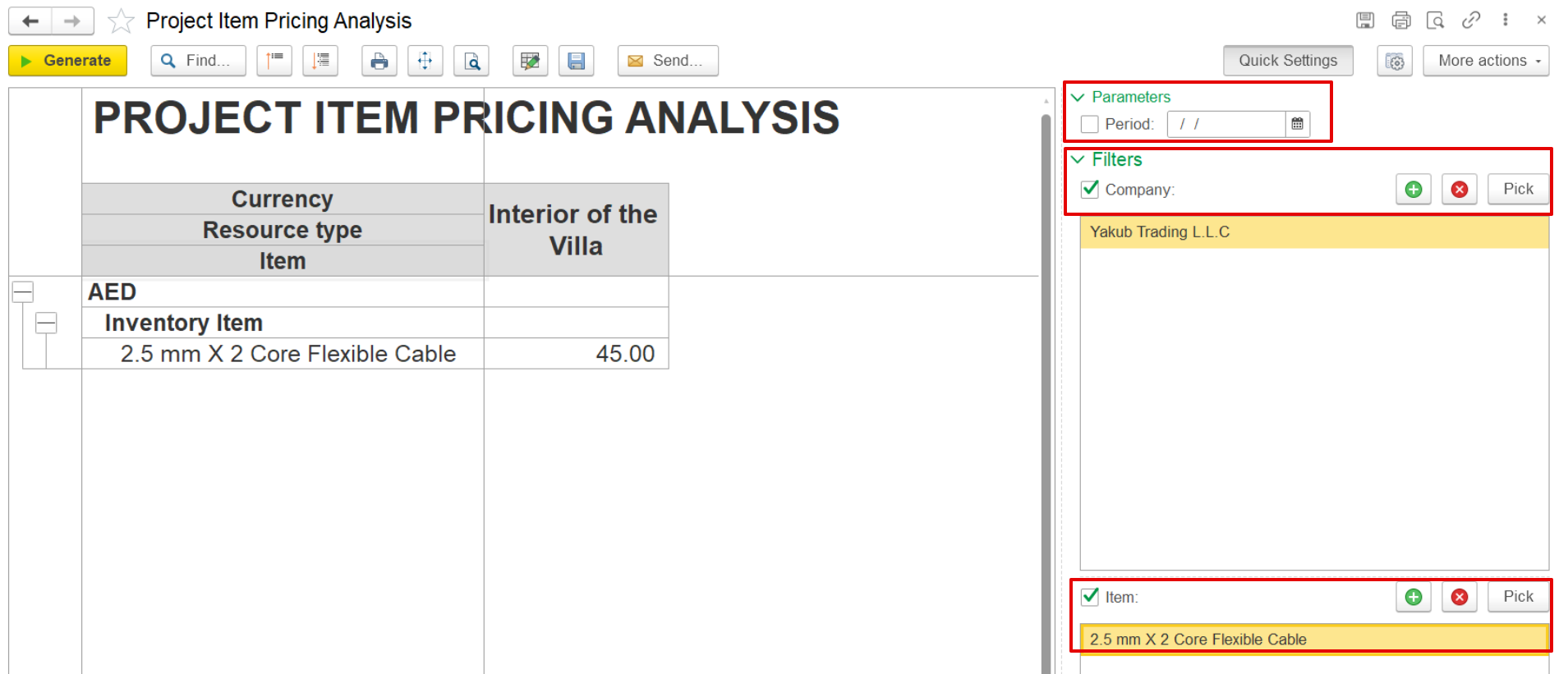
The report allows users to filter data using default settings:
Period –
selectChoose a specific date range for the report.
Company –
chooseSelect one or more
companiesSpecific Items – filter by particularpotential suppliers to view their registered item prices. (Company from Project Item Pricing document)
Items – Filter by certain inventory, service, or
manpower items.
...
resource items.