...
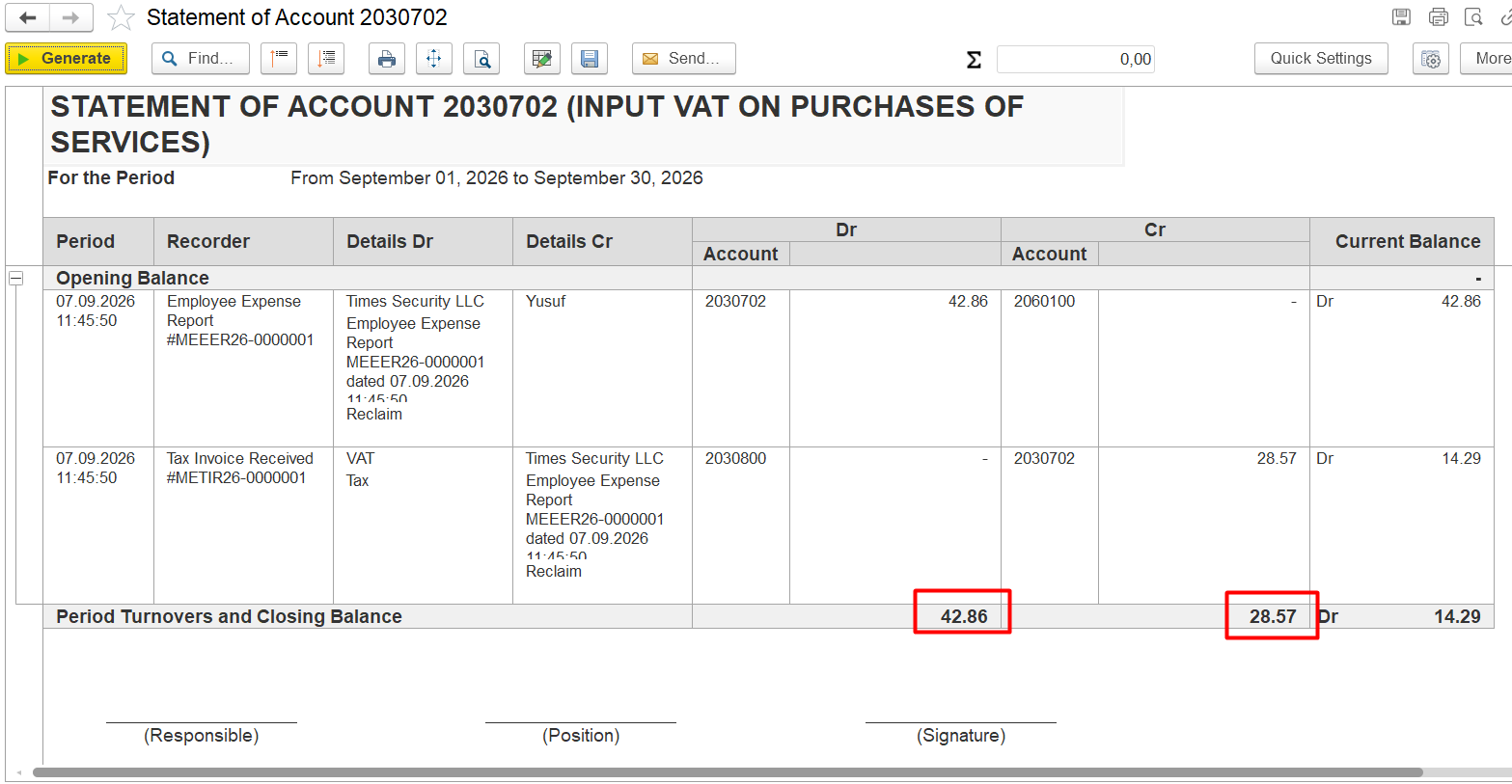
Which transaction caused this difference?
Problem / Symptom
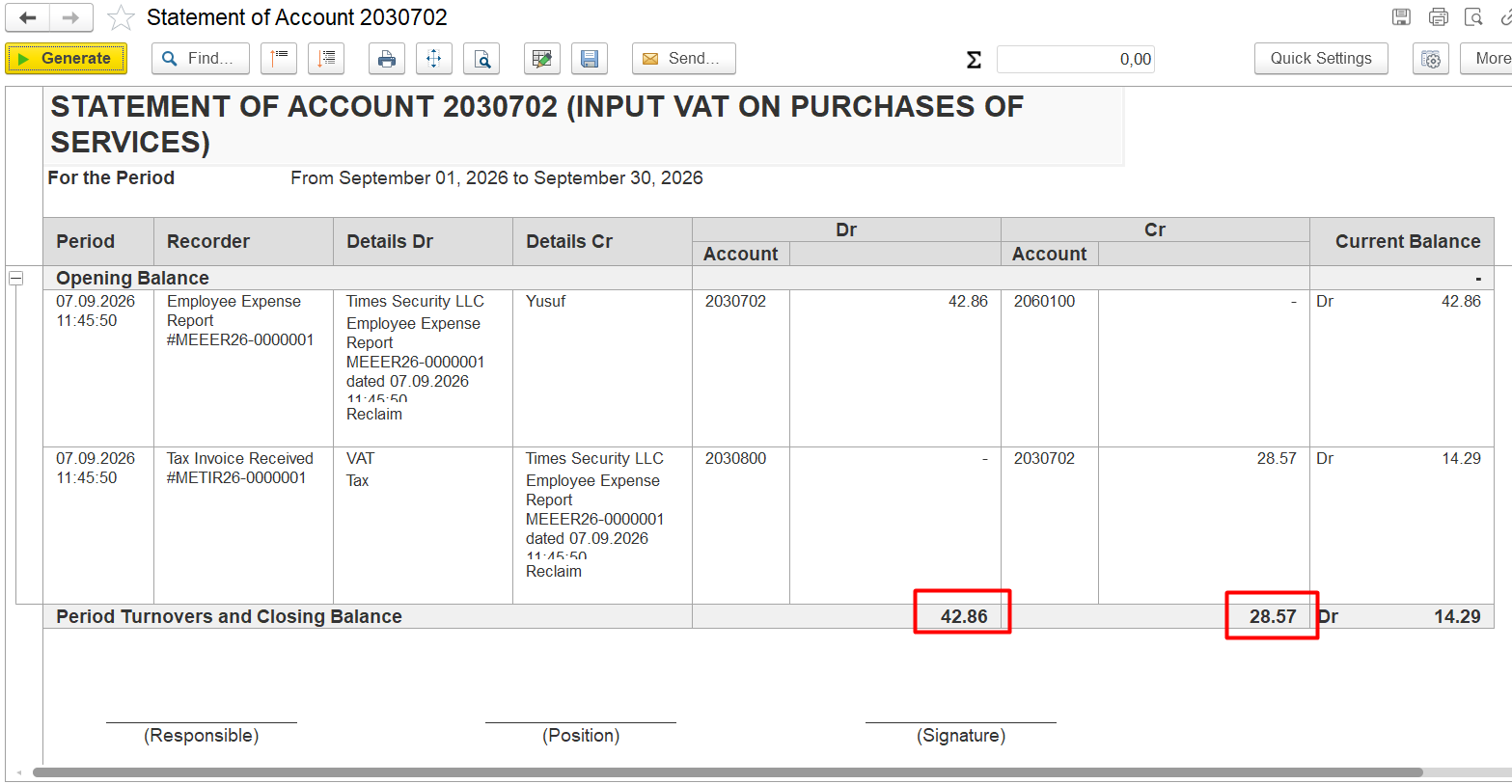
The discrepancy in the amounts in the debit and credit columns.
Conditions
The Invoice received is posted.
The payment was processed using a Cheque Issued and Bank Payment.
The payment has been posted.
The Invoice received remains outstanding after the payment is posted.
...
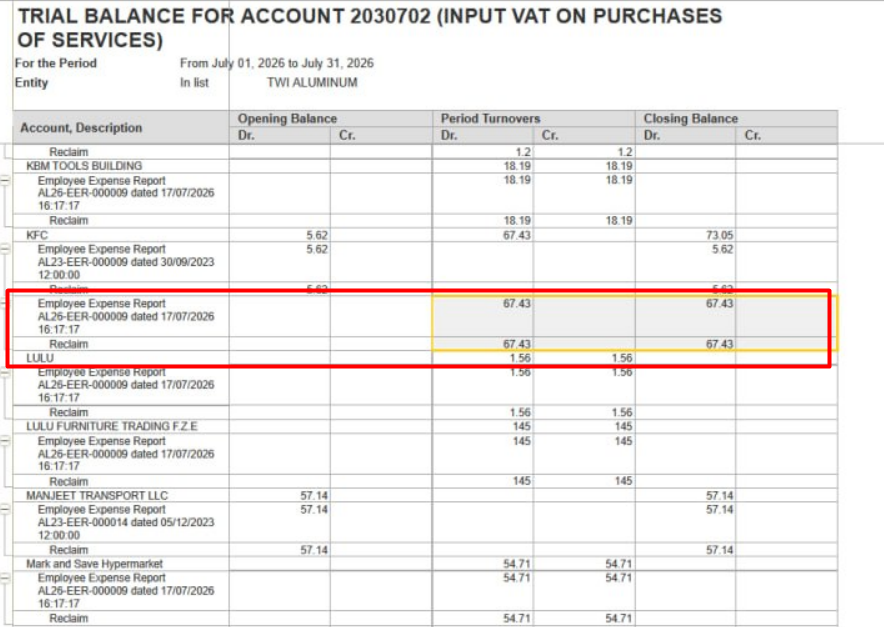
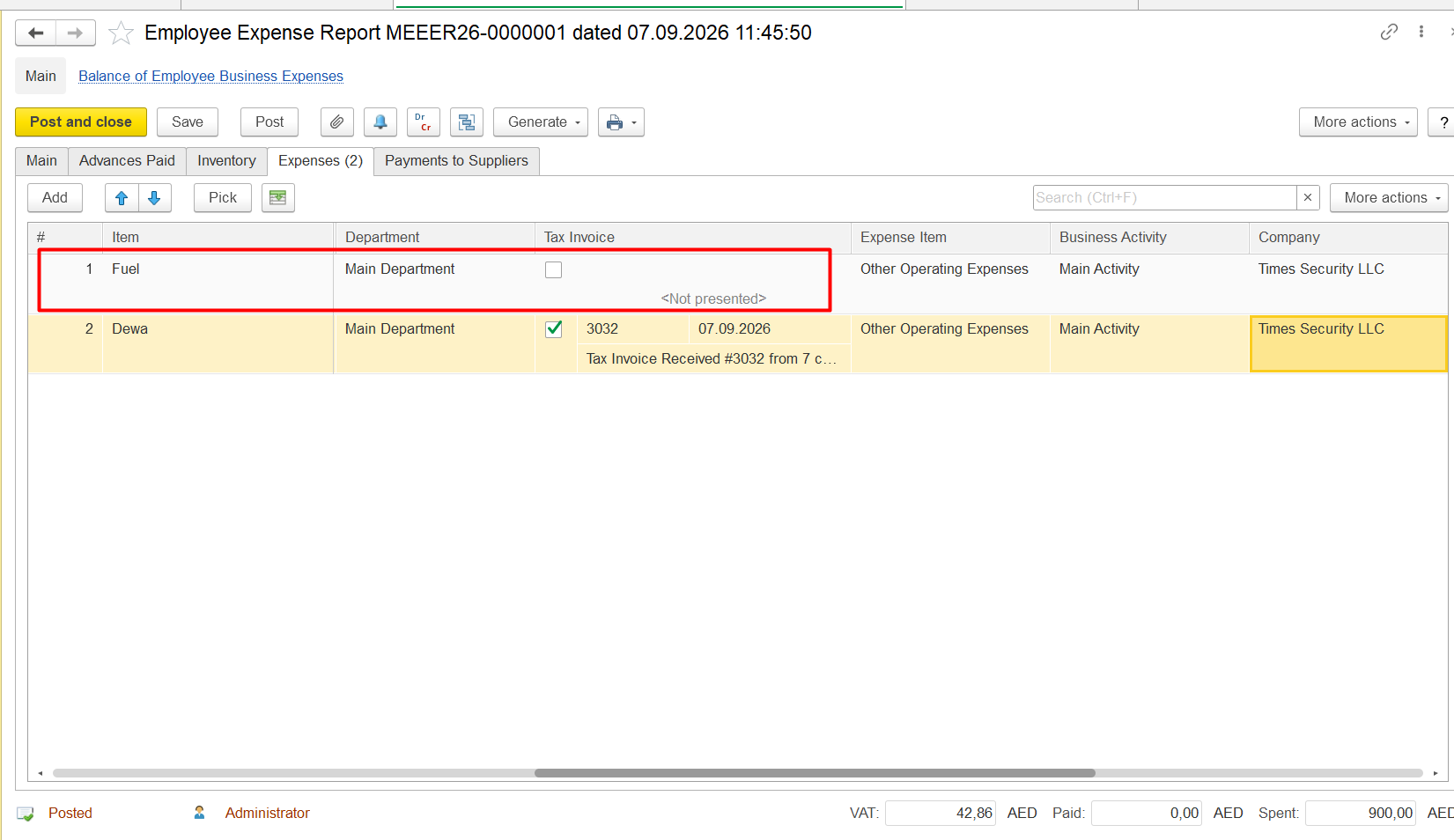
Employee expense reports are present, but not all items have a tax invoice received, so Cr column is empty:
Diagnostics
Open the Bank Payment related to the supplier payment.
Identify the corresponding Cheque Issued.
Open the Cheque Issued.
Go to the Payment Details tab.
Check whether the Advance option is selected.
Check whether the corresponding Invoice received is specified in the Document field.
If the Advance option is selected and the Document field is not filled in, the payment has been processed as an advance rather than allocated to the specific Invoice received.
...