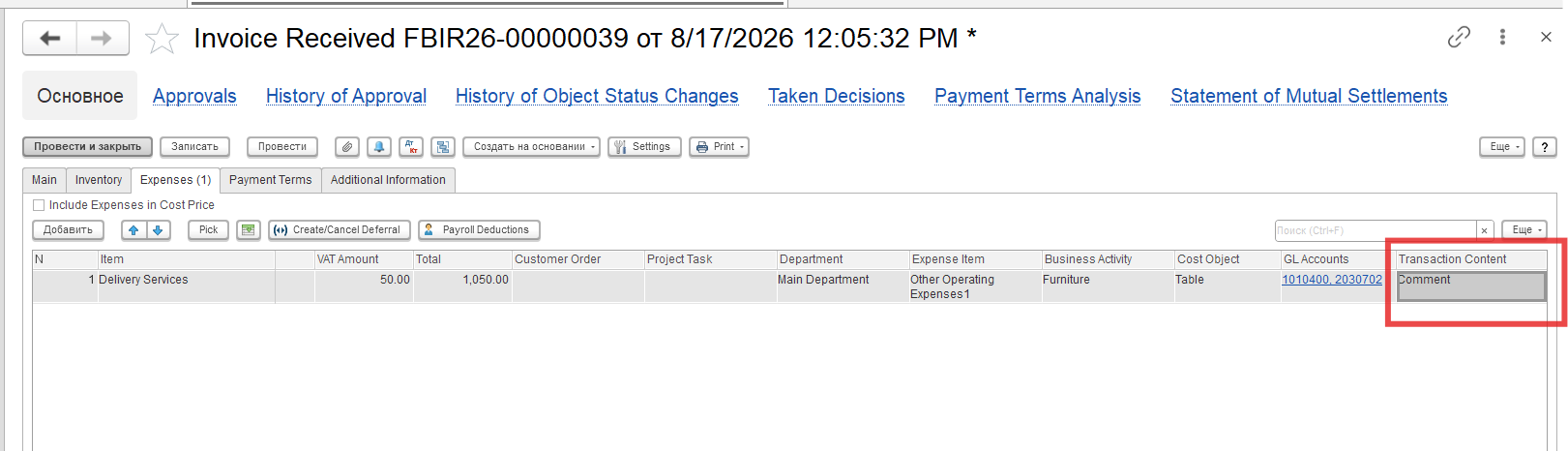
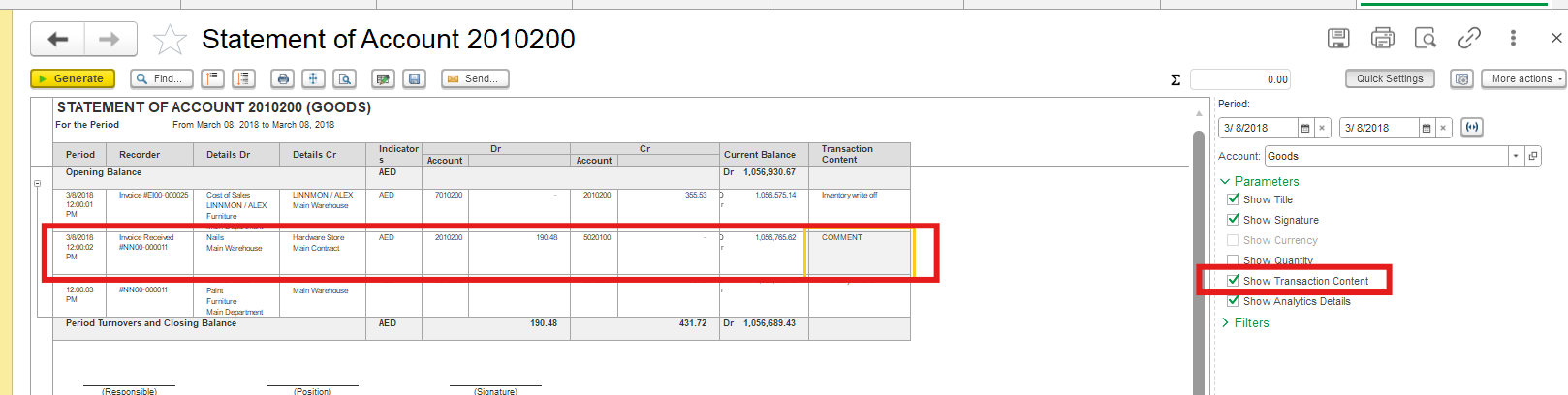
Problem: How to add column "Сomment" to Statement of Gl Account?
Solution:
Standard accounting reports, such as the Trial Balance and Statement of GL Account, are predefined system reports. They are generated based on Accounting Registers, and their structure is predefined by the developers. Therefore, the available customization options are limited — in particular, and users cannot add new columns or tabs (, such as a Comment tab)separate Comment tab.
Adding a separate Comment field would require additional data processing, which would make the report more complex and could significantly impact its performance, especially with large volumes of data.
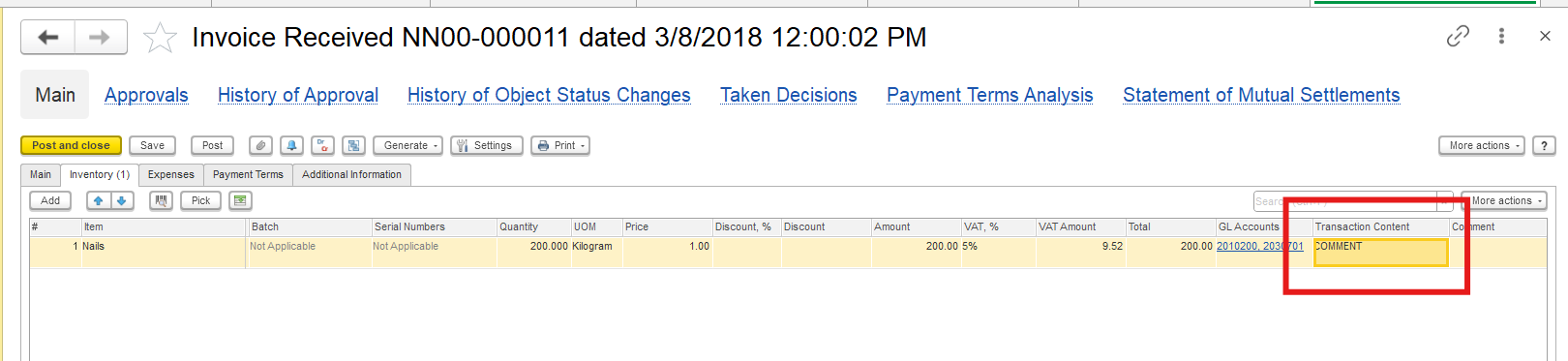
If you need to include additional information needs to be included in the Statement of GL Account report, we recommend using the Transaction Content field. This field is available in every document in user mode and is displayed in the report, allowing you users to include add the necessary comments or descriptions for each transaction.
To configure the display of this field, you can also follow the instructions provided in the link below:
Document and Document List form сustomization