Problem: During inventory write-off, items are added to the document lines even though there is no available stock on hand.
When creating an Inventory Write-Off and using the Fill by balance option, items may appear in the document even though they are not physically available in stock.
...
Then proceed with the Inventory Write-Off. The sold items will no longer appear in the Inventory Write-Off document.
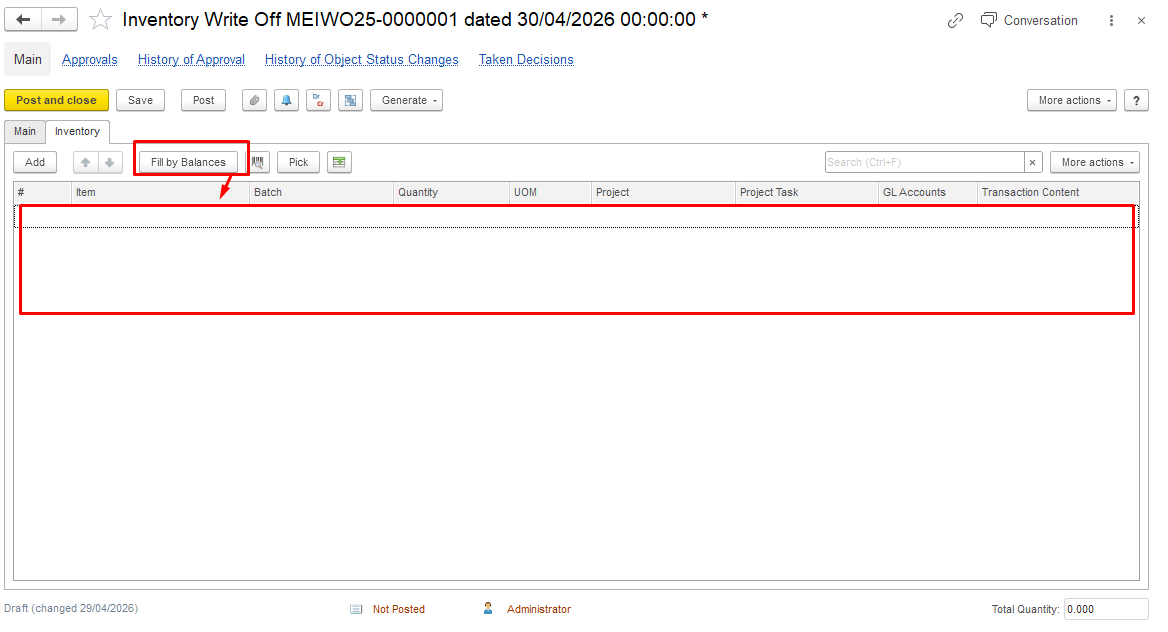
Opposite scenario: no stock is available for operations because the financial register shows zero, while the warehouse report still shows a balance
In such cases, the system may block operations (e.g., Write-Off) due to lack of financial availability.
This type may be found with Stock Balance (by Warehouse) report
Navigate Warehouse - Reports - Stock Balance (by Warehouse)
...
If no stock exists in the financial register, the operation cannot be completed.
Why discrepancies occur
Typical reasons:
- Different posting sequences
- Documents affecting only one register
...
- Invoice Received
- Inventory Transfer
- Inventory Write-Off
How to investigate
- Open Stock Balance and drill down into movements for Inventory on hand accumulation register
- Open Statement of Inventory (by Warehouse) and review Inventory and expenses accumulation register data
- Compare:
- document postings
- sequence
- status
This helps identify which document caused the discrepancy.
Goods in Transit (Bottom Section)
This section is based on two registers:
...
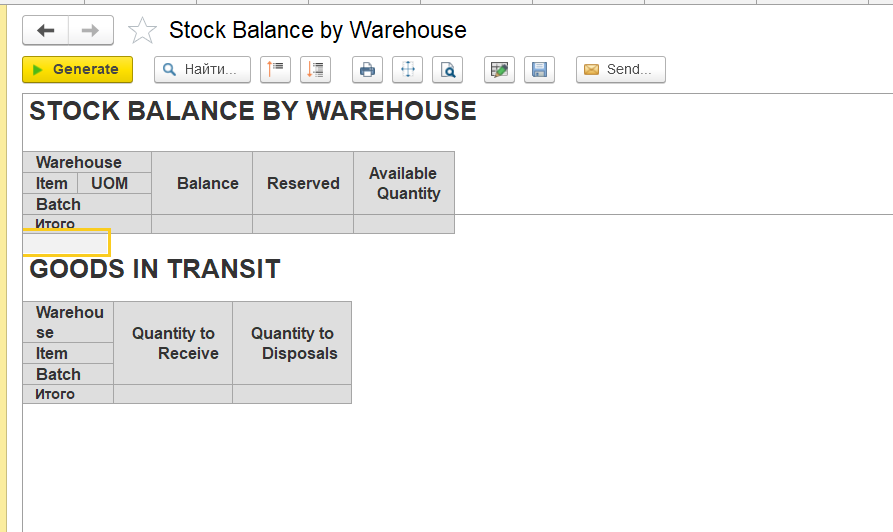
And if Material Dispatch Note will be correctly generated, report will not show any outstanding balances:
Summary
- Stock Balance reflects warehouse quantities
- Write-Off relies on financial availability
- Goods in Transit shows items in transfer
...