...
VAT amount is not applicable in documents (invoice received as an example:
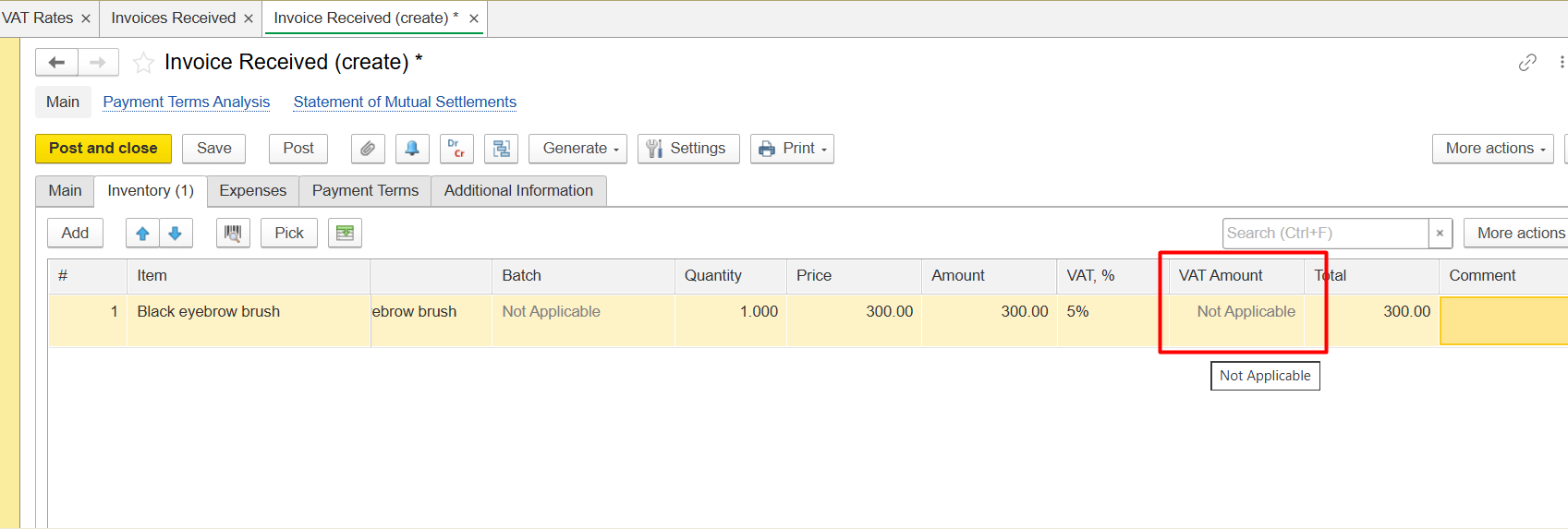
Solution: to check VAT rates:
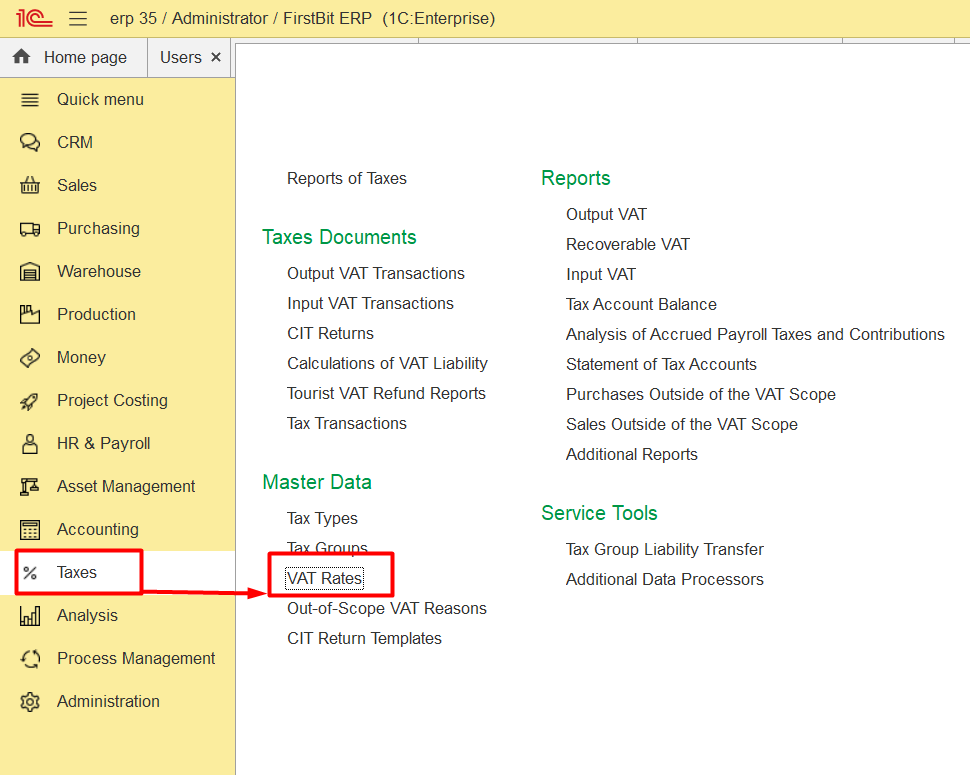
-Go to Taxes module, open list of VAT Rates and select the problem one, for example, 5%:
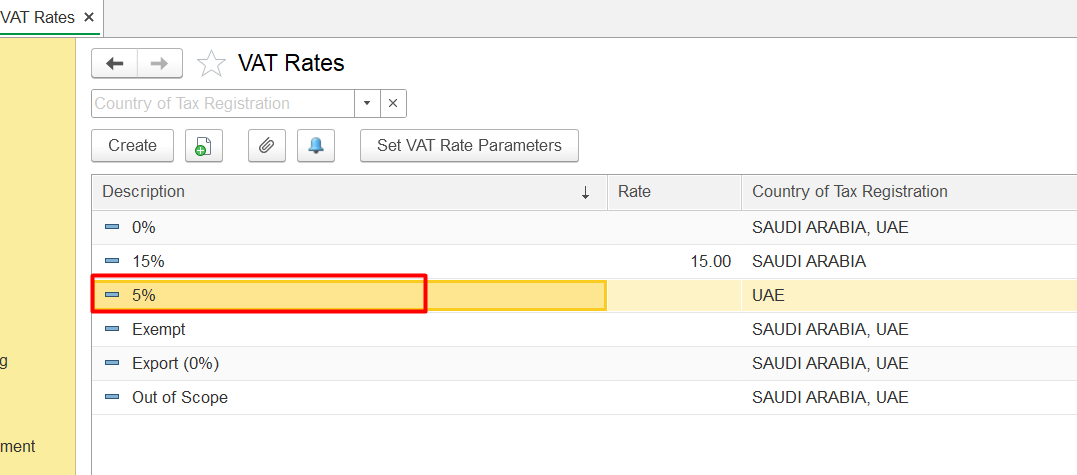
-Make surethat the rateRate field is filled in and there is not a zero (0):
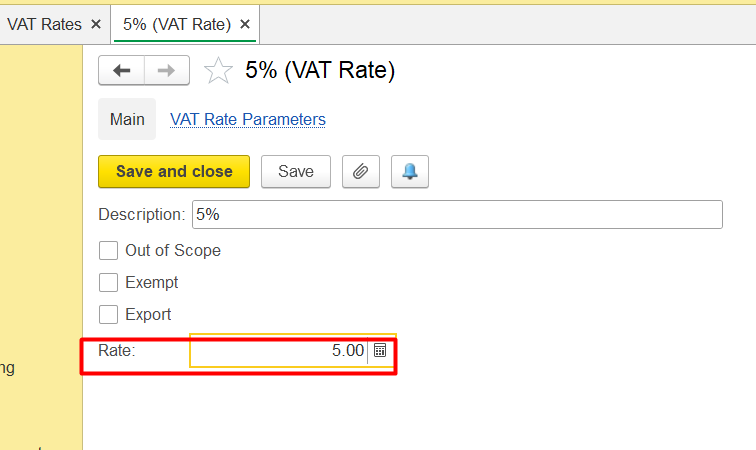
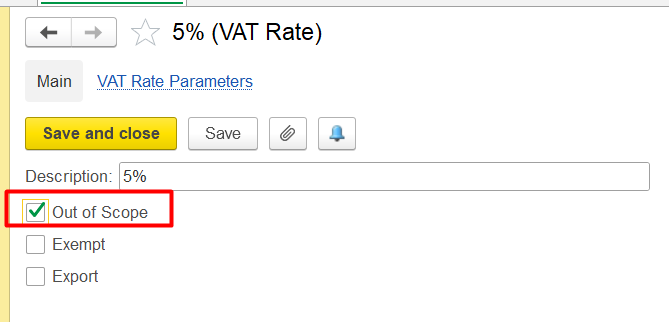
- Make sure that the selected rate type of rate is logically correct, means that not possible that . For example, a 5% rate might cannot be marked as Out -Of-of Scope or Export, so , that boxes these options should not be enable, example of incorrectnessdisabled:
Thank you for being FirstBIT customer!