...
All allocations are in the accounting currency.
Allocation of Depreciation cost
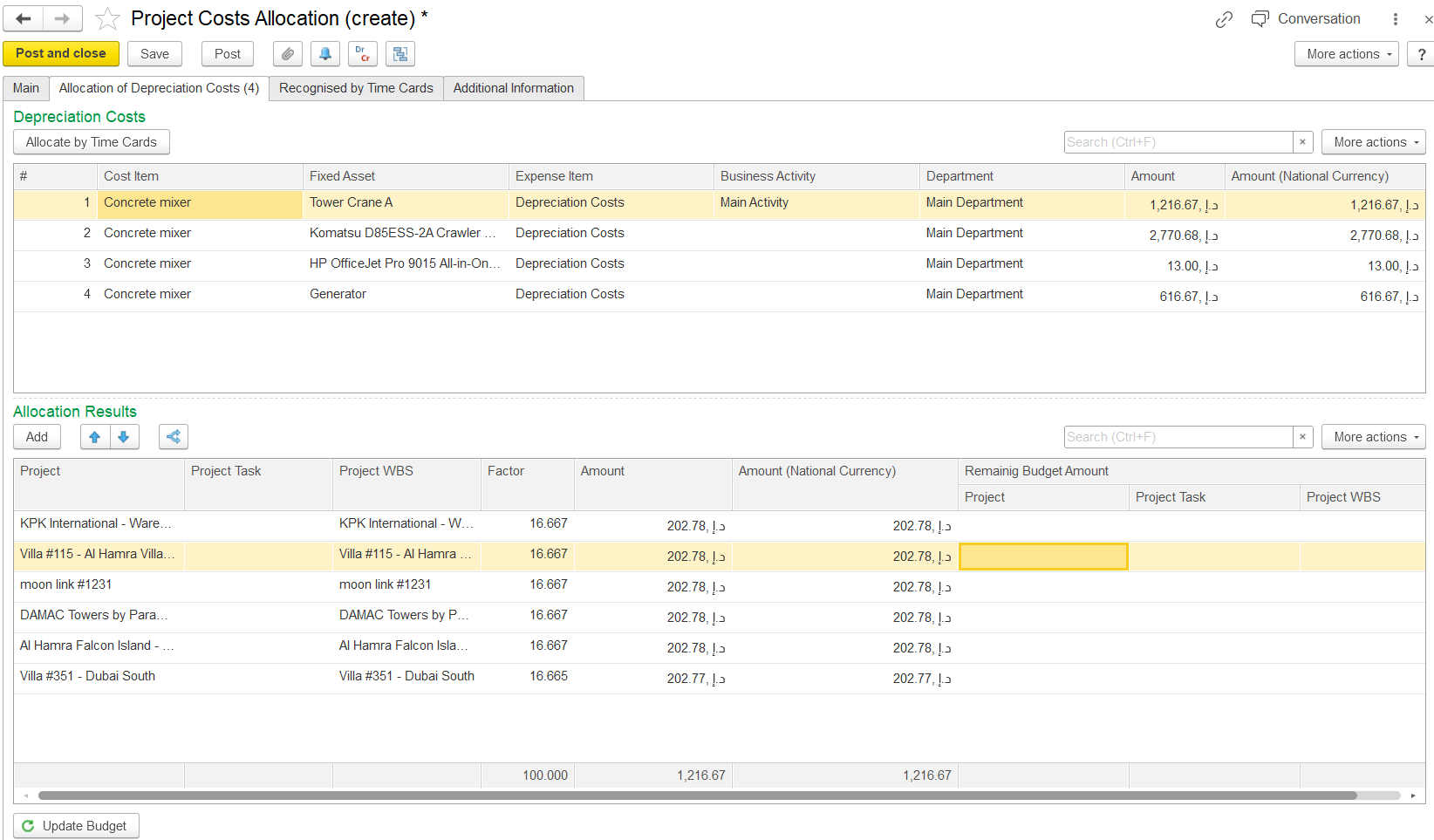
This tab is available only for documents with the Depreciation Cost Allocation transaction type. It contains two tables:
- Depreciation Costs - Automatically populated based on the depreciation calculation document selected on the Main tab.
- Allocation Results - Displays the depreciation costs allocated to projects.
To allocate costs, click the Allocate by Time Card button. The system will automatically distribute the depreciation costs according to the time card data of the fixed assets.
Main tab
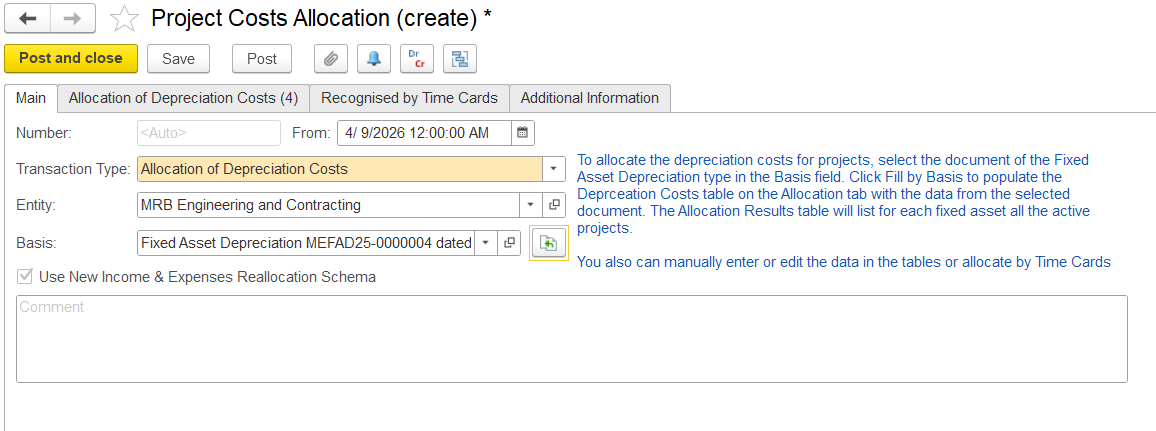
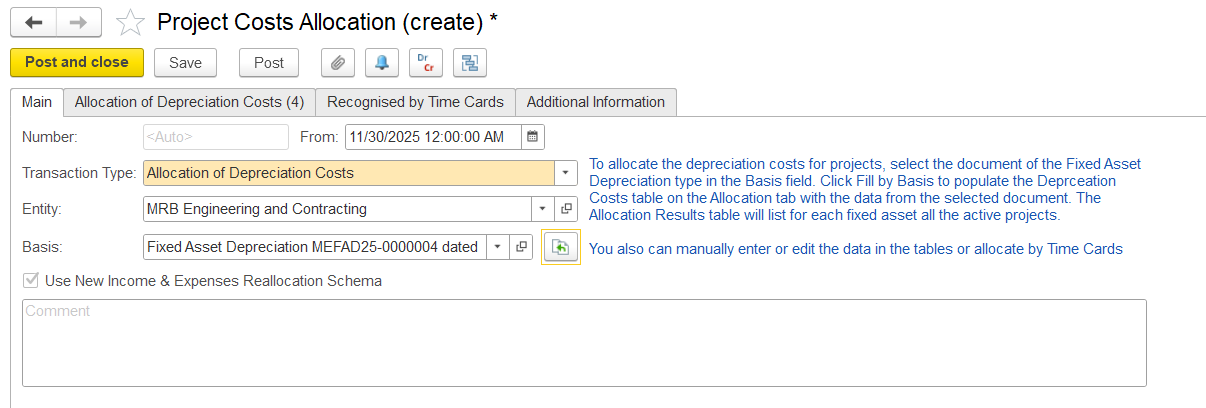
This tab is used to specify general information
- Entity - Select the entity
- Basis - Choose the Depreciation Calculation document to use for allocating costs to projects; this field is mandatory
- Fill by Basis - click this option to automatically populate the Depreciation Costs table with data from the selected document.
- Comment - Optional field to add notes or remarks
Allocation of Depreciation cost
This table shows how depreciation is distributed across projects.
...