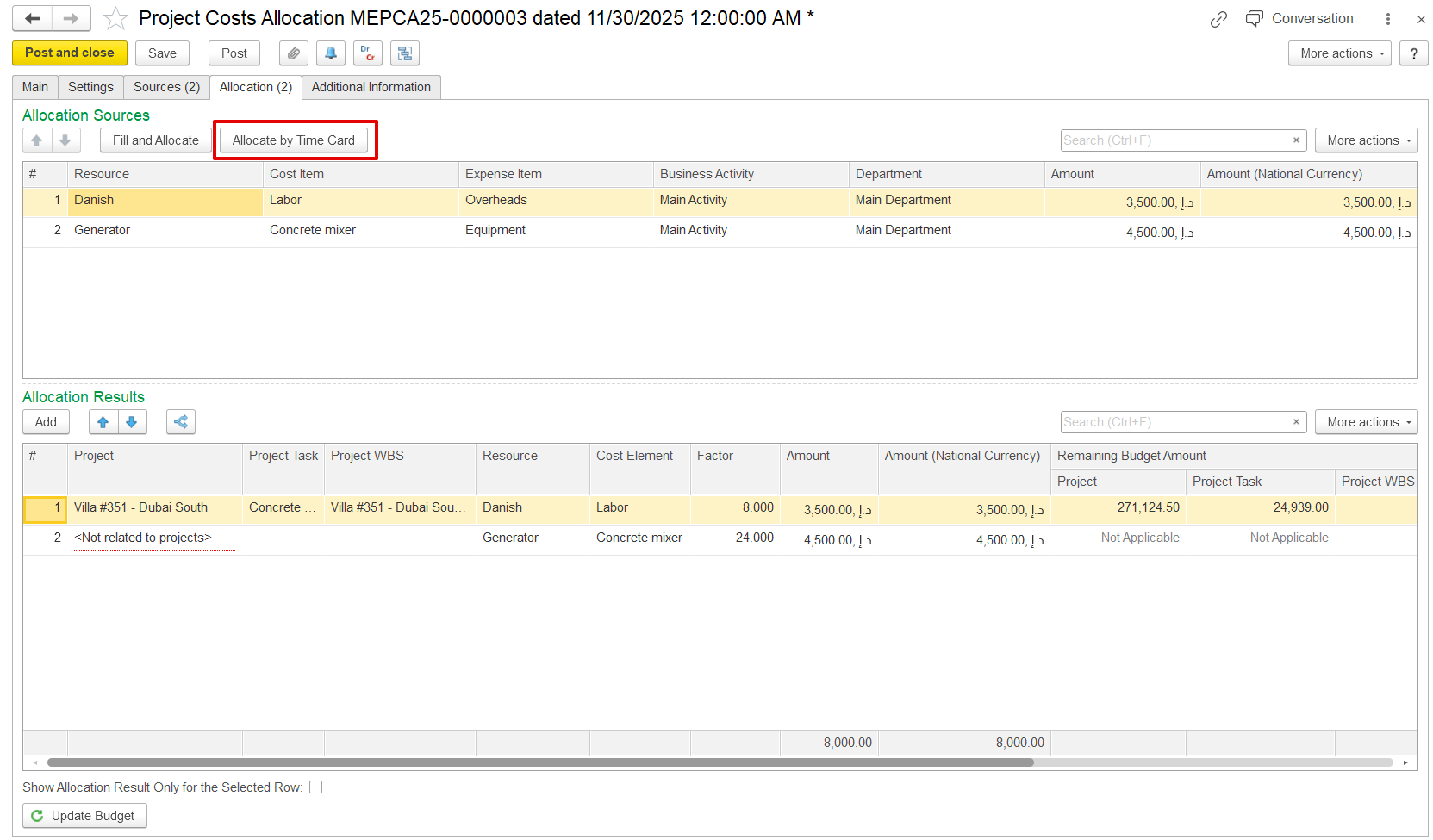
Direct costs are expenses associated with employee or fixed asset resources (for example, an insurance or maintenance invoice received) that can be charged to projects. These costs must be recorded using the appropriate GL account and section with the dimension employee or fixed asset. Although they are tied to a resource, if they haven’t been assigned to a specific project yet, they can be allocated across projects using this document, potentially based on time card data.
...
- Allocate - Checkbox to include this row in allocation. Only checked rows will be distributed to projects.
- Resource - The type of resources, such as Employee or Fixed asset.
- Cost Item - The type of cost recorded
- Expense Item - Expense type
- Business Activity / Department - Context for cost allocation business activity or department of the sources added.
- Unassigned Amount - The portion of the expense that has not yet been allocated to any project.
- Unassigned Amount (National Currency) - Same as above, shown in the local currency.
...
If an employee or fixed asset is not assigned to any project, <Not Related to Projects> appears in the Project column, indicating that the costs are not allocated to projects.
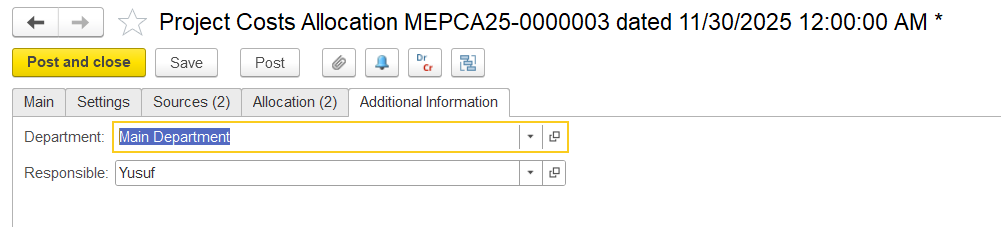
Additional Information tab
This tab is used to add extra information for the document. No fields are mandatory.
- Department - Choose the department for the project costs.
- Responsible - Shows the employee in charge of this document.