...
Open the Fixed Assets Categories section in the system, click the Create group button at the top and in the pop-up window, fill in the required fields:
Code - the system generates the code automatically, and it is saved when the object is saved.
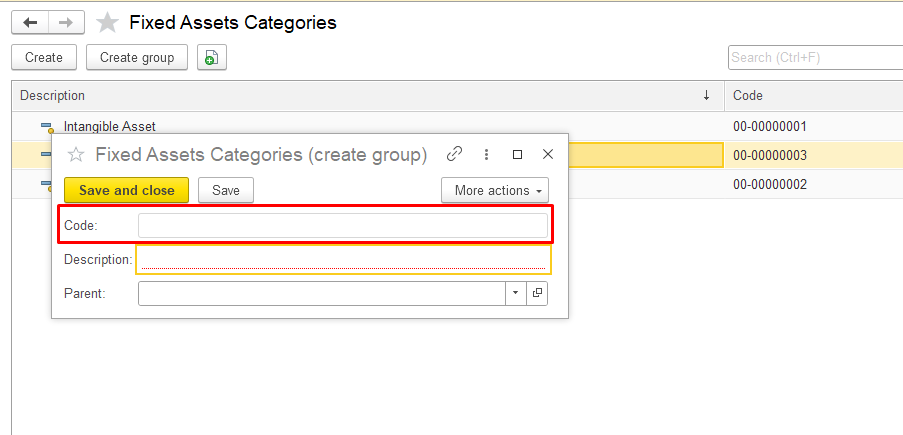
Description — enter the name of the category group
...
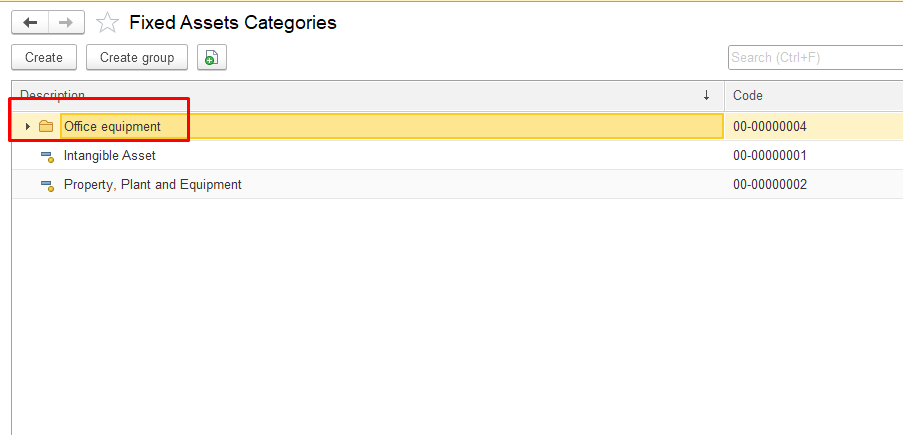
Click Save and close to save the new group. The new category group will appear in the list of fixed asset categories.
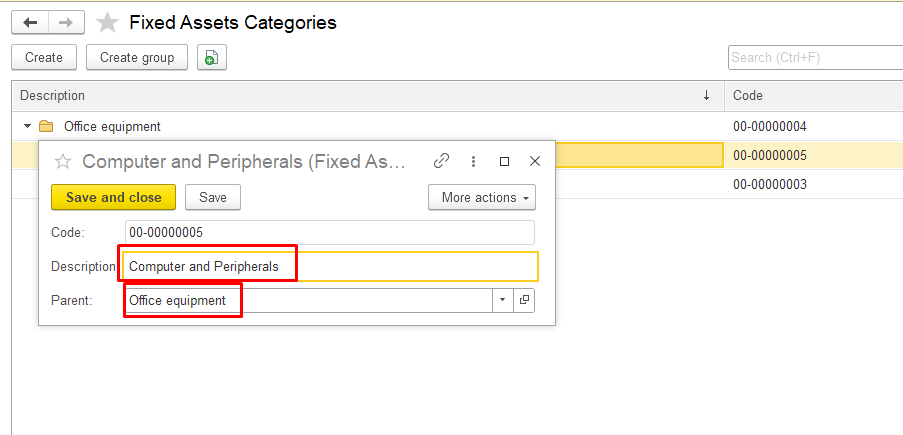
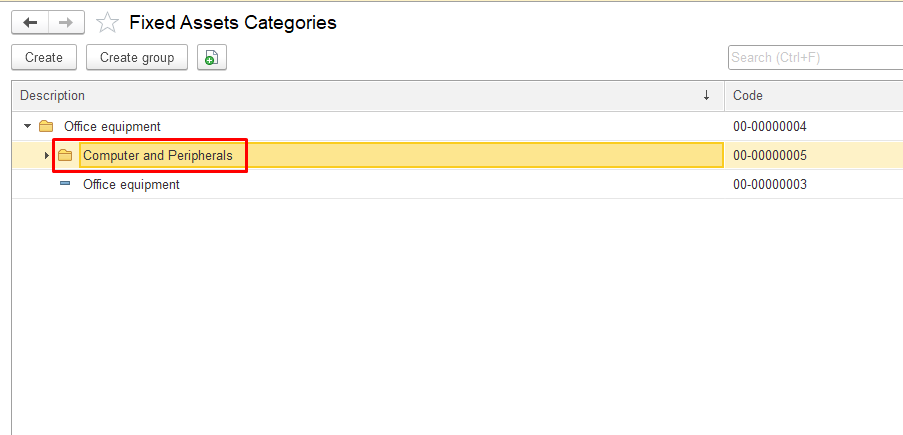
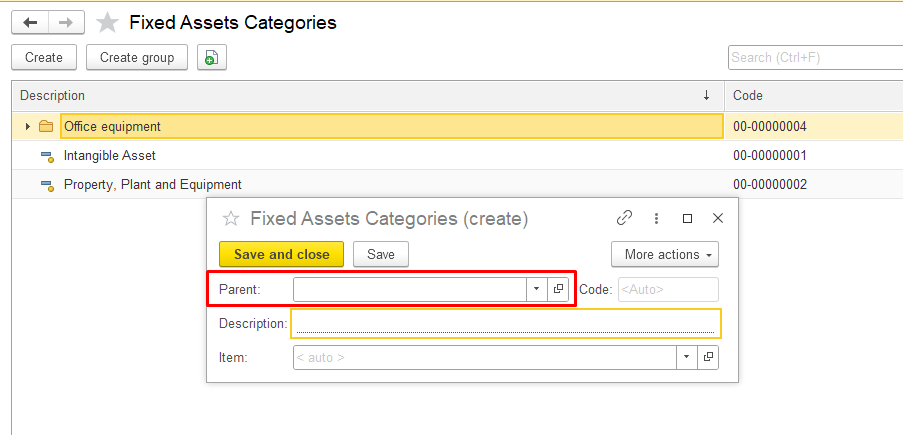
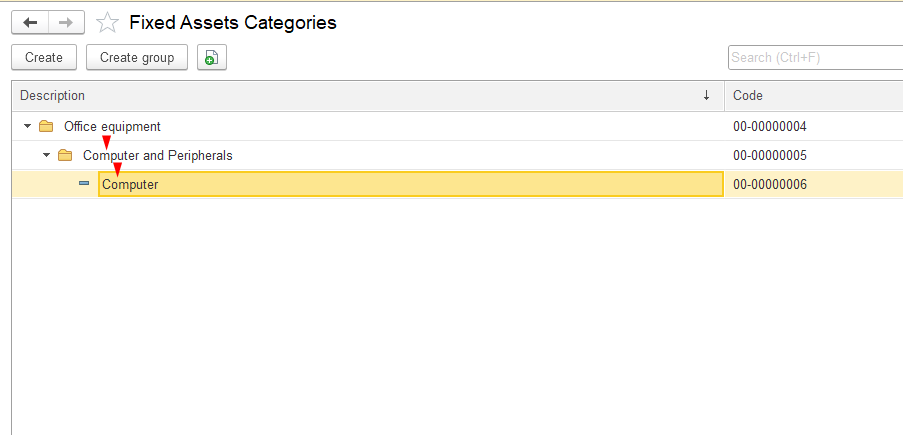
To create a fixed asset subcategory, fill in the Parent field.
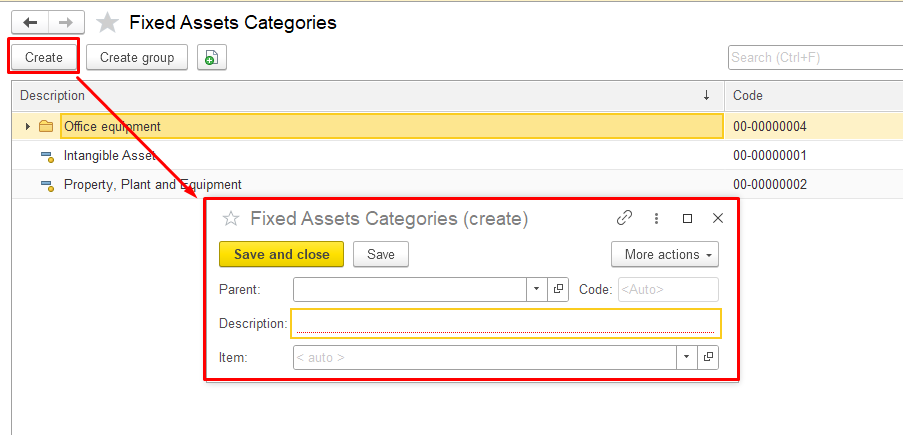
To create a Fixed Asset Category inside an existing group or as a separate category click Create button at the top and in the pop-up window, fill in the required fields:
Parent — fill in this field if you want to place the category in a specific group, or leave it blank if grouping is not required.
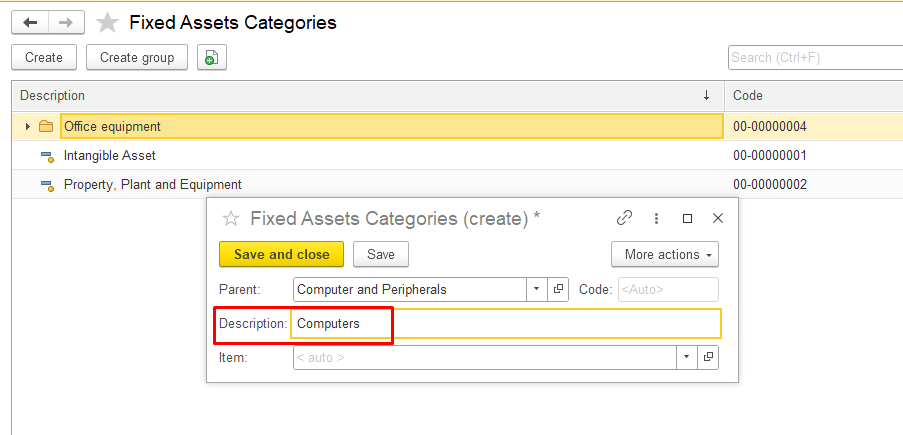
Description — enter the name of the category.
Item - this field is filled automatically by the system when the category is saved.
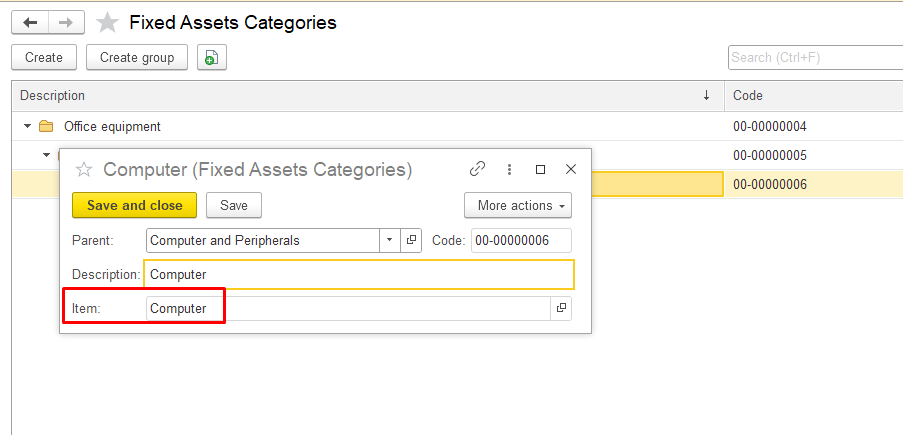
Click Save and close to save the new category. The new category will appear in the list of fixed asset categories or in the parent group.
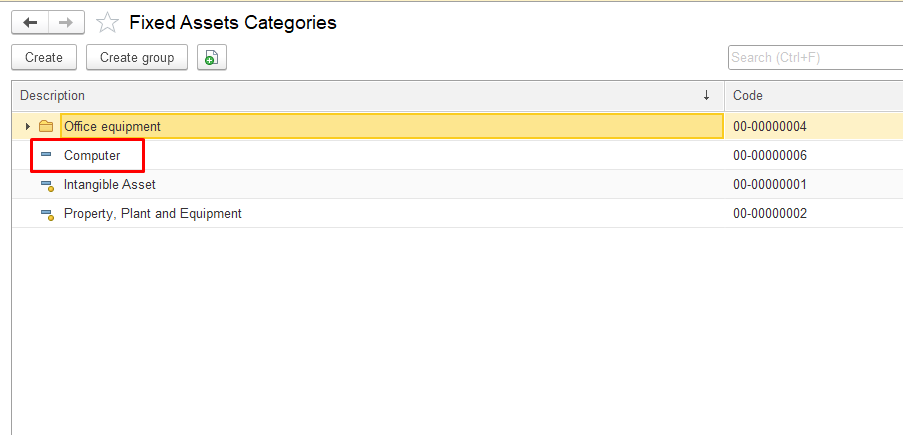
At the category level.
At the group level .
vbnvbvnmvmn