Problem: Error while generating Statement of account: Incorrect Current Table Name. Document Capital Improvements to Fixed Assets
...
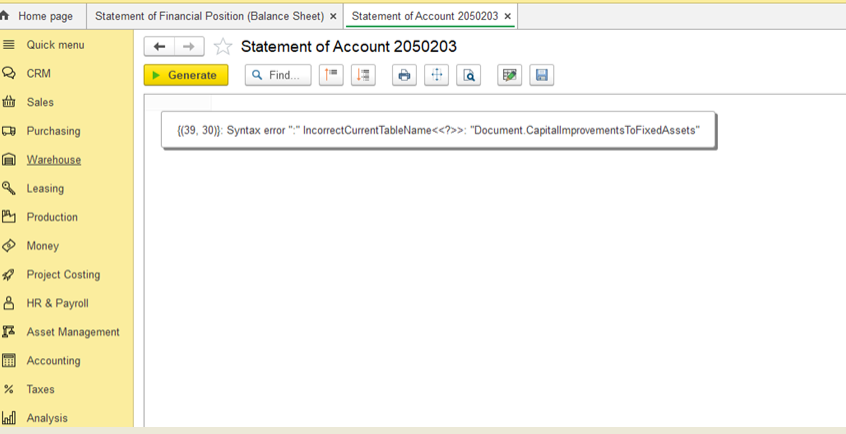
Solution:
1) Check whether user has standard or non-standard access profiles:
- Go to Administration > Master Data > Users.
- Select the user and click the Access Rights button.
- In the Access Rights form, you will see a list of assigned user profiles. These profiles are predefined and determine the user's access to specific functionalities and records in the system. If the user has only standard, predefined profiles assigned (such as Accountant, HR Manager, etc.), then the user has a standard access profile. If you see custom or individually created profiles (for example, a profile created specifically for access to certain objects or with unique combinations of roles), this indicates a non-standard access profile.
...
3) If the profile is non-standard, user should be assigned with the following roles:
Document Capital Improvements to Fixed Assets: Read
Document WIP Costs Adjustment: View
Document WIP Costs Adjustment: Read
Document Capital Improvements to Fixed Assets: View
Document WIP Costs Adjustment: Edit
...
4) User should log-out and log-in again.
Thank you for being a FirstBIT customer!