...
When cost allocation is executed according to proportional coefficients on direct expenses or project revenue, some projects might have missing coefficients factors. It is due to absent direct costs or revenue amounts related to the particular projects.
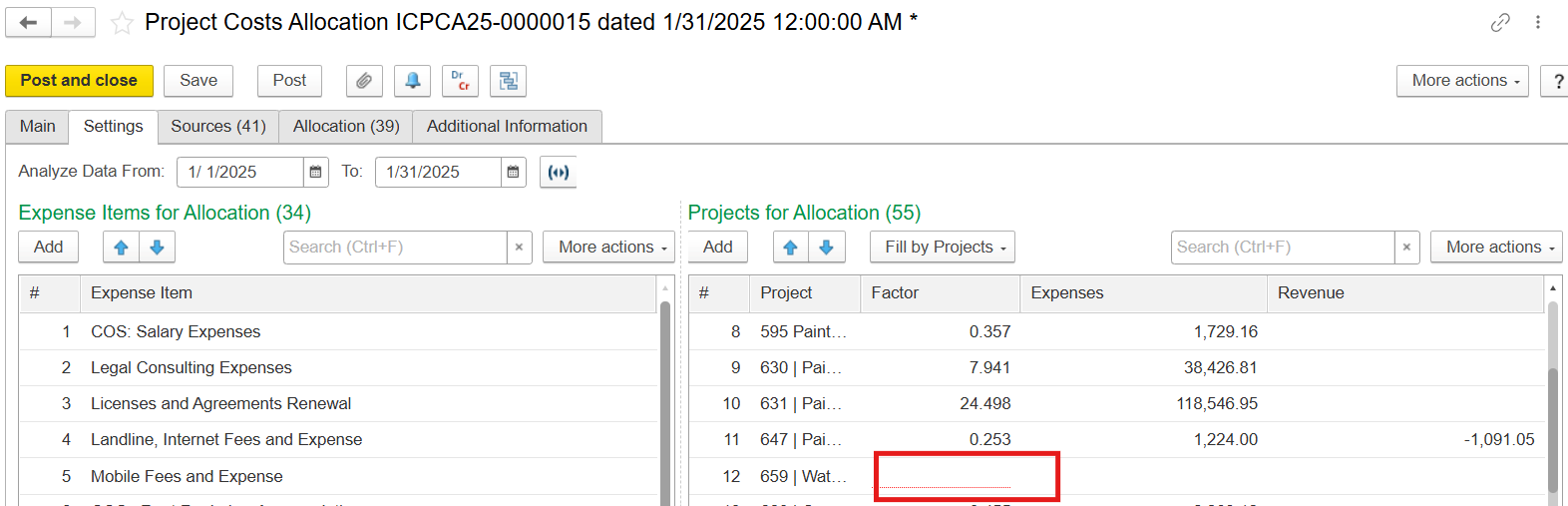
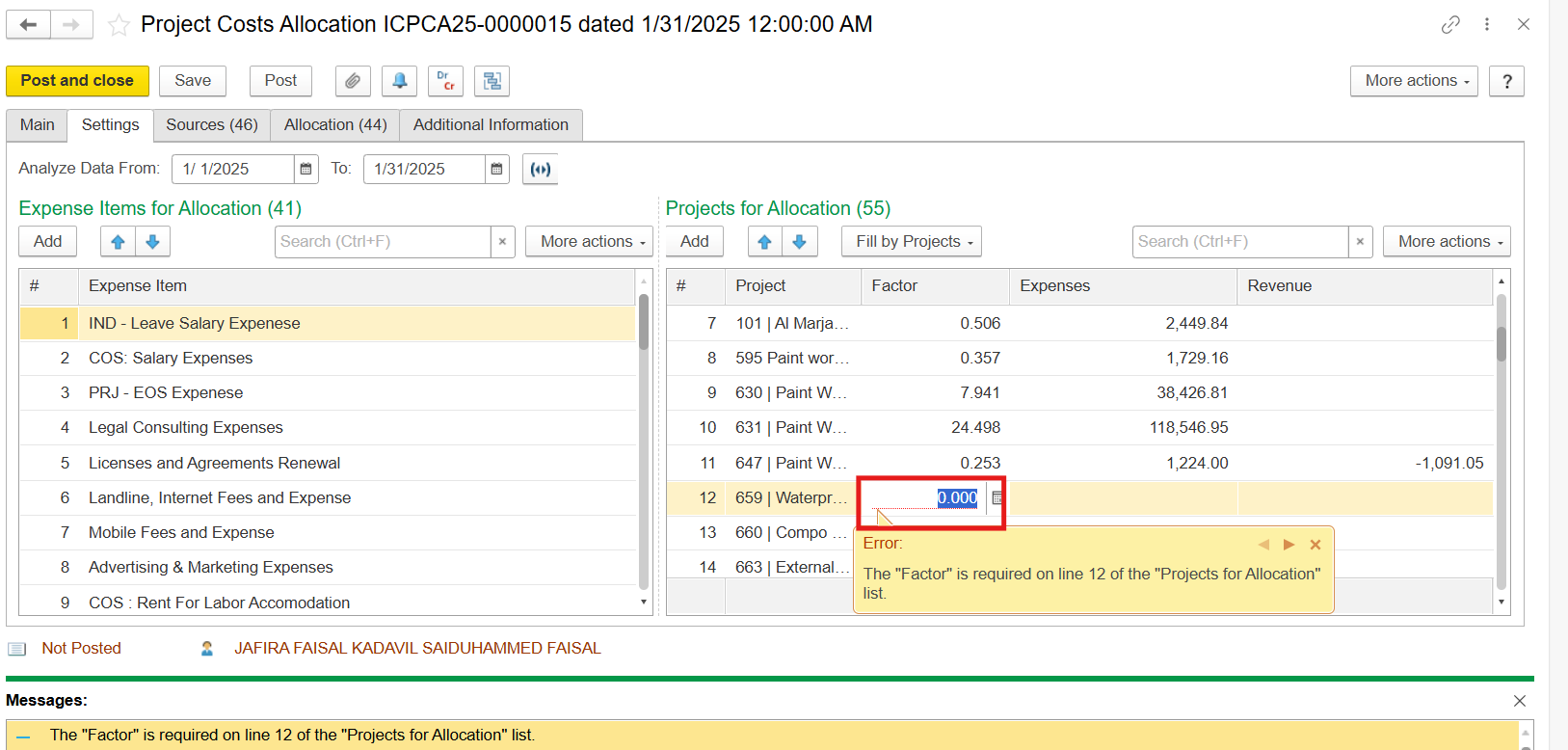
Solution: Remove lines with absent factors.
...
When the total amount of expenses is insignificant and costs are distributed among various projects, the allocated cost is reduced to zero.
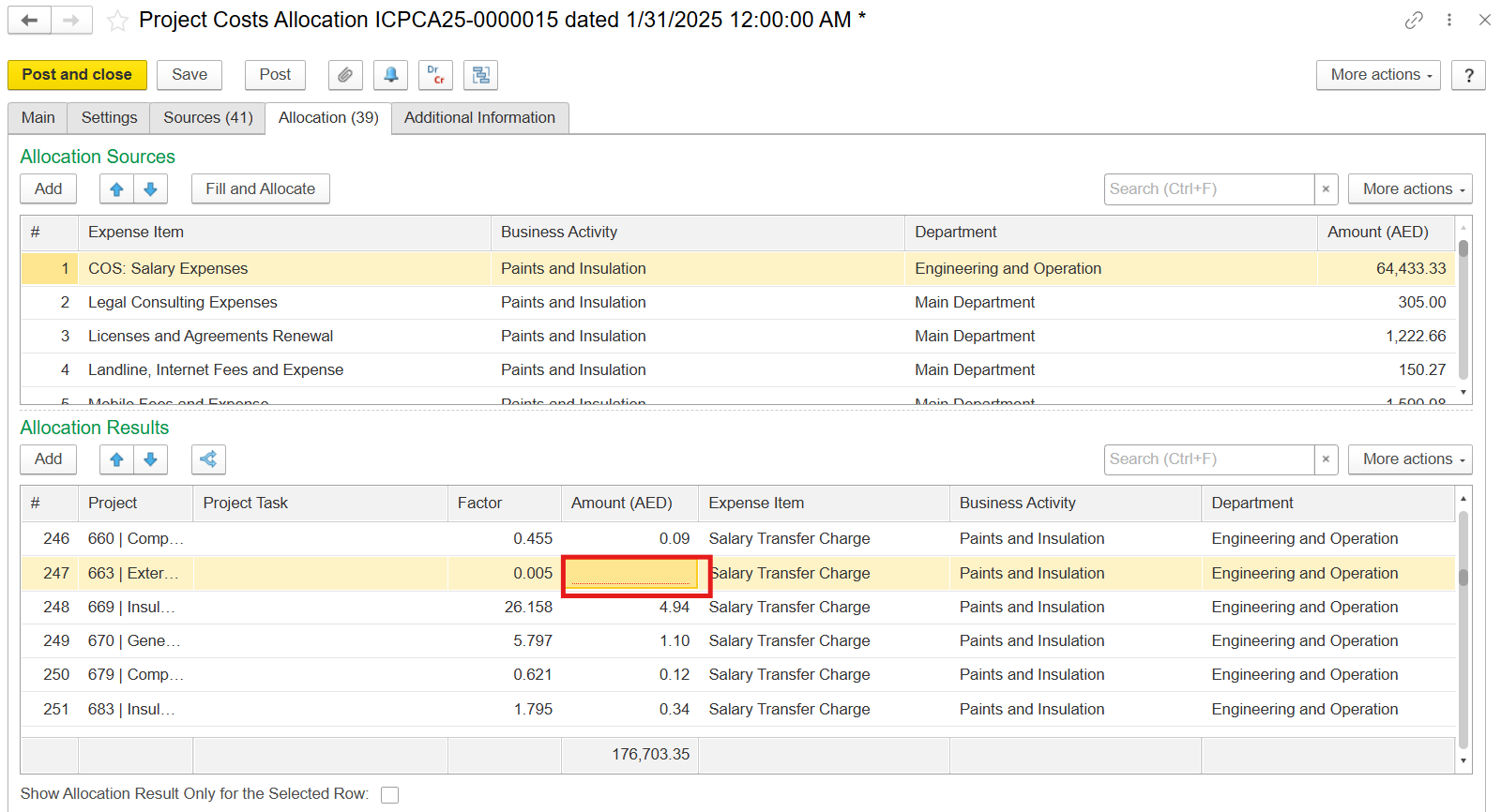
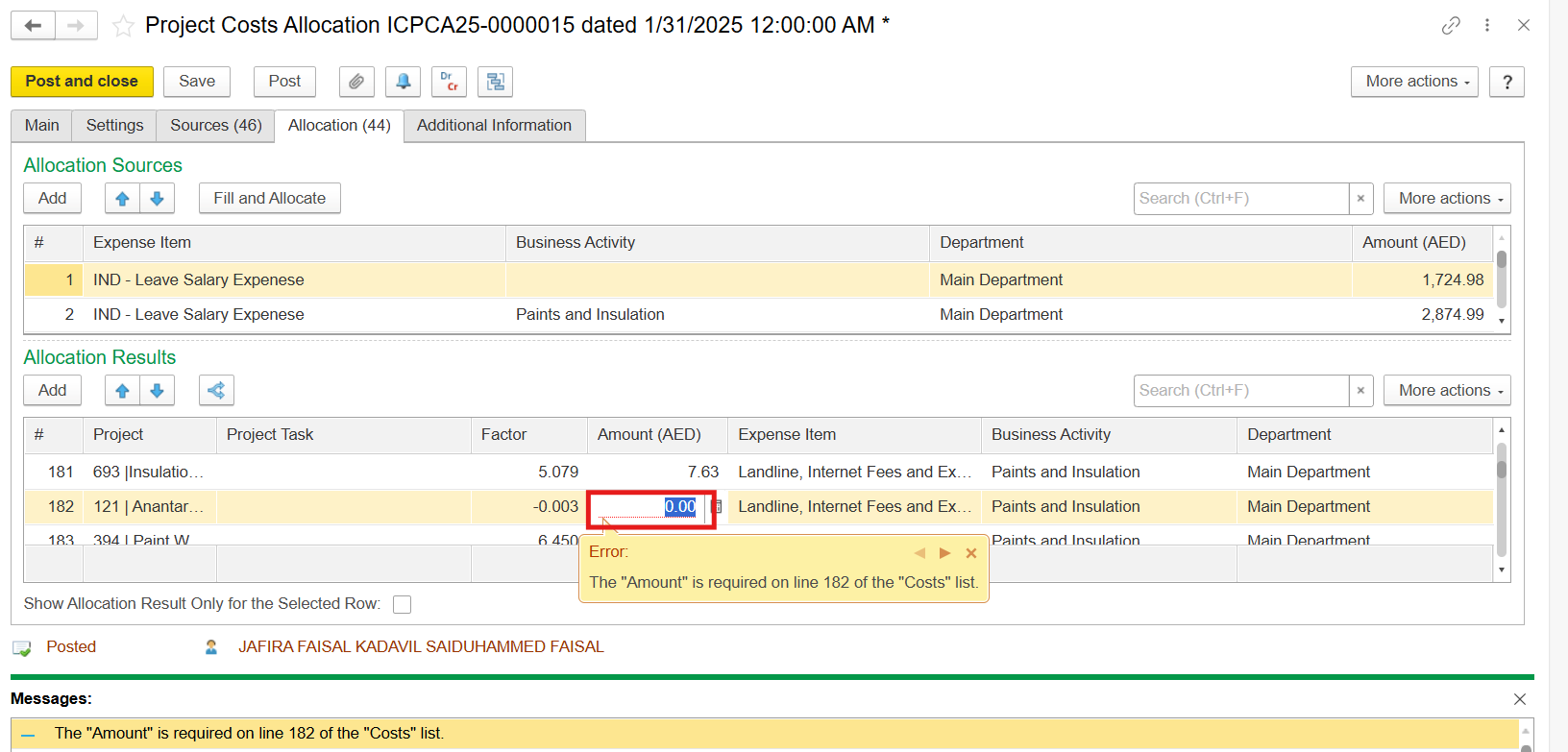
Solution: Delete lines with missing cost amounts.
...
You might need to check the box Show Allocation Results Only for the Selected Row in order to see the discripancy.
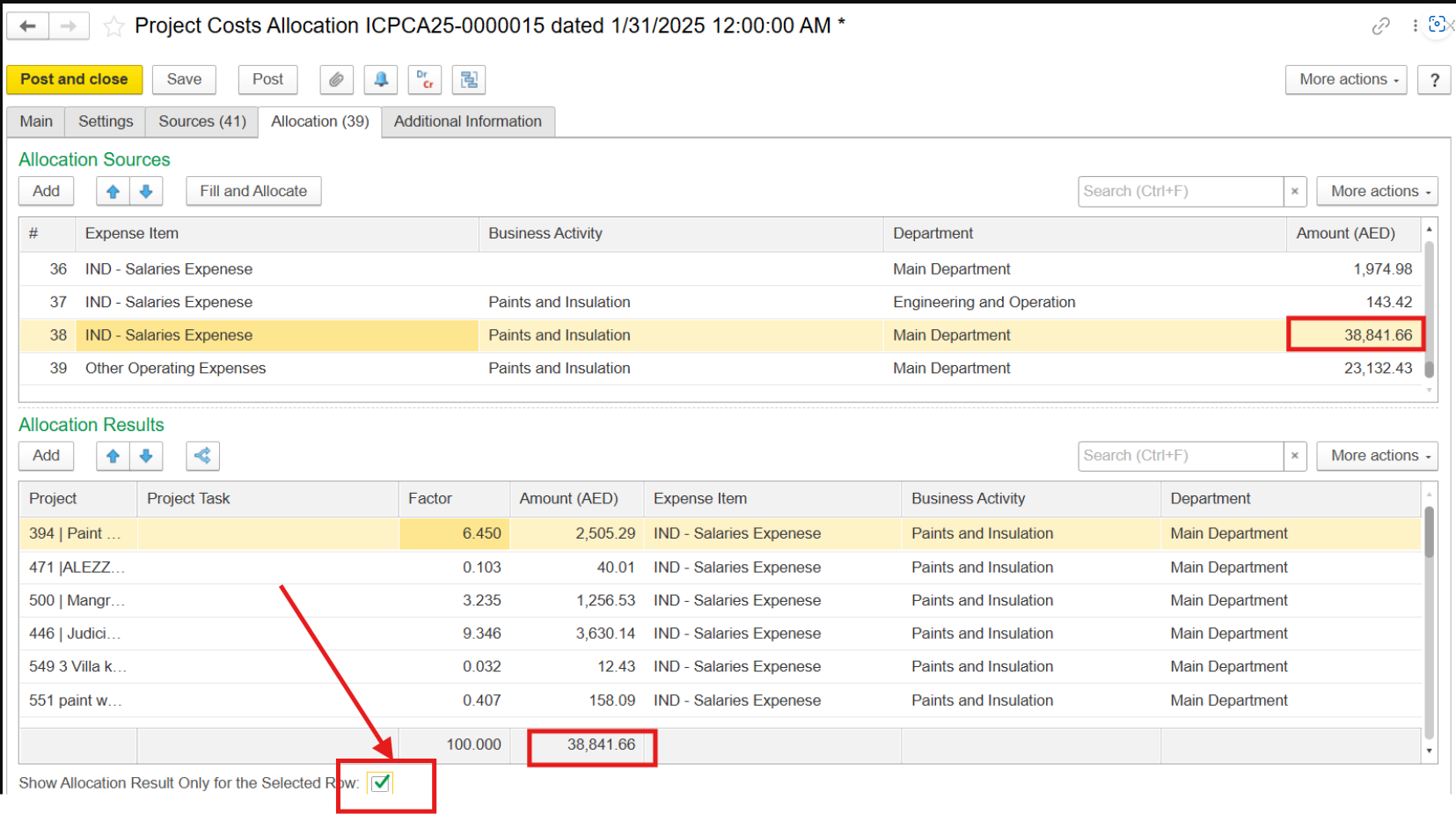
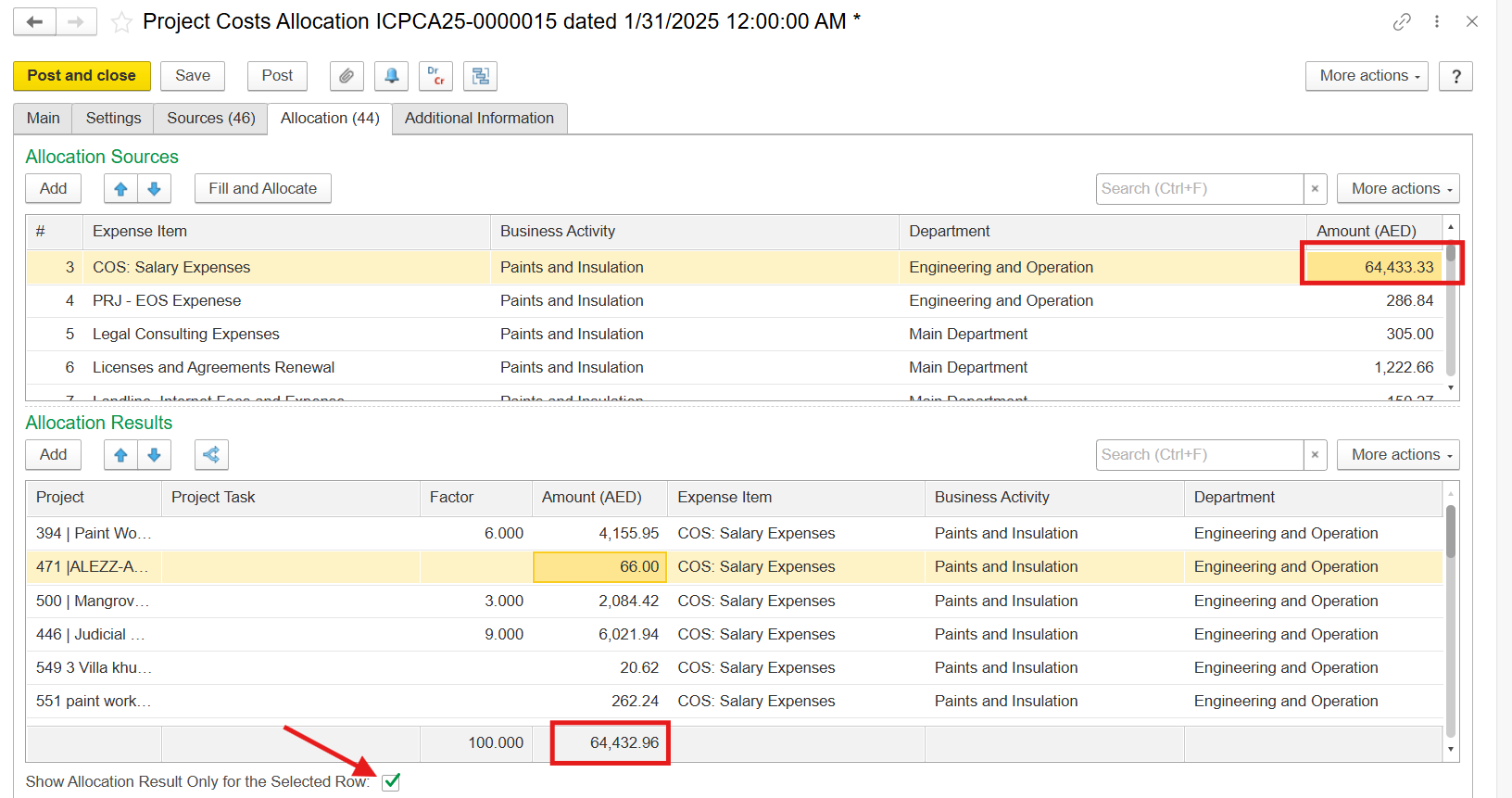
Solution:
...
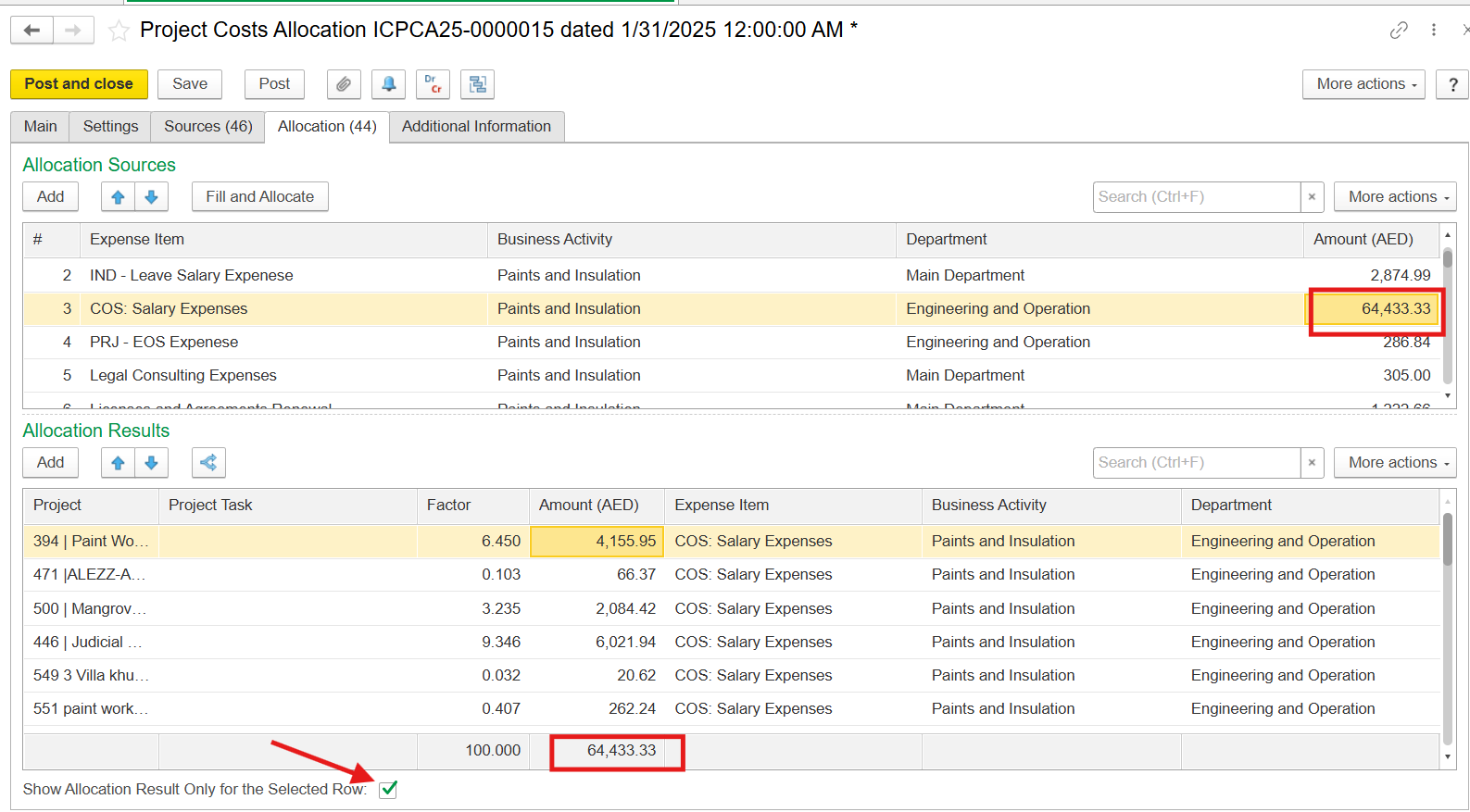
Make sure that the amount on the Sources tab, the Allocation Sources, and the sum of Allocation Results are equal.
...
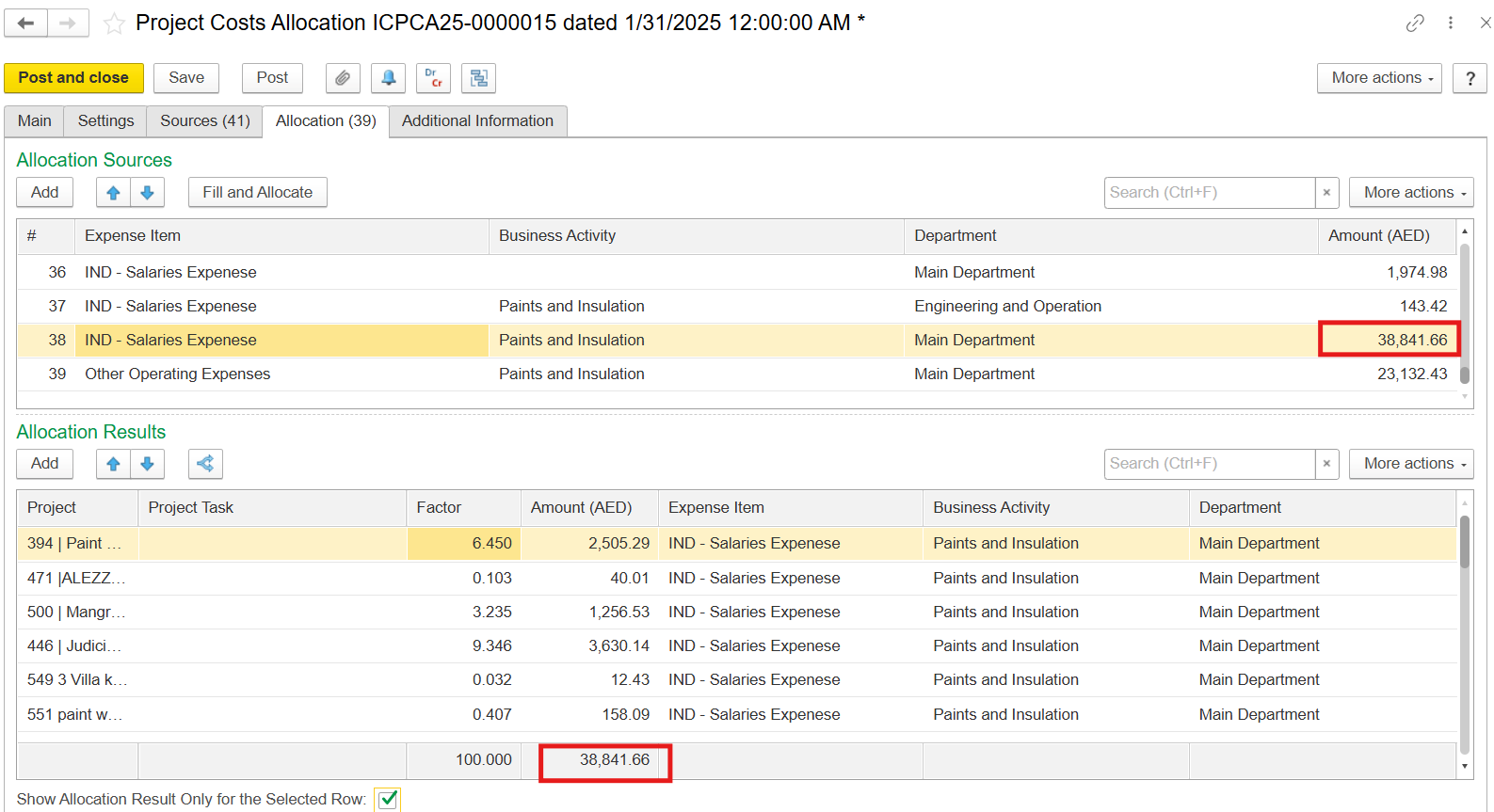
...
If you cannot find the source of discrepancy in the allocation Results section, you might need to allocate costs again by pressing Fill and Allocate
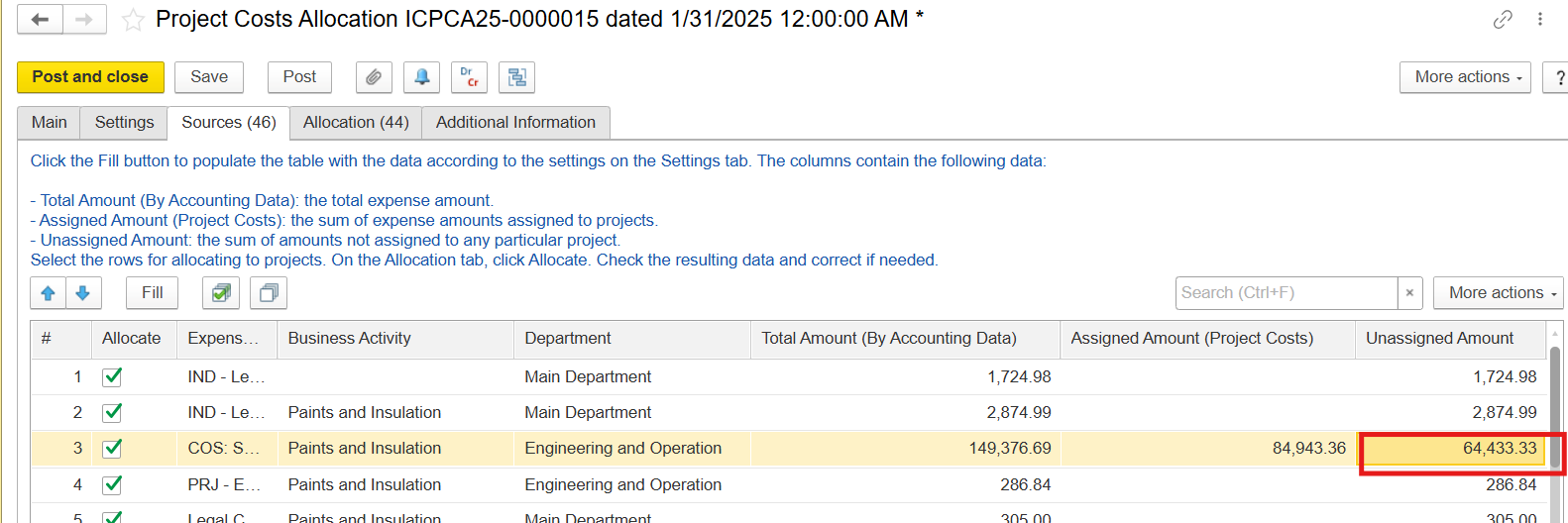
4. Negative costs in the Sources tab
...