...
-in existing report variant.
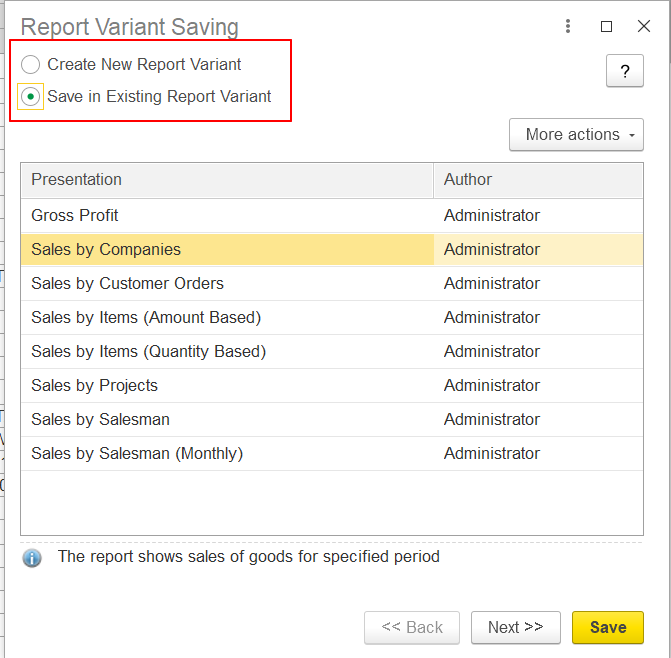
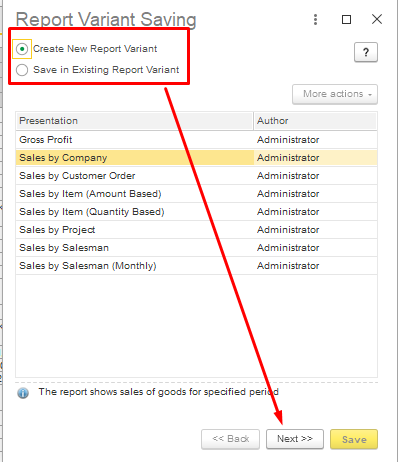
User should save in new report variant New Report Variant - in this way in the system user will be able to use standard and non standard variants of report.
Next step:
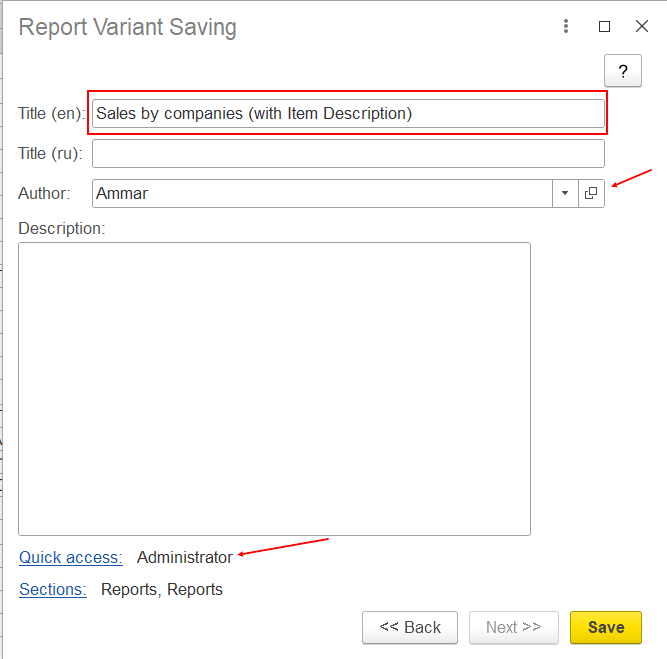
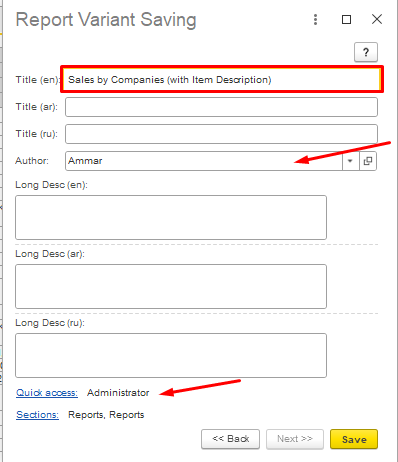
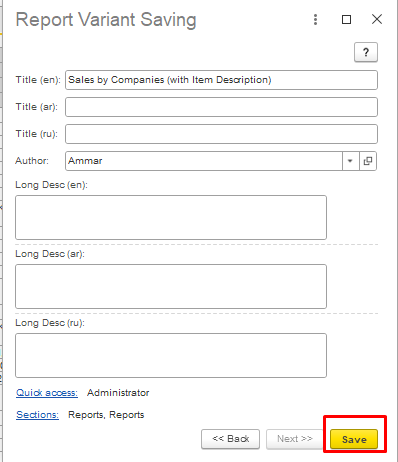
user User should write Title for new variant of report, Author (mandatory), Description (not mandatory).
Author of new report variant also may give to another users rights to see new report variant in their quick access for current report (with making settings inQuick Access option:
In The Setting for Quick access form author of new report variant may select users who will be able to use new variant:
...
After making this actions author of new report variant shoud should save it with Save button.
Then user can check in report variants:
...
Thank you for being FirstBit Customer!
#reportvariants #savereportvariant