...
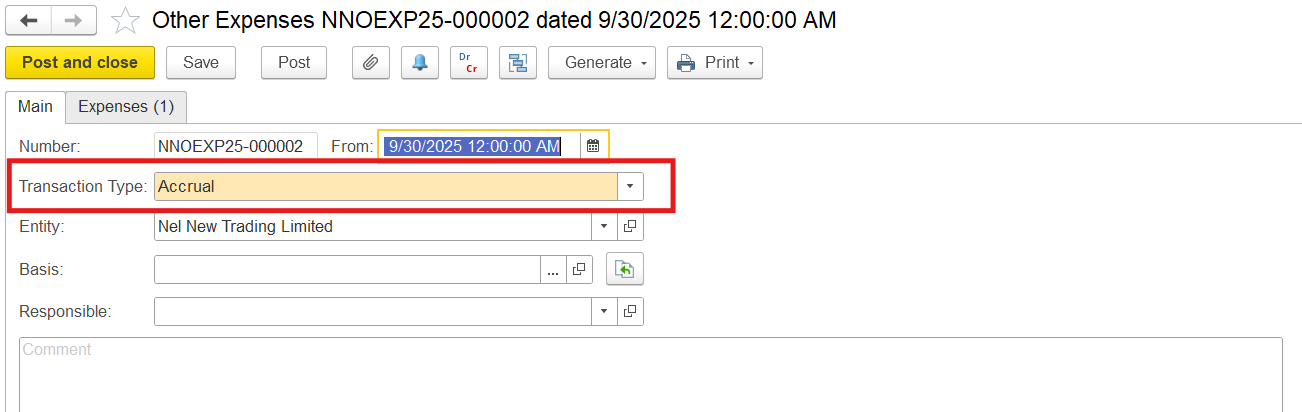
1. Create a reserve for obsolescence using the Other Expenses document with Transaction Type: Accrual
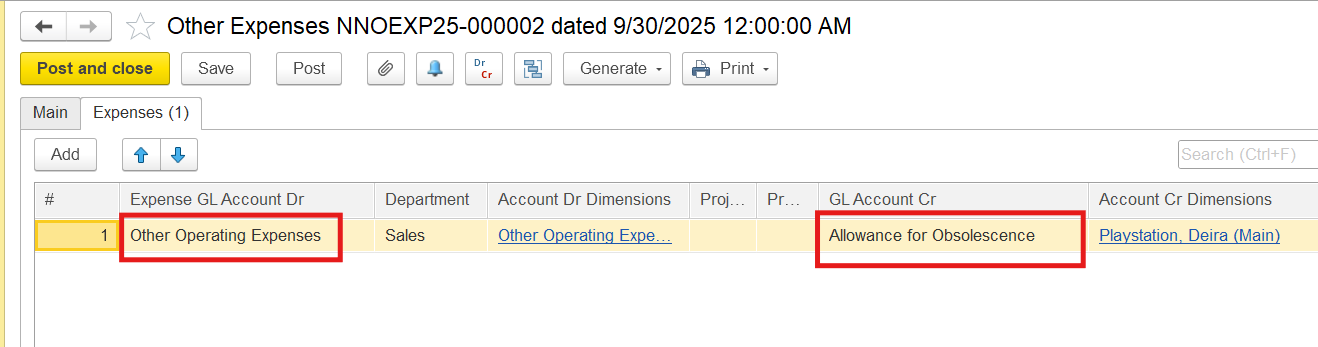
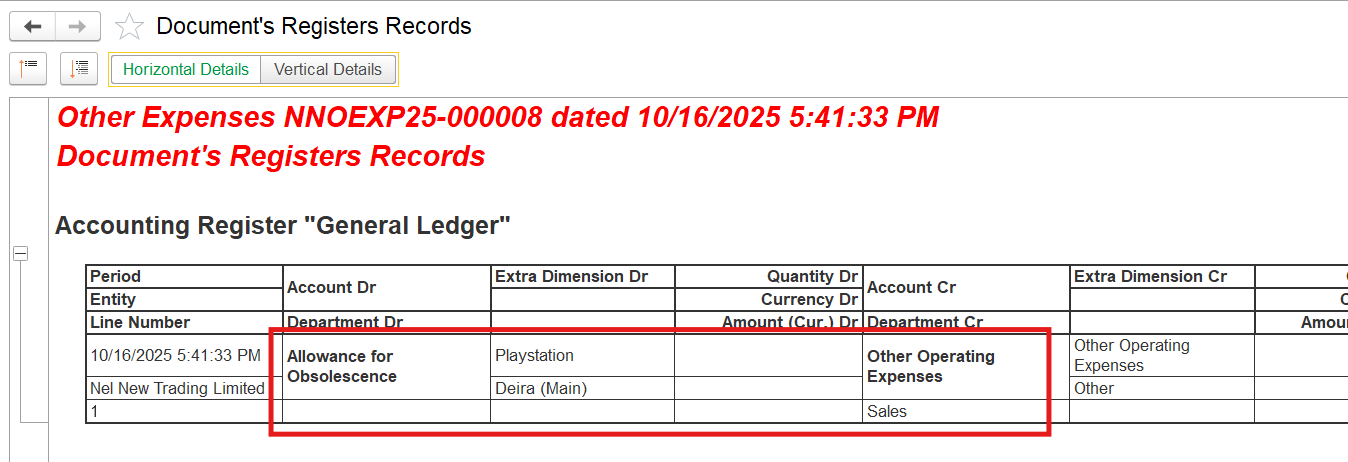
On the Expenses tab, select an expense GL account in the debit, the Allowance for Obsolescence account (also called inventory valuation allowance, write-down reserve, or provision for inventory obsolescence) in the credit column, and enter the amount of obsolescence reserve
2. Enter the Invoice document.
...
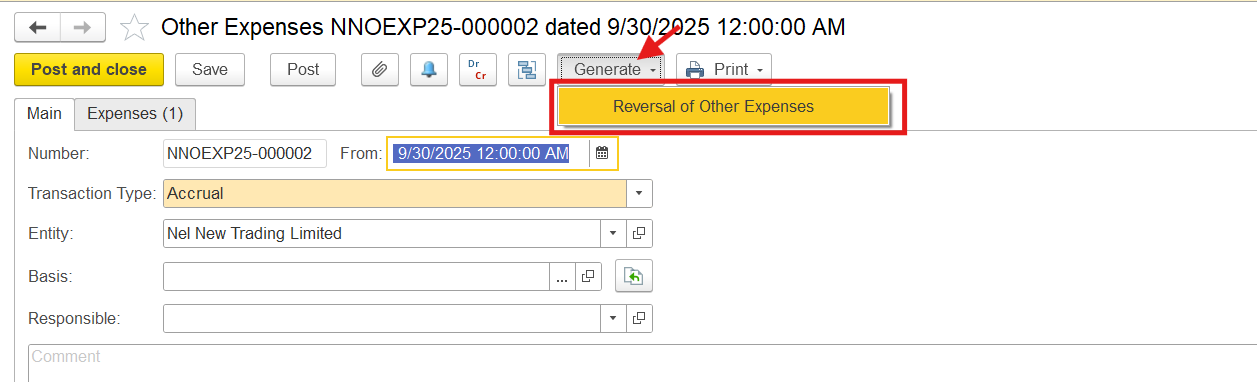
Locate the document where Allowance for Obsolescence was accrued. On the toolbar click Generate > Reversal of Other Expenses. This will automatically create a reversal document that mirrors the original entry but with reversed debits and credits.
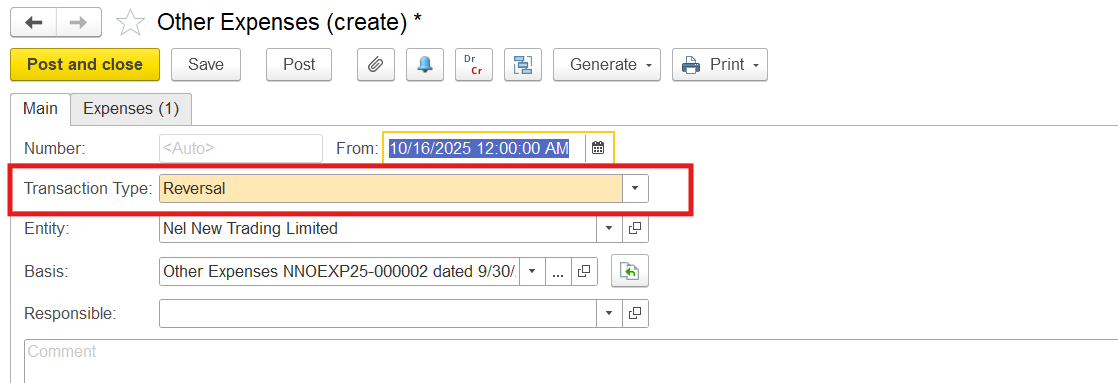
This will automatically create a reversal document that mirrors the original entry but with reversed debits and credits.

Thanks for being a Firstbit Customer!
...