...
Or create directly from the My To-Do Listdo items screen of Project scheduling.
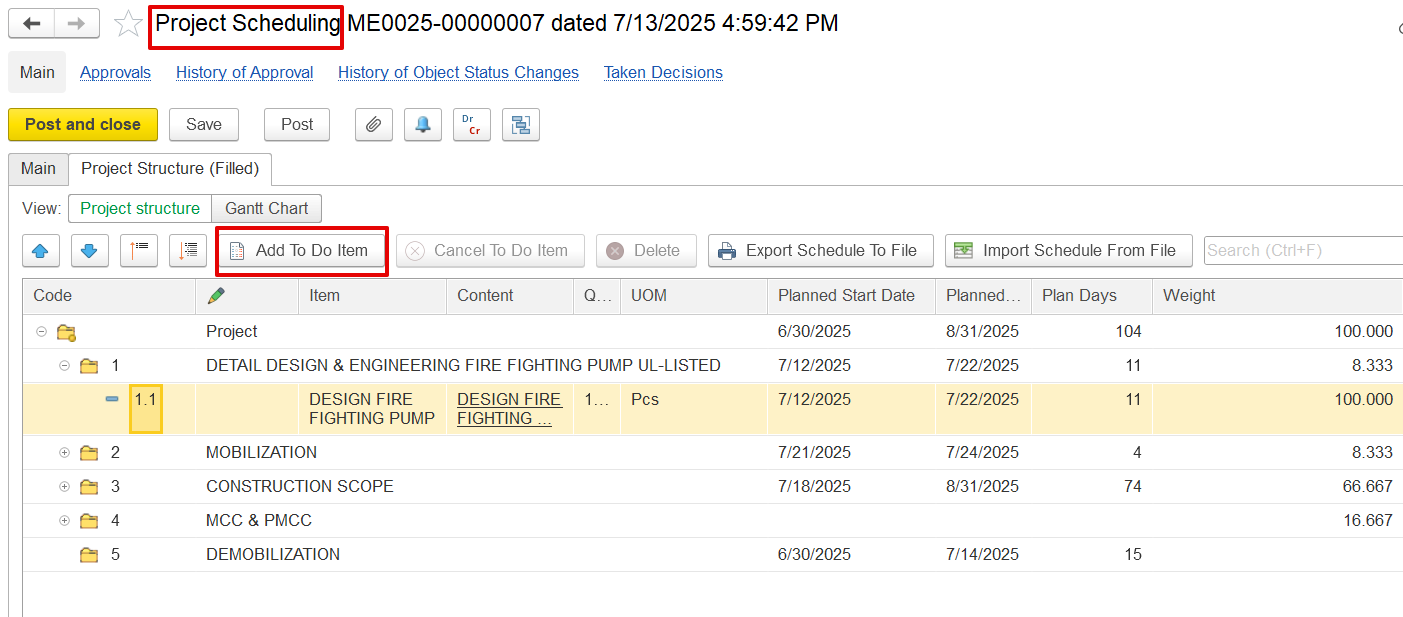
In the To-Do Listdo items, fill in the following fields:
...
1. Record Progress in To-Do Item
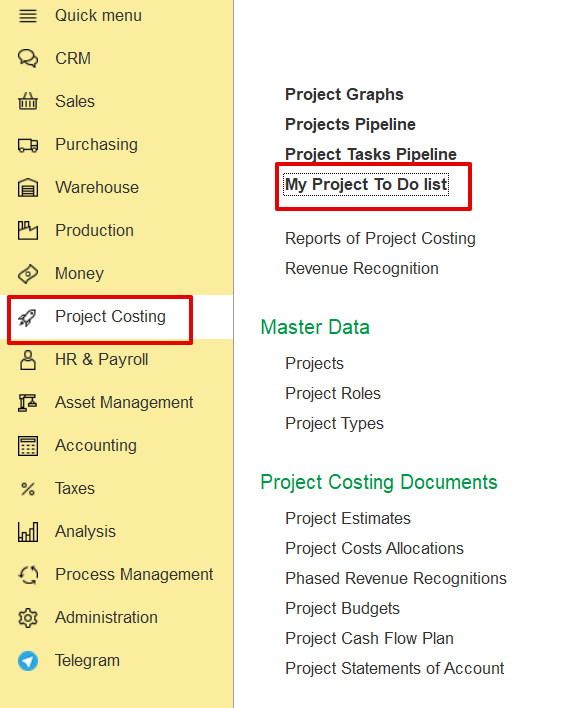
Open My Project To-Do Listdo items from Project Costing.
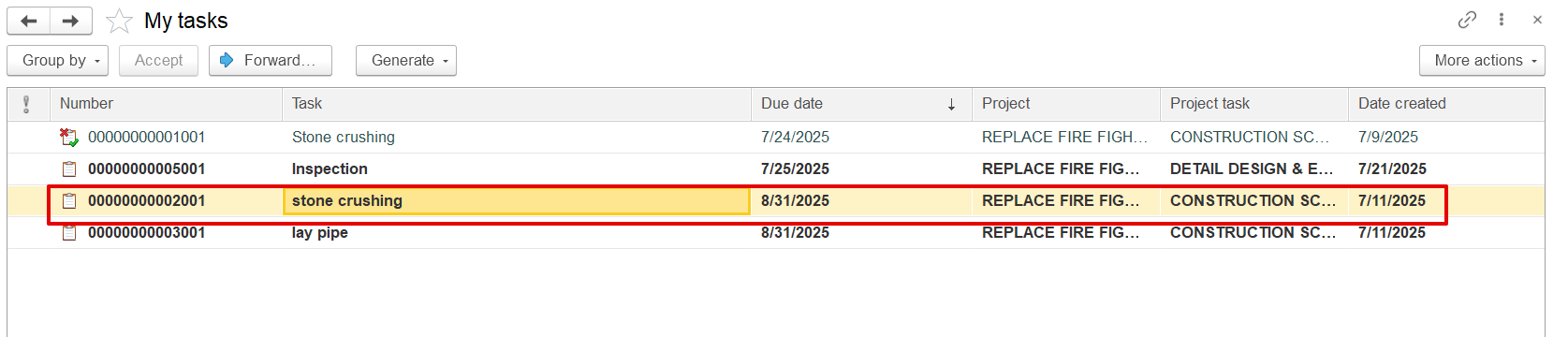
Click Enter Progress, input the current progress (e.g., 15%), and save. The update is recorded with a timestamp in the progress history.
...
2. Update Project Progress from To-Do Items
Open the Project Progress Report, select the period and project, and click "Update Progress by To-Do Items". The system retrieves the latest progress from the To-Do list do items and applies it to the BOQ line. The user can also manually adjust the percentage (e.g., from 50% to 70%).
Each To Do Item is assigned a weight (%) that represents its contribution to the total BOQ line progress. The system multiplies the To Do Item's progress (%) by its weight (%) to calculate its impact on the BOQ line. The total BOQ line progress is the sum of all weighted To Do Item progresses
If progress is recorded this way, it appears in the To-Do history as "Recorded by Project Progress Document."
...