...
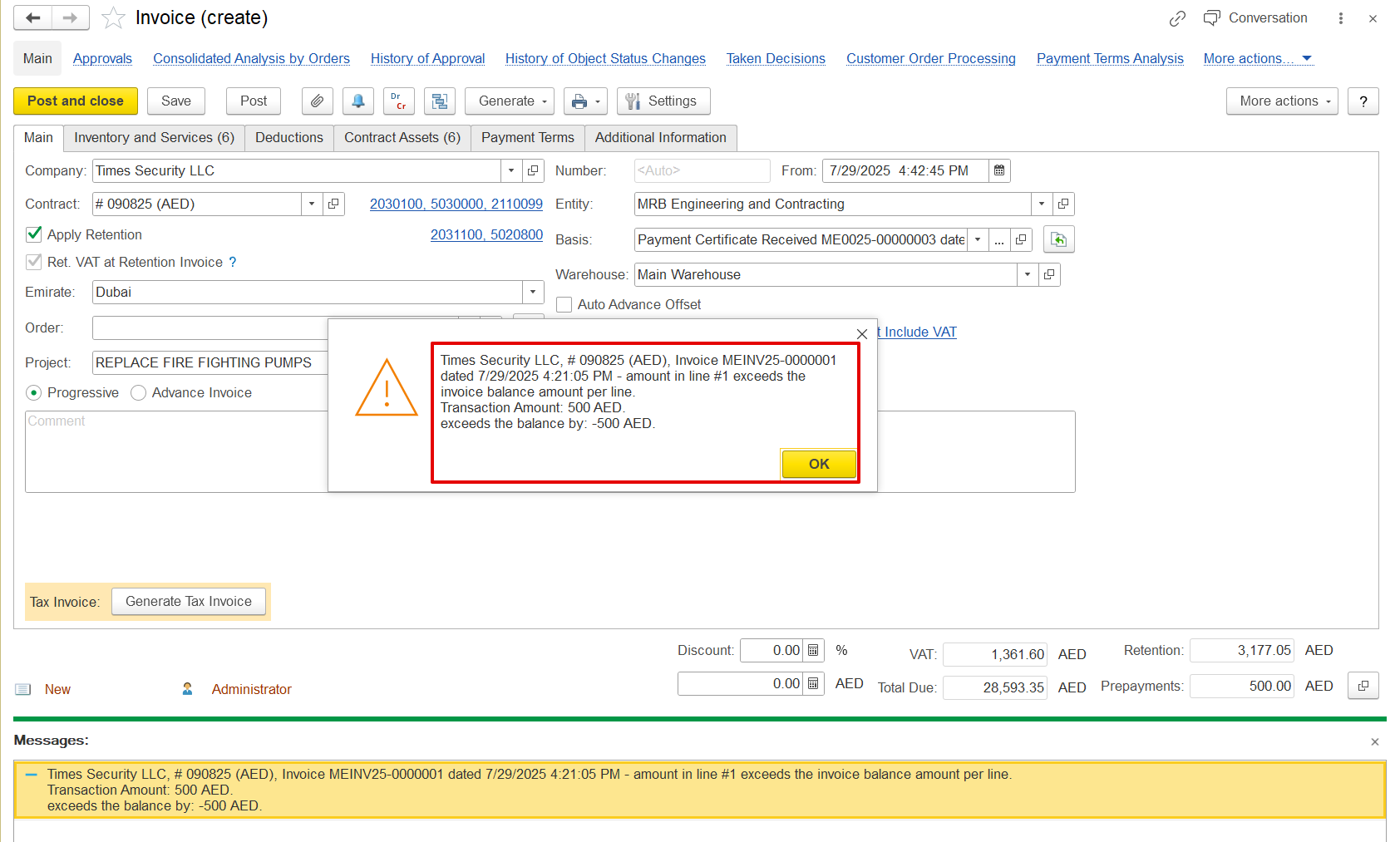
If any other invoice documents are created with the advance option enabled, they will be treated as advances that can be offset against another progressive invoice. These advanced documents appear in the prepayment list, where they can be manually selected and the amount adjusted as needed. Offset will only be allowed if the document amount is received; otherwise, the following error will be shown.

This prepayment can be filled in automatically or carried over from other documents to the progressive invoice if the invoice is generated from those documents, provided that those documents also had the prepayment added using the offset option.
...