...
Price: Unit rate defined in the contract.
VAT % VAT% and VAT Amount: Shows the tax percentage and the calculated VAT based on the price and quantity.
...
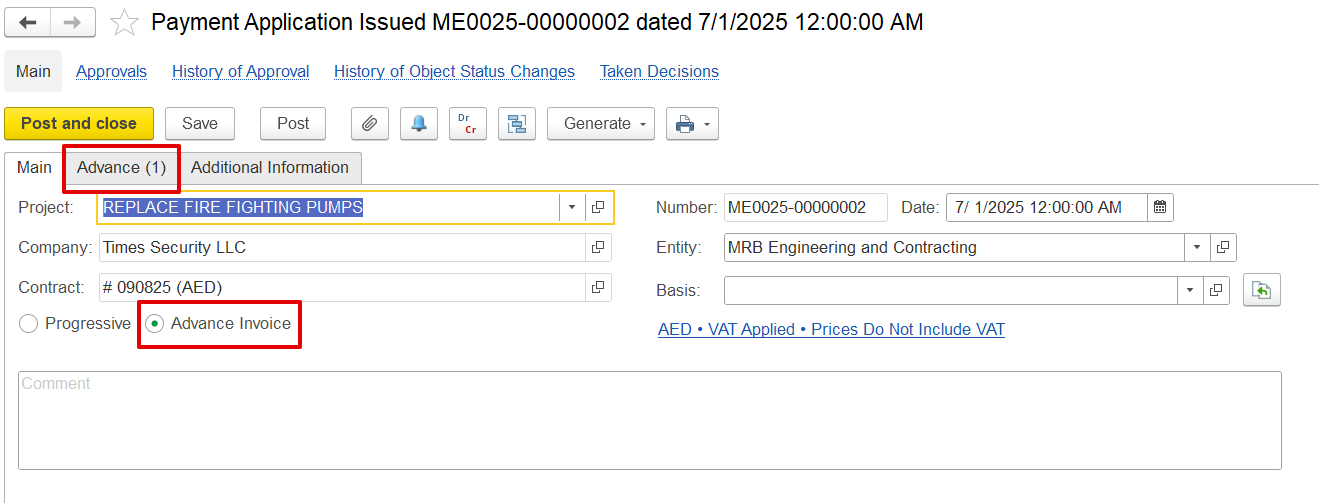
When the Advance Invoice type is selected in the document, the Advance tab becomes available, where prompting users must to enter all relevant the required details. Once After posting the Payment Application is posted, it can be used to generate a Payment Certificate can be generated, which in turn serves as the basis for creating an Invoice with the advance typeissuing an Invoice designated as an advance. Once this Invoice is paid, the received amount is recorded as a prepayment and can subsequently be offset against a future Invoice.
...
Advance/ Prepayment offset
When a company issues an invoice with the Advance Invoice option enabled, the amount received is treated as a prepayment. This prepayment can later be applied to future billing through a Payment Application. This affects only the Payment Application Print Form, and the Generate option will not automatically apply the advance to subsequent documents. The offset must be selected manually in later document.
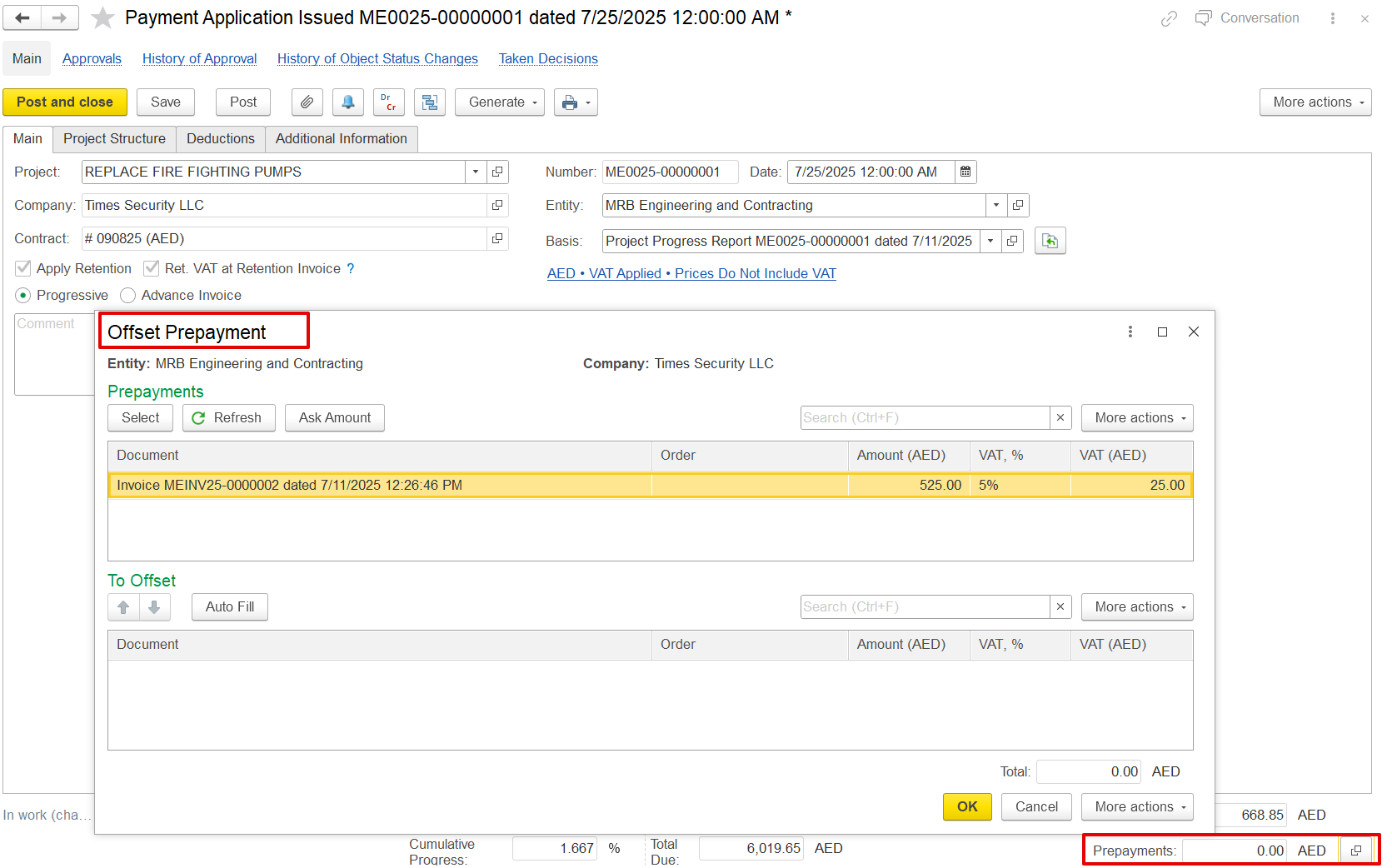
This will only affect the Payment Application Print Form, and the Generate option will not automatically apply the advance to the next document. The advance will need to be selected manually in later documentsan invoice is generated from a Payment Application and Certificate document marked as an advance invoice type, it is recognized as an advance or prepayment. This amount can subsequently be offset within the Payment Application document.
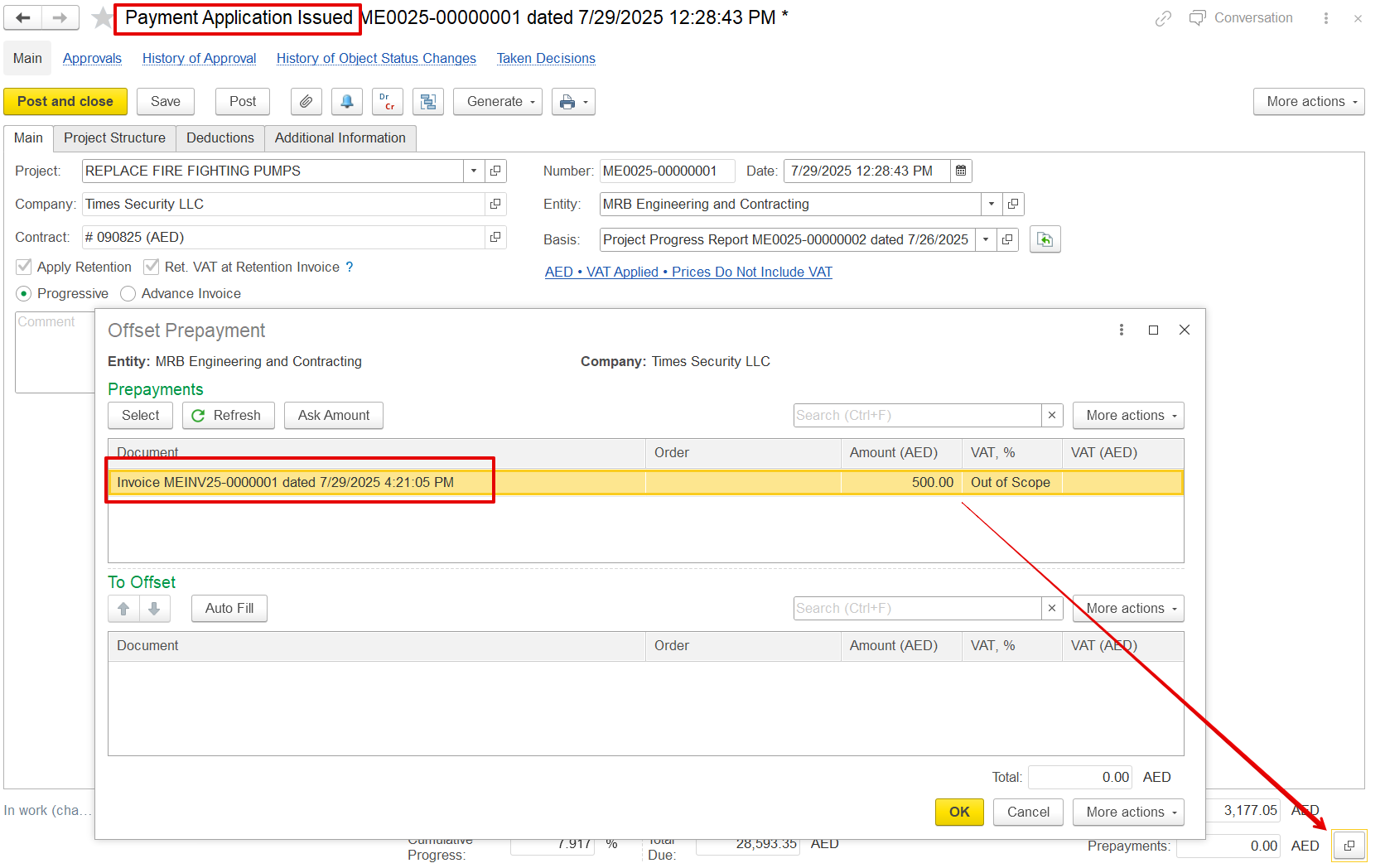
If only a Payment Application with the advance type is created without the corresponding advance invoice, it will not appear in the offset list. The advance invoice must be completed for it to be available for offsetting.
While offsetting can occur in the final invoice, including the advance in these documents serves two key purposes:
a) To reflect the advanced impact on the print form
b) To automatically carry forward the advance amount in the prepayment field to subsequent linked documents, such as payment certificates and invoices, thereby eliminating the need for manual selection on each document.
...
Print form
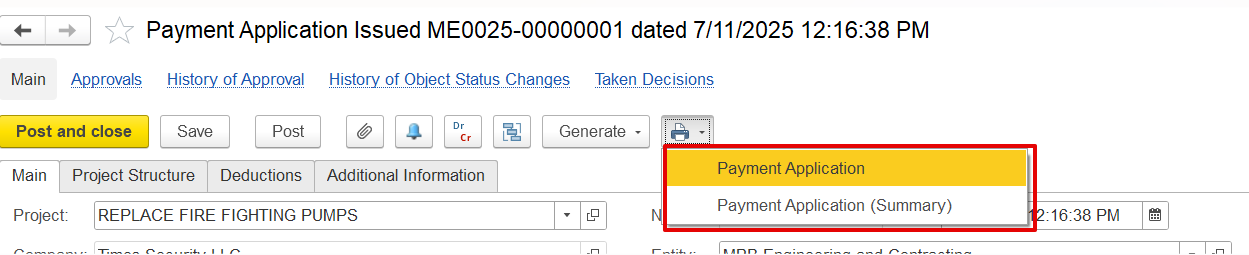
a) Payment Application- It provides a complete breakdown of all items, including VAT, retention amounts, progress details, and any deductions applied.
...