...
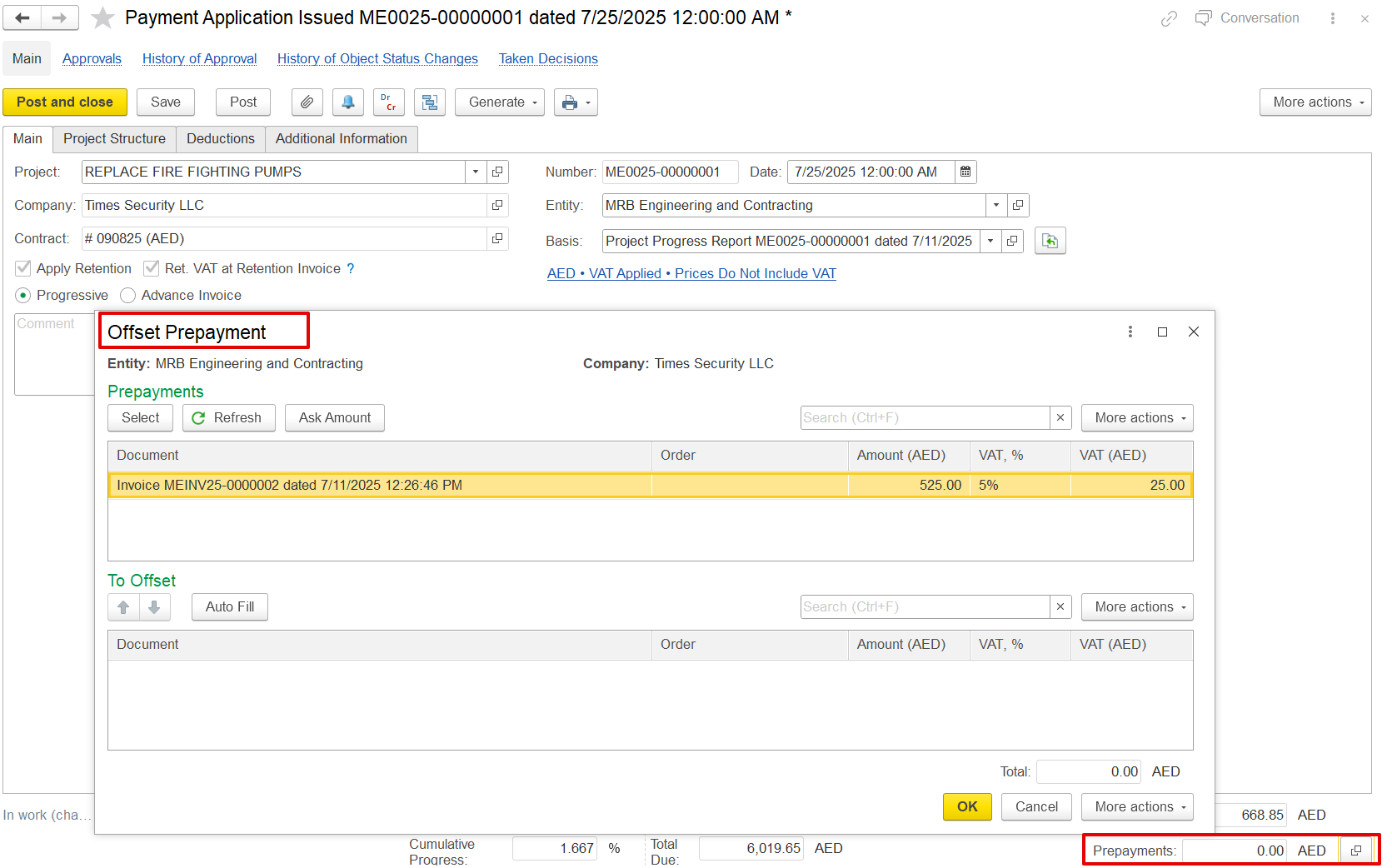
When a company issues an invoice with the Advance Invoice option enabled, the amount received is treated as a prepayment. This prepayment can later be applied against to future billing through a Payment Application. Within This affects only the Payment Application , there is an Offset Prepayment option. It allows users to select a previously paid advance invoice and apply part or all of its amount to reduce the current billing.
For example, if the contractor received AED 525 (including VAT) as an advance, that amount can be offset in the current Payment Application, reducing the amount the client needs to pay.
 Print Form, and the Generate option will not automatically apply the advance to subsequent documents. The offset must be selected manually in later document.
This will only affect the Payment Application Print Form, and the Generate option will not automatically apply the advance to the next document. The advance will need to be selected manually in later documents.
...
Print form
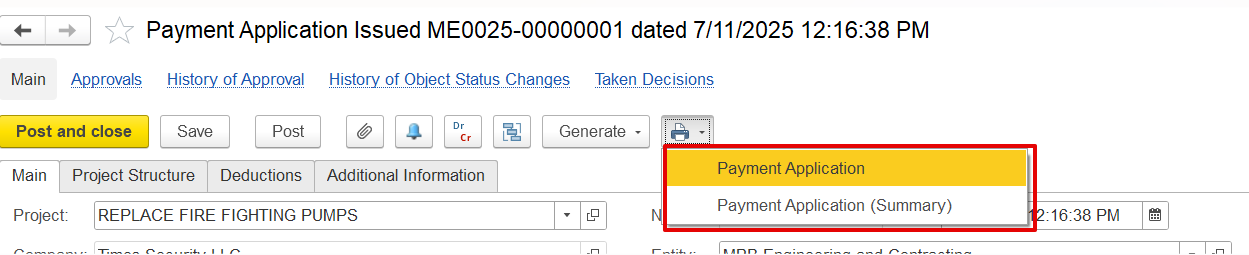
a) Payment Application- It provides a complete breakdown of all items, including VAT, retention amounts, progress details, and any deductions applied.
...