...
In the variation estimation document, the estimate lines are locked and cannot be edited directly. To make changes:
- Use "Change Row" to mark – Marks an existing line as cancelled. The system creates a reversal transaction and adds generates a new editable line for modifications.
- Alternatively, you may add new lines for Cancel Row – Reverses the selected line by marking it as cancelled, without creating a new editable line.
- Add Line – Allows the addition of new lines to account for extra or additional work.
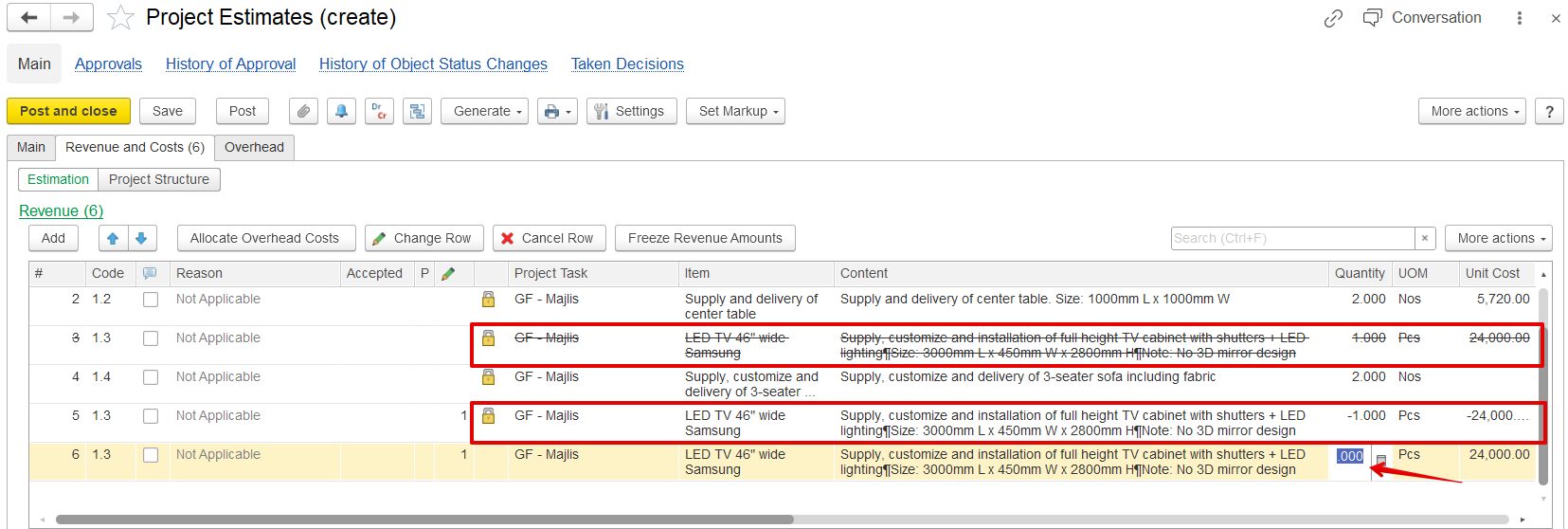
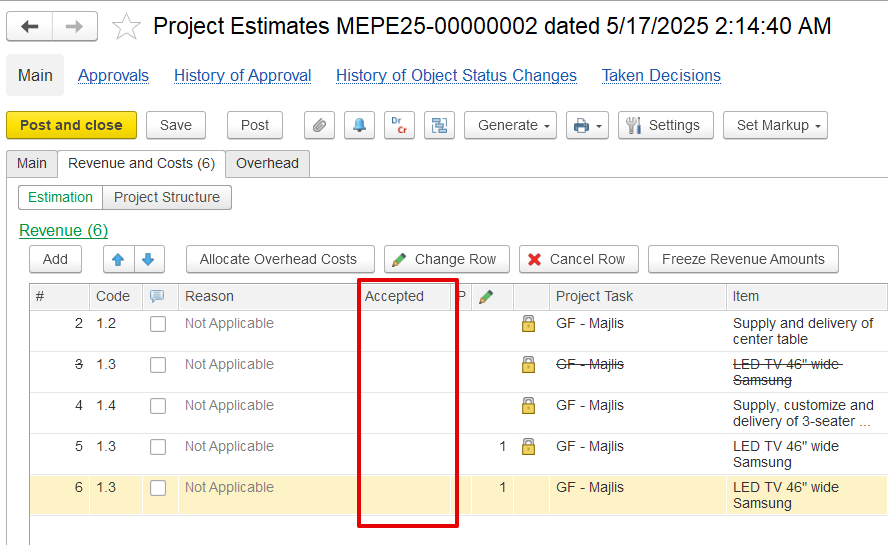
After posting a variation order, changes are not accepted by default. The revenue section will show a new "Accepted" column, which remains blank until the client confirms the variation. You can generate a new quotation document from the variation and send it to the client for approval. This quotation reflects reversed lines, added items, and the value of changes.
...