It allows the user to track project documentation — specifically drawings, schematics, designs, blueprints, etc. — and their approval process.\
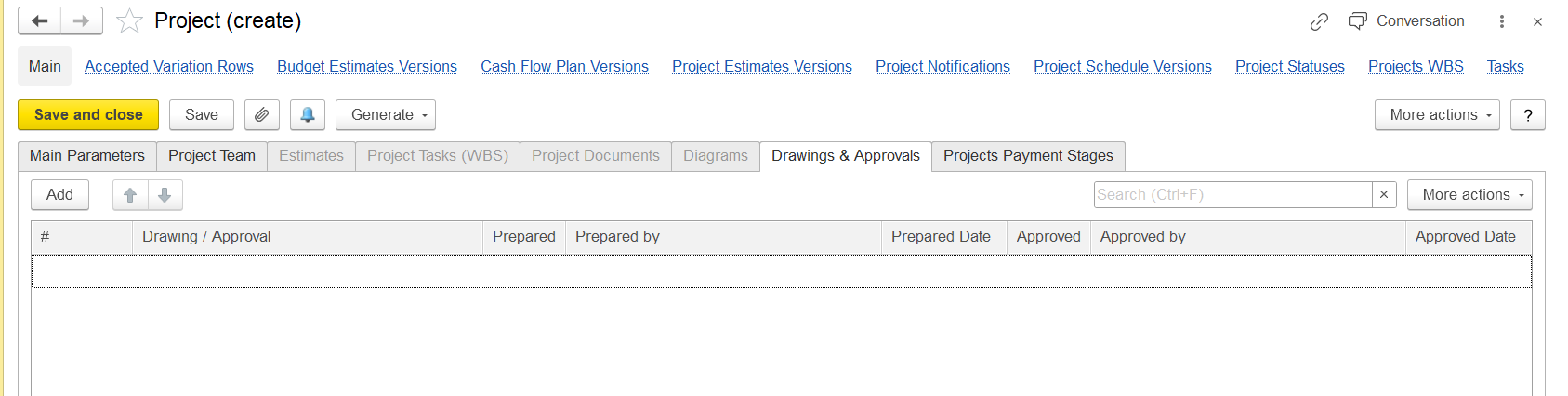
The columns indicate the following workflow:
# — Auto-numbering or manual numbering of the drawing/document.
Drawing / Approval — Name or description of the drawing or the document.
Prepared — Checkbox (probably) to indicate if the drawing has been prepared.
Prepared by — Who prepared the drawing.
Prepared Date — When the drawing was prepared.
Approved — Checkbox to indicate if it has been approved.
Approved by — Who approved the document.
Approved Date — When it was approved.
...