...
Before you can start creating projects, you may need to create master records of the following types: Project Roles and Project Project Roles and Project Types. However, you can easily create all the necessary master records of these and other types when creating a project.
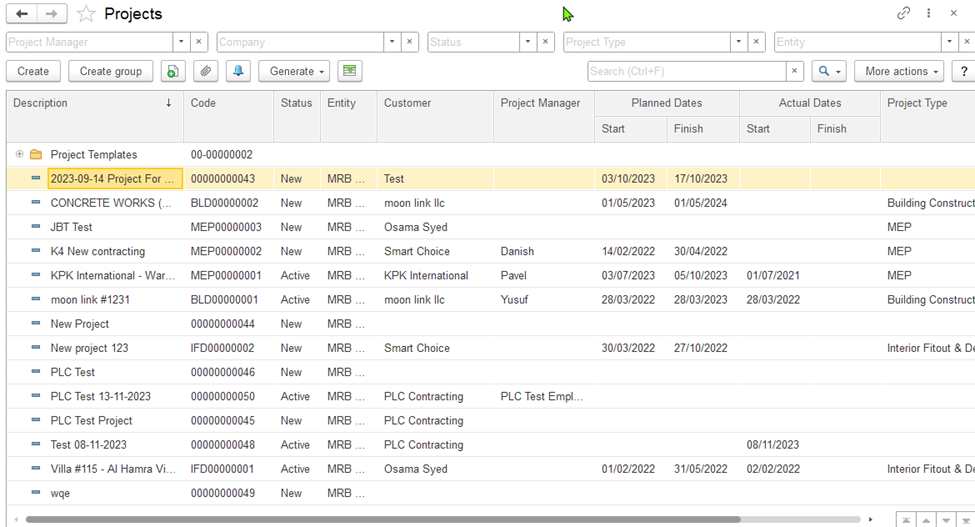
Figure 5: The Projects list
The master records of projects can be arranged in a hierarchical structure by using folders (or groups)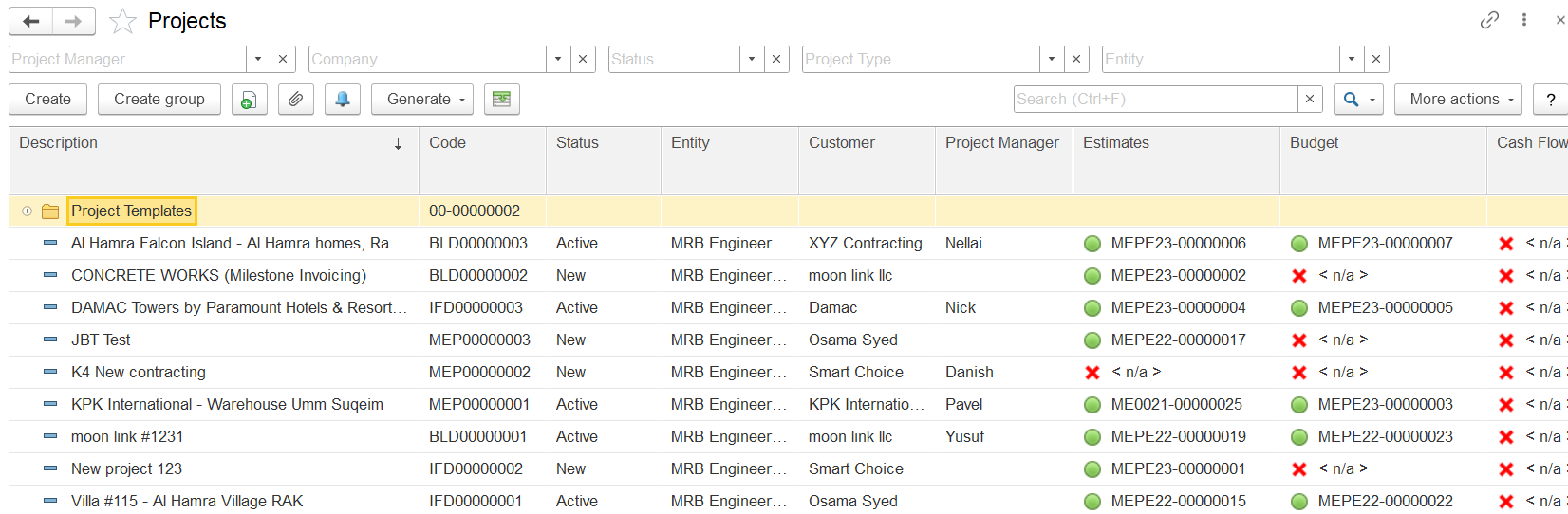
Project records can be organized in a folder (or group) structure. For example, you projects can group projects be grouped by customer, project type, or in any other logical way. In a newly implemented system, there are no projects , and there are no folders holding the projectsor folders are available by default.
The hierarchical project list of projects includes displays all the projects available in the system, organized in this hierarchical structure. If you don't see a specific project , open another is not visible, try opening a different folder or use the Search field to locate the project by a string in part of its description or customer company the customer’s name.
The toolbar buttons
To add a project, click the Create button on the toolbar. To edit the existing one, double-click the line with its name. You can also select the line, right-click it, and select Edit or click on the toolbar: More actions > Edit.
...